Calibration
PHOTON
+
System Guide 25
accuracy should be four times higher than the system being
calibrated.
Install the Calibration Software
Insert the Install CD into the CD drive. The CD will then automatically
spin up and launch the setup routine.
From the installation master menu choose “Signal Analysis Series” then
choose the “Calibration” selection labeled “For the Photon and Focus
platform”.
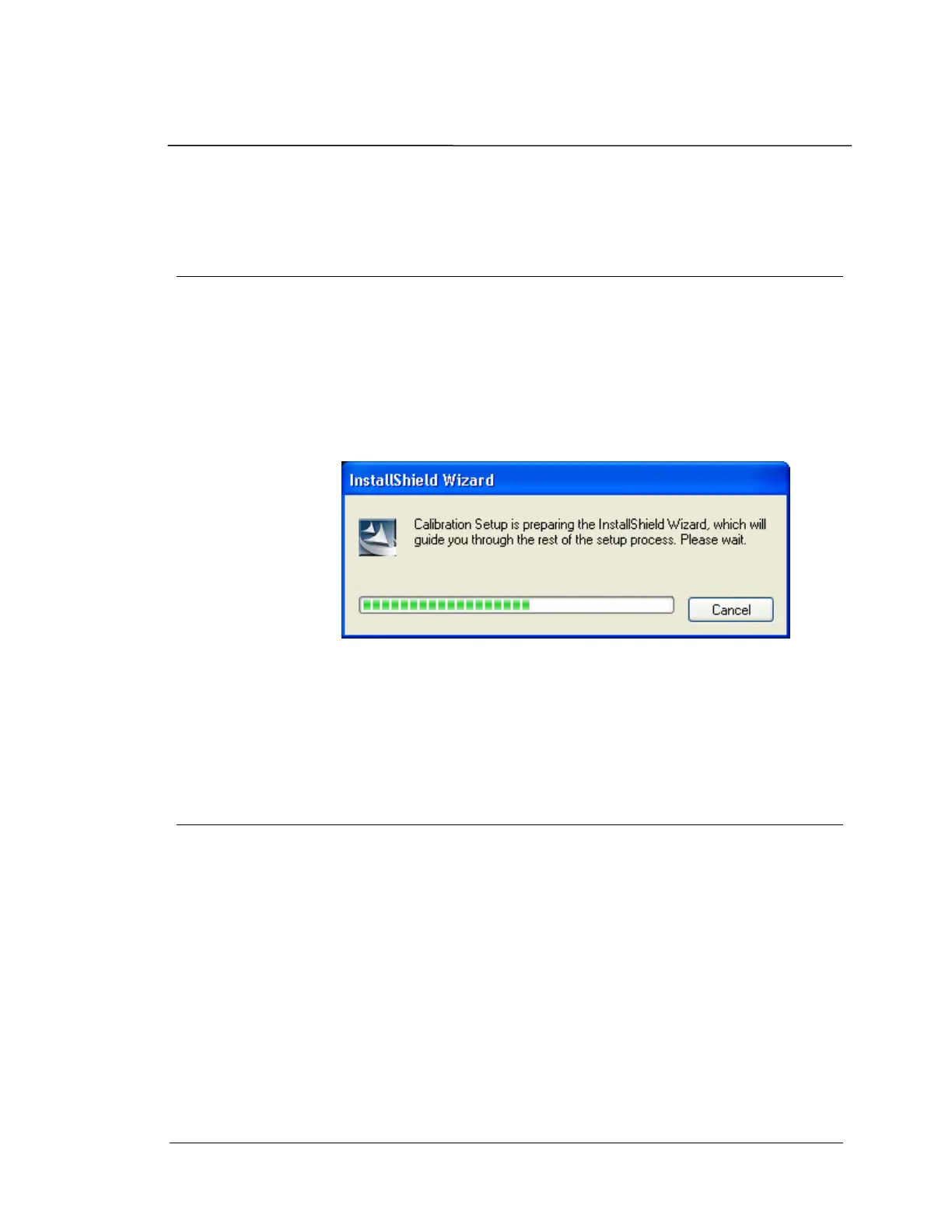
This will invoke the dialog box shown below:
Installation Dialog Box
Then follow the step-by-step instructions to install the software. This
will require a 39-Character Calibration License Key.
Calibration Procedure
Calibration involves the following major steps:
• Connect cables to the
PHOTON
+
System
• Start the Calibration software
• Measure the output channel offset with no input signal
• Perform the output channel calibration
• Perform the input channel calibration
• Validate the calibration results
• Perform the Low-voltage Range calibration
• Validate the Low-voltage Range calibration results


 To Next Page