Front view (cont.'d)
XTP8886 User's Manual 7
Up:
Move to select a menu item or a menu entry.
During a call, increases the speakerphone volume.
Down:
Move to select a menu item or a menu entry.
During a call, decreases the speakerphone volume.
Left:
Move to select a menu item.
During text entry, moves the cursor left.
During a call, decreases the video bandwidth.
Right:
Move to select a menu item.
During text entry, moves the cursor right.
During a call, increases the video bandwidth.
OK:
Confirms a selection.
During a call, shows the current video bandwidth.
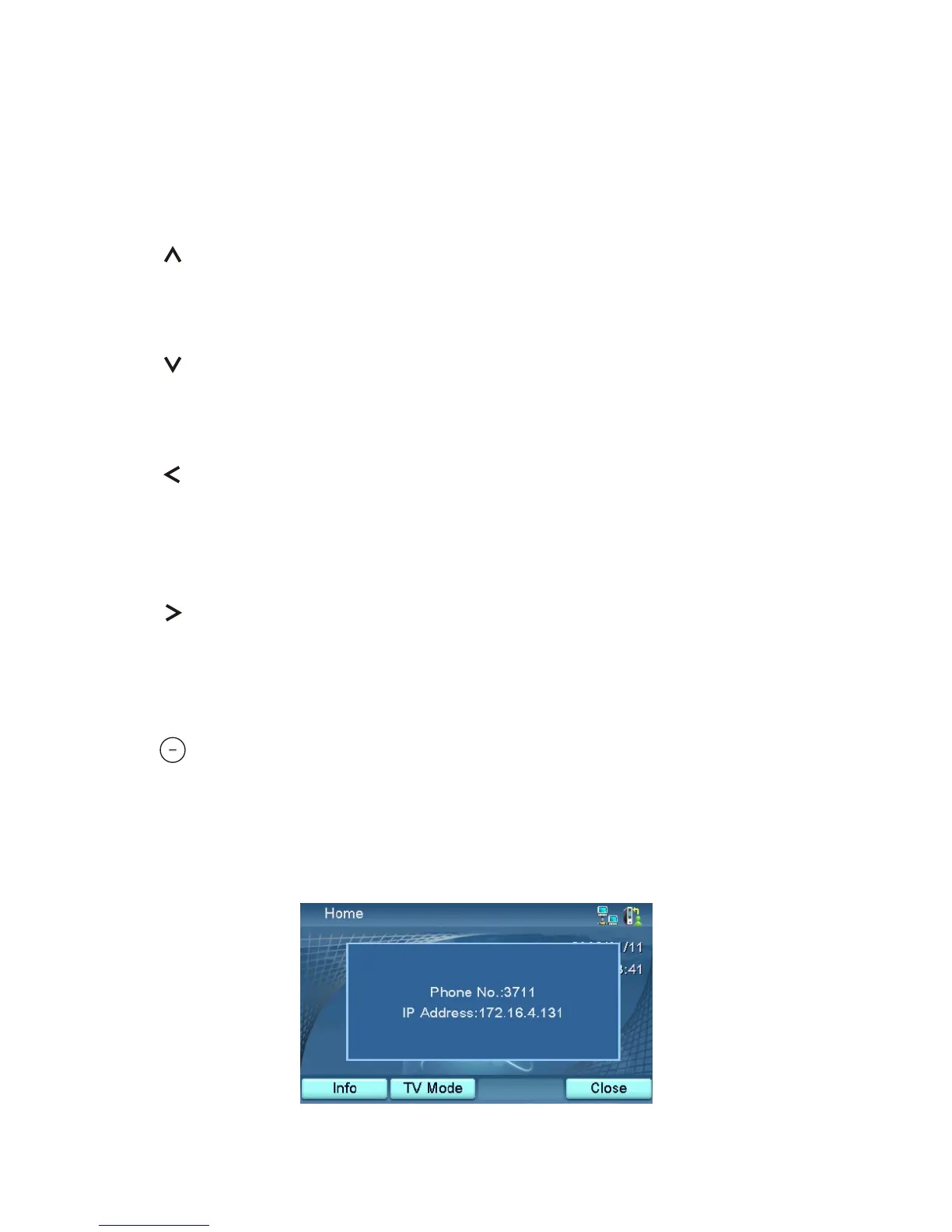
Press this key at the home page and the picture below will show up.
The phone number and IP address will be displayed.



 To Next Page