5 System Setup
1. Plug a LAN cable into the network port.
2. Plug in power.
3. It takes about 2 minutes to boot up the videophone. During this period,
please do not touch any key or turn off the videophone.
4. Since the videophone has not been set up, you may see error messages.
Press to go to the Home screen.
Powering Up the Videophone For the First Time
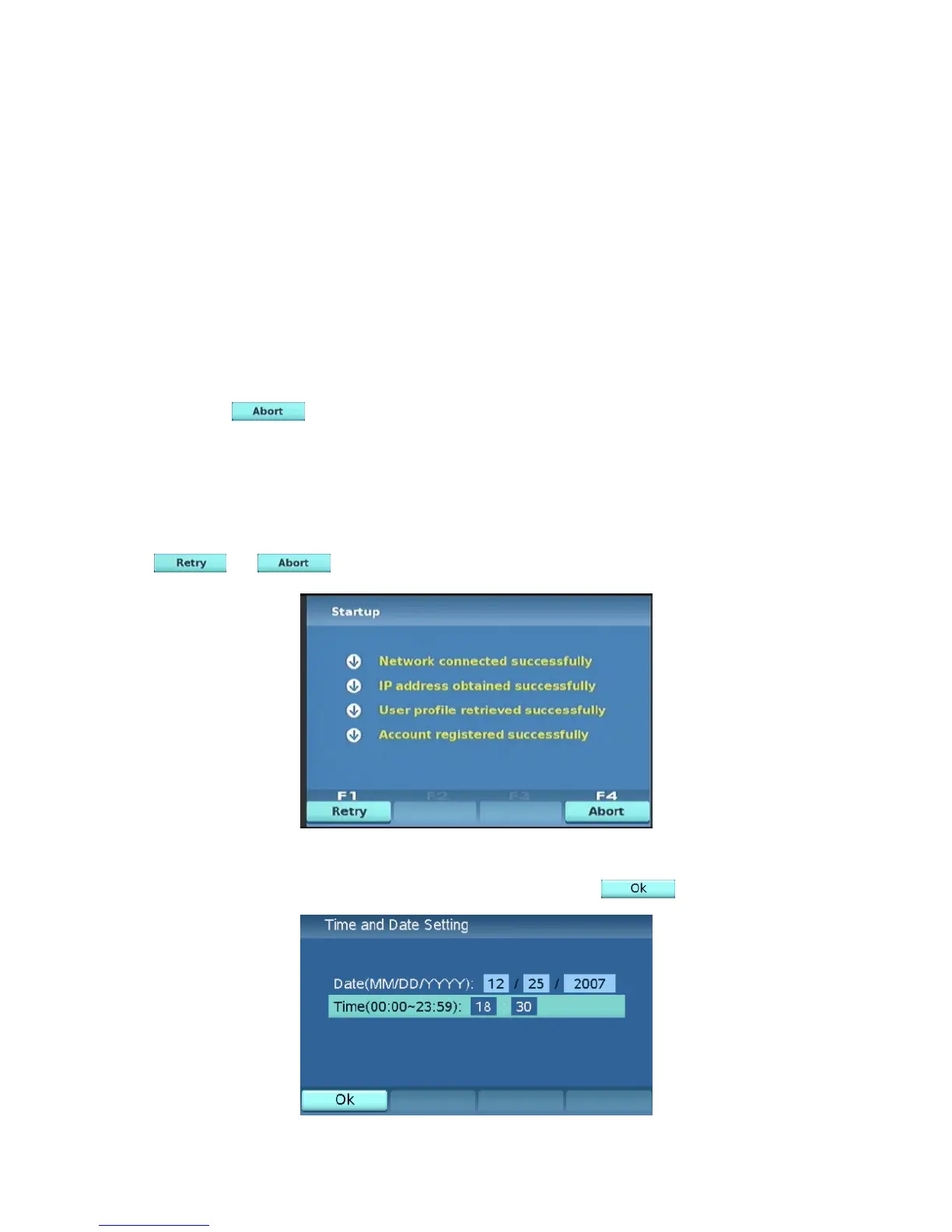
Startup Screen
In startup screen the videophone will test self. If any item fails you can press
or to go to the main menu.
14
If the XTP8886 is not connected to the Internet or the connection fails, you
will be asked to input the current date and time. Press when done.



 To Next Page