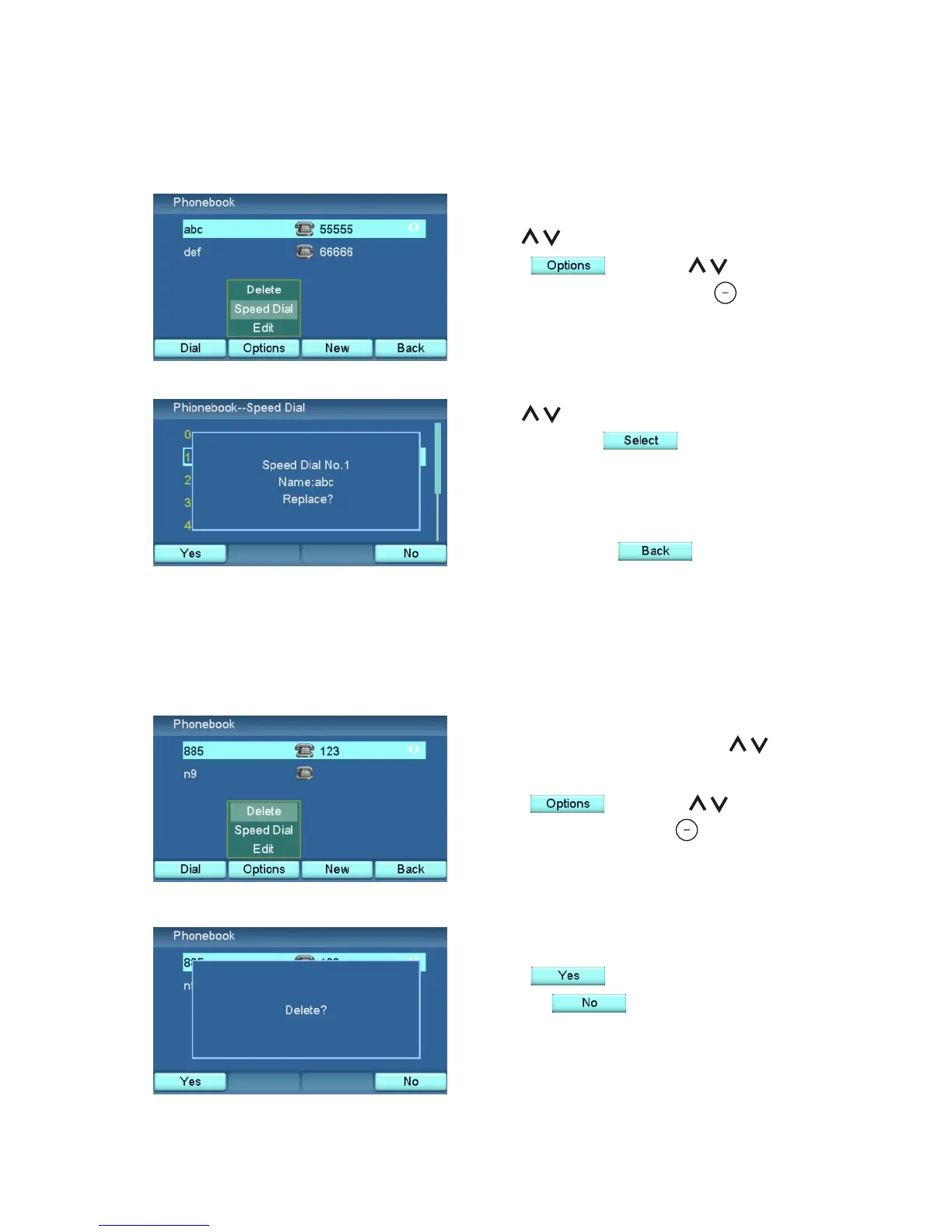
Delete a Contact
In the Phone book menu, use to
choose the contact you want to delete.
Press , and use to
choose "Delete". Press .
Press to confirm the deletion,
or press to cancel.
XTP8886 User's Manual 31
Set Up Speed Dial
Use to choose the Speed Dial
number. Press to add the
phone number to Speed Dial. If the
chosen number is already used, you
will be asked if you would like to
replace it. Press when done.
Use to choose a phone number.
Press , and use to
choose "Speed Dial". Press .



 To Next Page