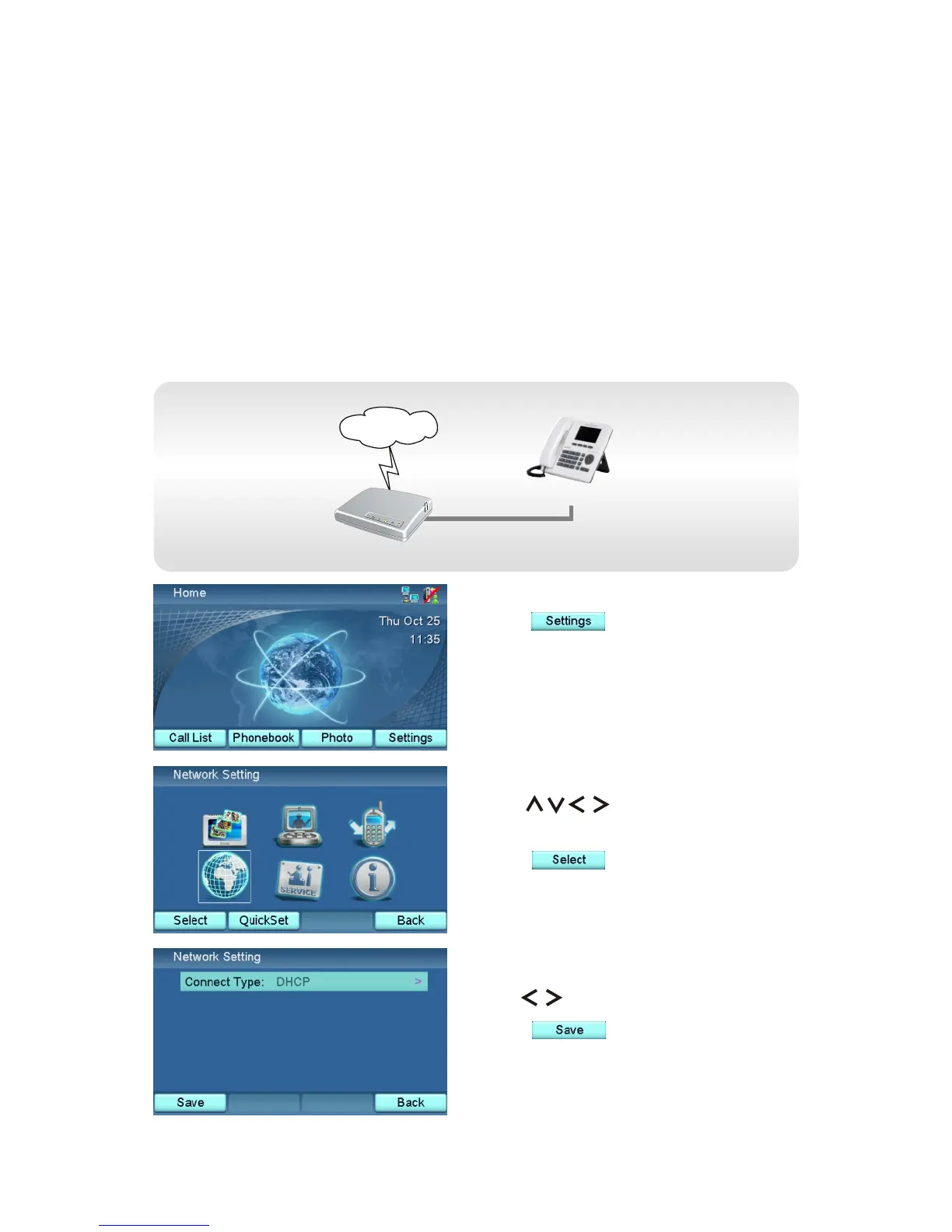
Press .
Network Setting
Connect Type refers to how the IP address/Subnet Mask/Gateway/DNS
address for your videophone should be acquired. There are three types of
settings.
XTP8886
Ethernet Device / Cable modem
Internet
DHCP
Acquire IP address/Subnet Mask/Gateway/DNS address via the DHCP
mechanism from an upstream device, such as a cable modem or a router.
Use to select "DHCP".
Press .
The videophone will reboot.
Use to choose Network
Setting icon.
Press .
44



 To Next Page