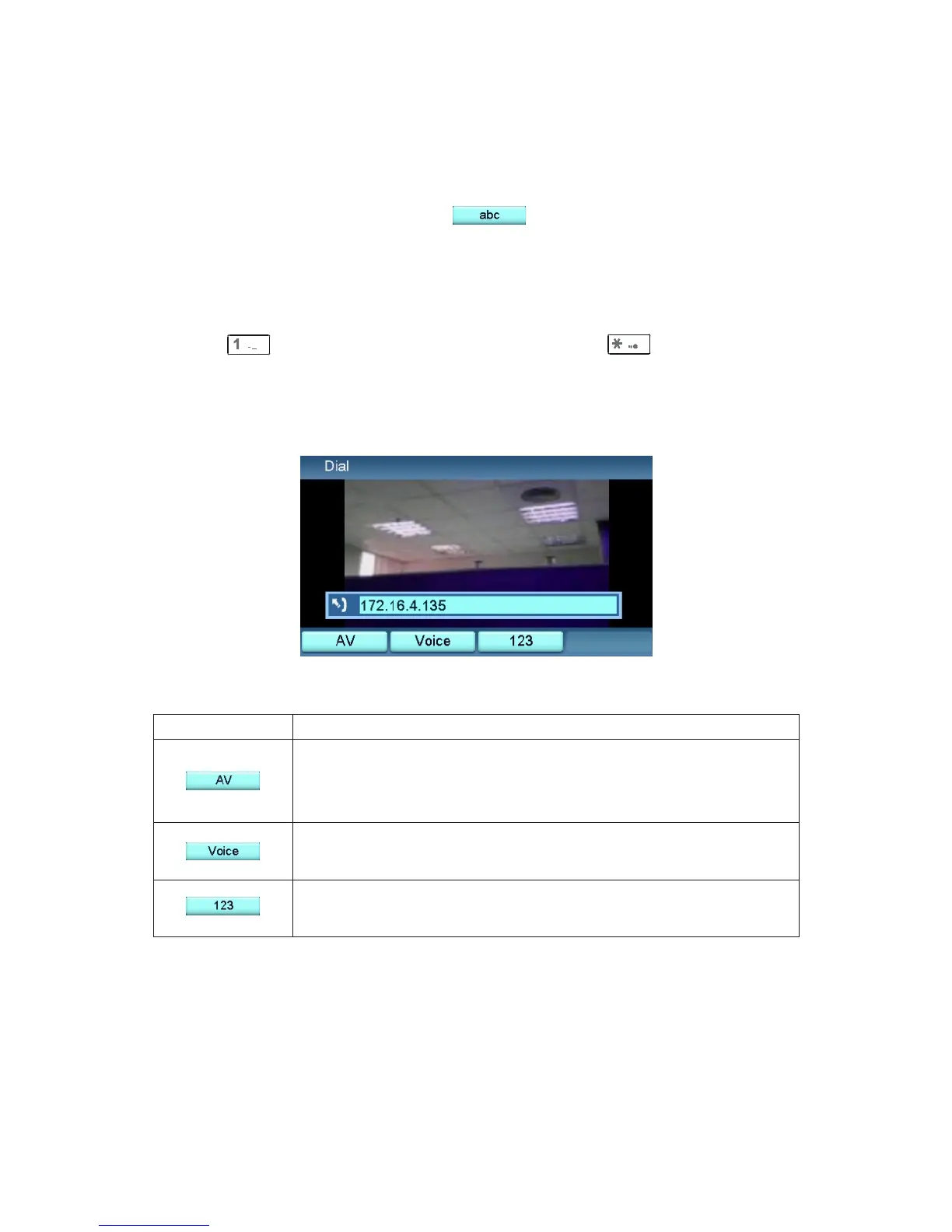
Dial with IP address
User can use text or numeric mode input IP address in place. If you need to
change numeric or text mode, press to change. See the section
called "Keypad" chapter.
a. Text mode:
You can use keypad in text mode to input numeric directly, for example:
pressing will enter the numeric "1", and pressing two times will
enter the symbol "."
Press
To
Initiate the call with both video and voice. However,
you may not see video of the recipient if the
recipient answers the call using only voice.
Initiate the call with voice only. Recipient will not be
able to see you.
Assumes the key is used to switch between the lower
case /upper case /numeric modes.
Dialing out
20
Note: If you type IP address in place, the videophone doesn't need to
connect to SIP server.



 To Next Page