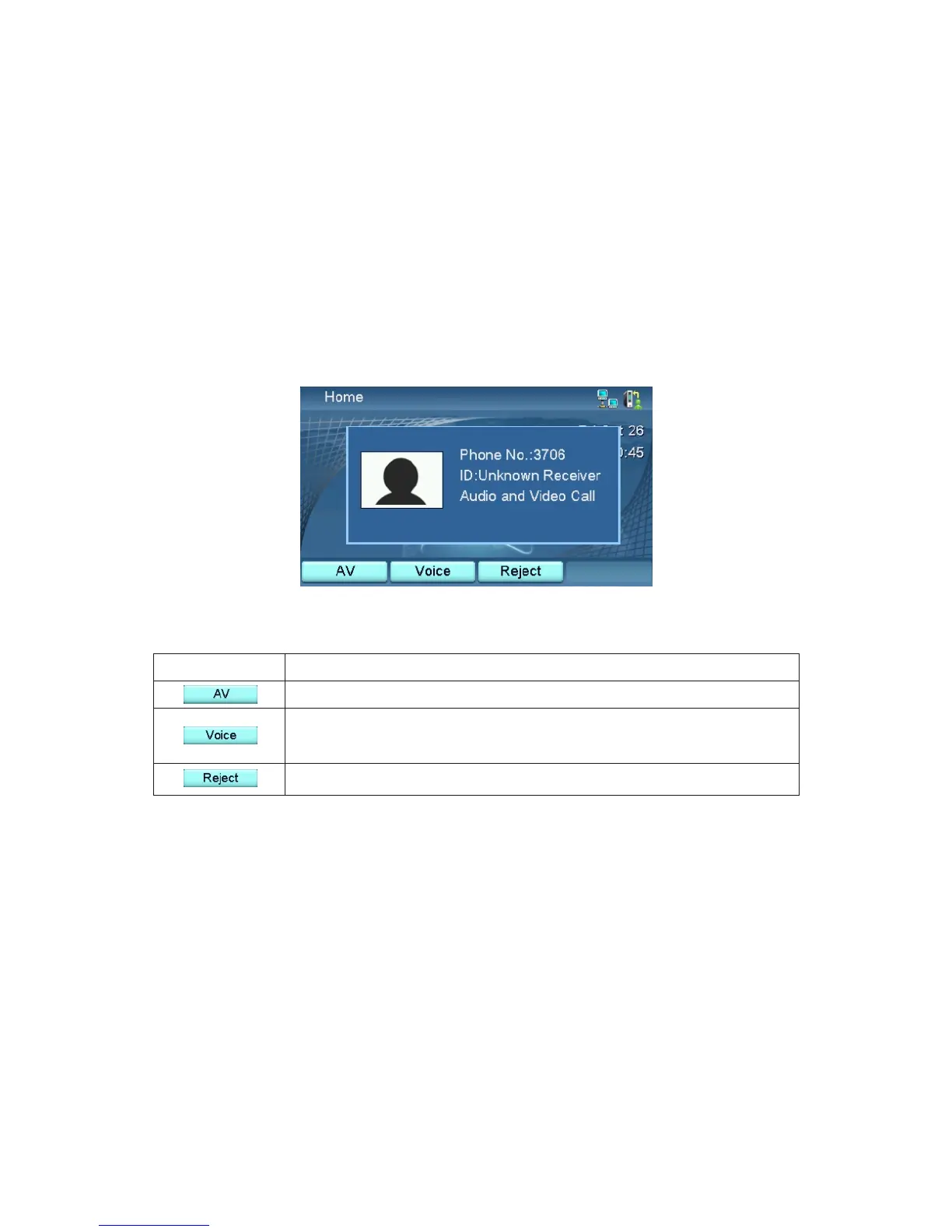
Answering
When a call is received, your screen will show the calling number, the Caller
ID, and whether it is a call with both video and audio or with only audio.
When it is a call with both video and audio, you can choose to answer it with
both video and audio, or with only audio (so you don't want to be seen).
Please refer to the two tables below.
Press
To
Receive the call with both video and voice.
Receive the call with voice only. Caller will not be able
to see you.
Reject the call. Caller will hear a busy Signal.
Incoming call is Video + Voice
XTP8886 User's Manual 21



 To Next Page