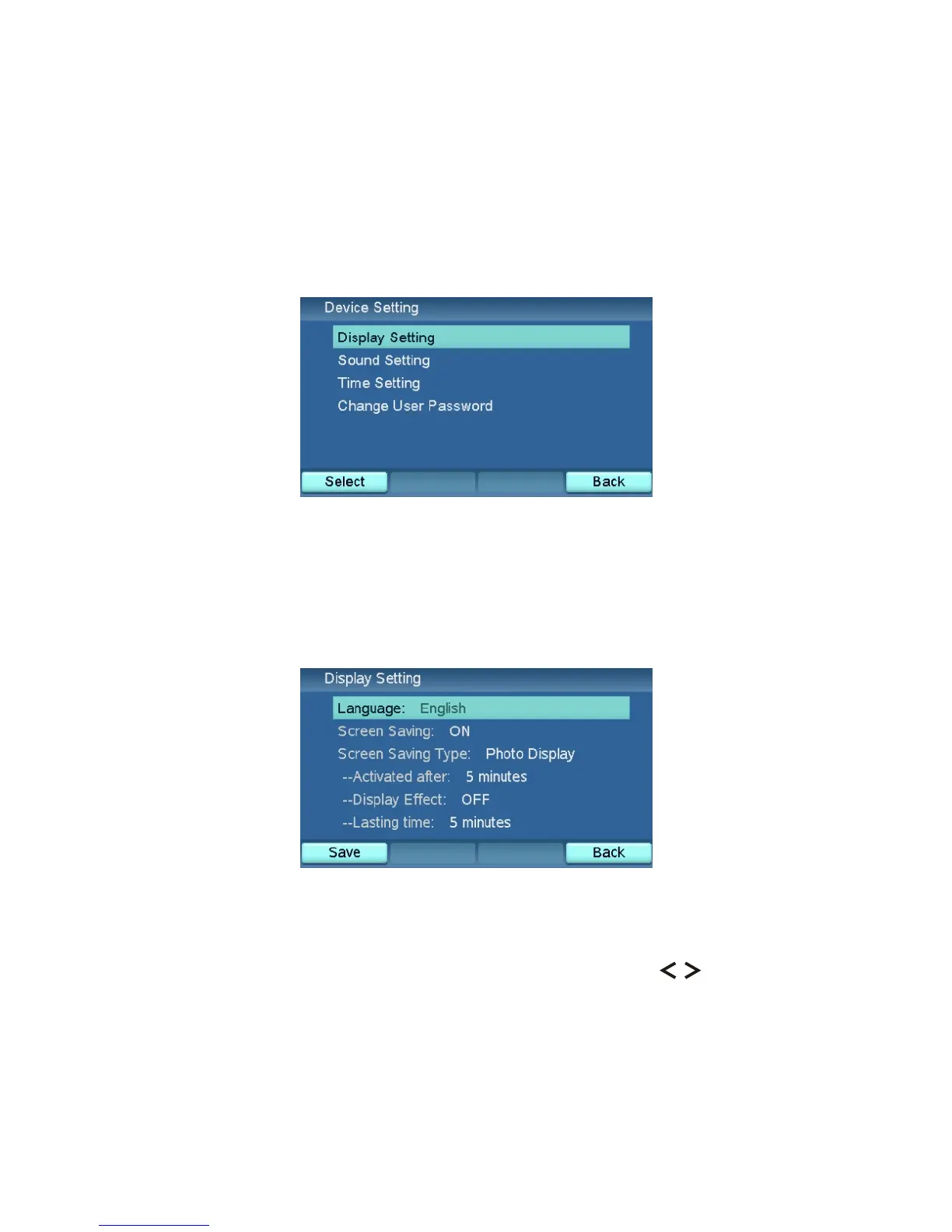
Device Setting
The Device Setting menu contains the general settings for the videophone,
including Display Setting, Sound Setting, Time Setting, and Change User
Password functions.
Display Setting
The Display Setting menu contains Language and Screen Saving.
Language
This function can change the UI language. You can press the keys to
change it.
XTP8886 User's Manual 35



 To Next Page