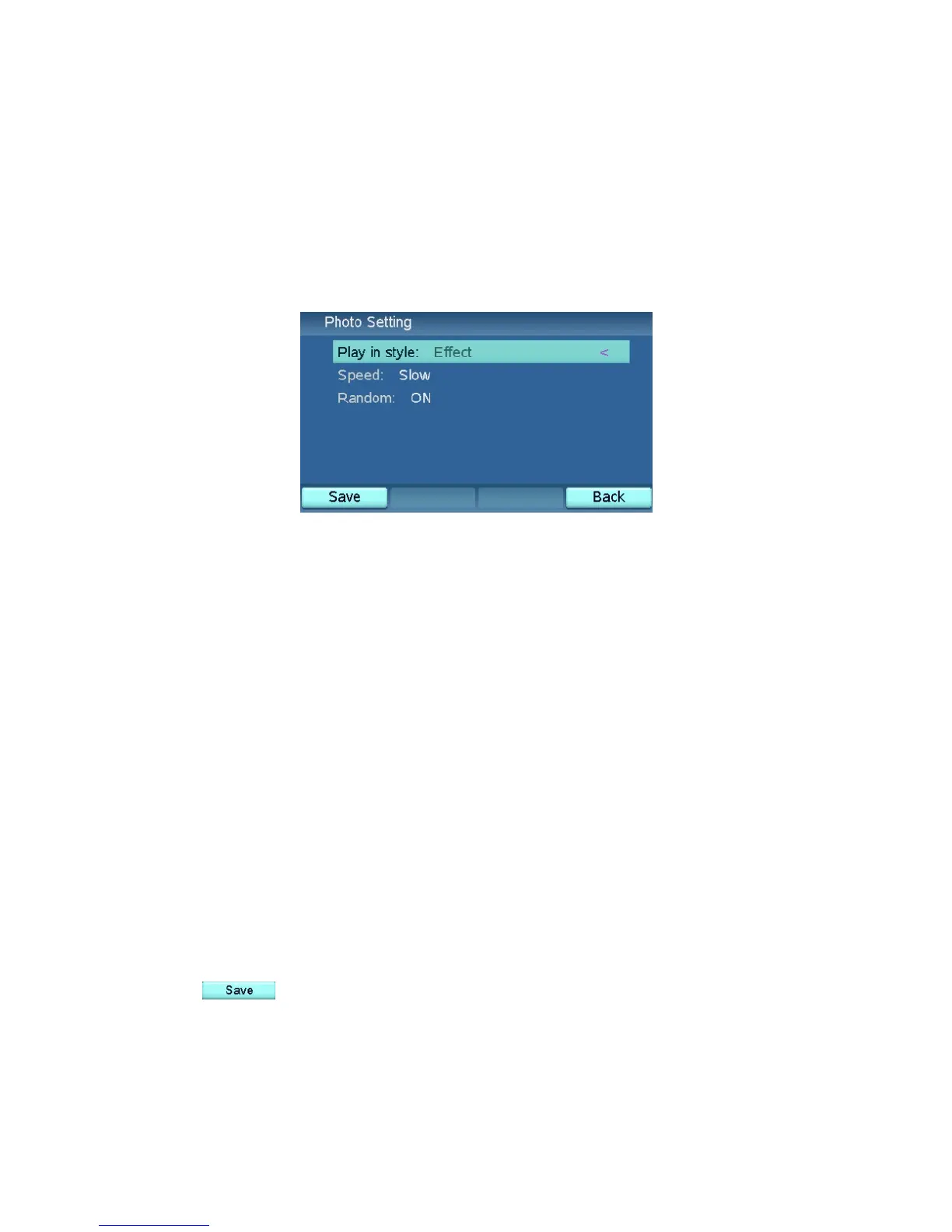
Photo Setting
The Photo Setting menu contains the settings for displaying photos in the
photo browser. The settings here are common to the photos stored in the SD
memory card and the USB device connected to the XTP8886.
Play in style
Choose the style the photos are displayed. The options are Normal and
Effect.
Speed
Choose the speed at which the photos are displayed. The options are Slow,
Medium, and Fast.
Random
Choose whether the photos are displayed in a random order. The options are
ON and OFF.
Press when you finish choosing the desired options.
34



 To Next Page