9 TV Mode
If you connect an AV cable to an external display device (TV or monitor),
you can switch to TV mode following the instructions below.
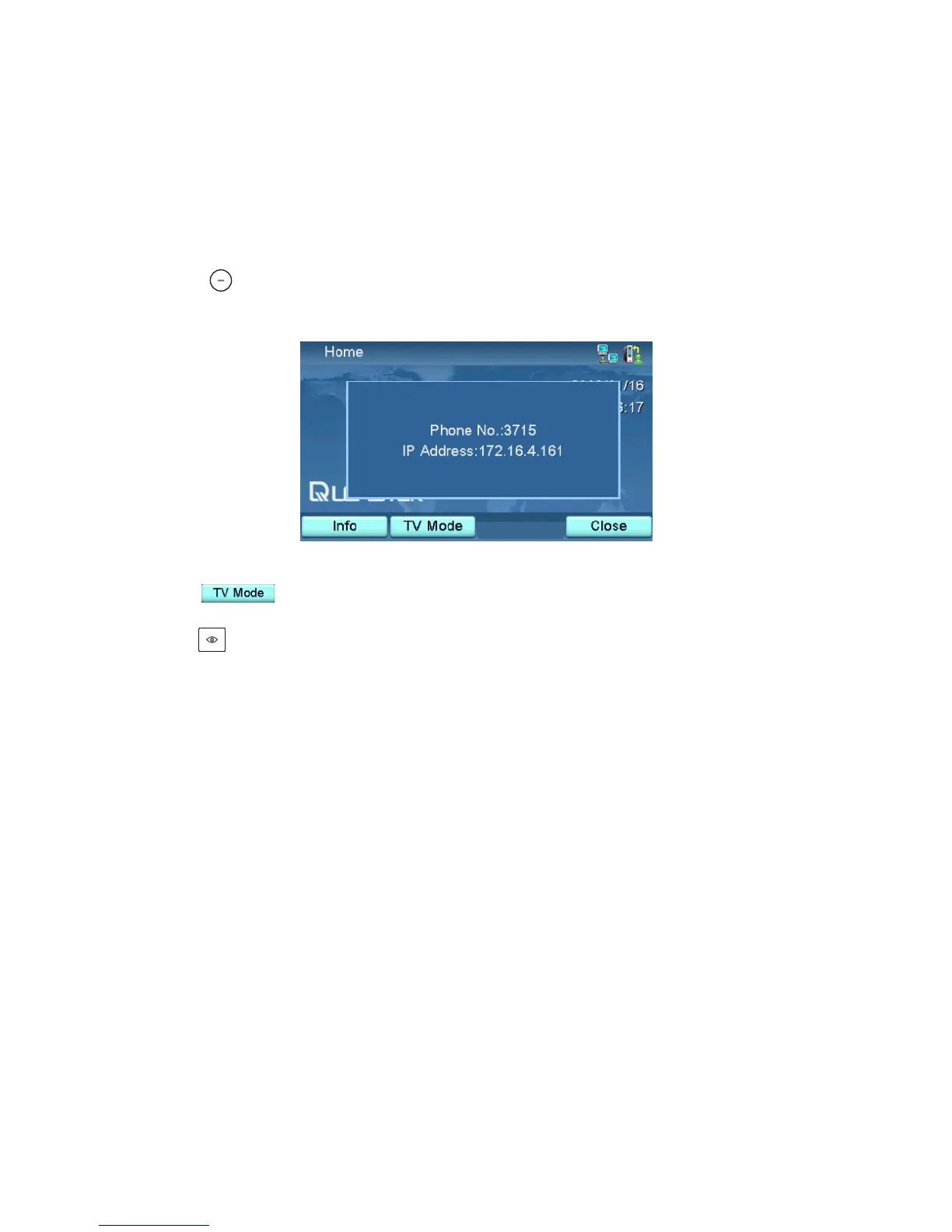
Press at the home screen, and the screen below will appear.
Press to switch to TV mode. The LCD will be turned off.
Use to switch between the built-in LCD and the external display device.
XTP8886 User's Manual 55



 To Next Page