Press to make the call out
with the contact.
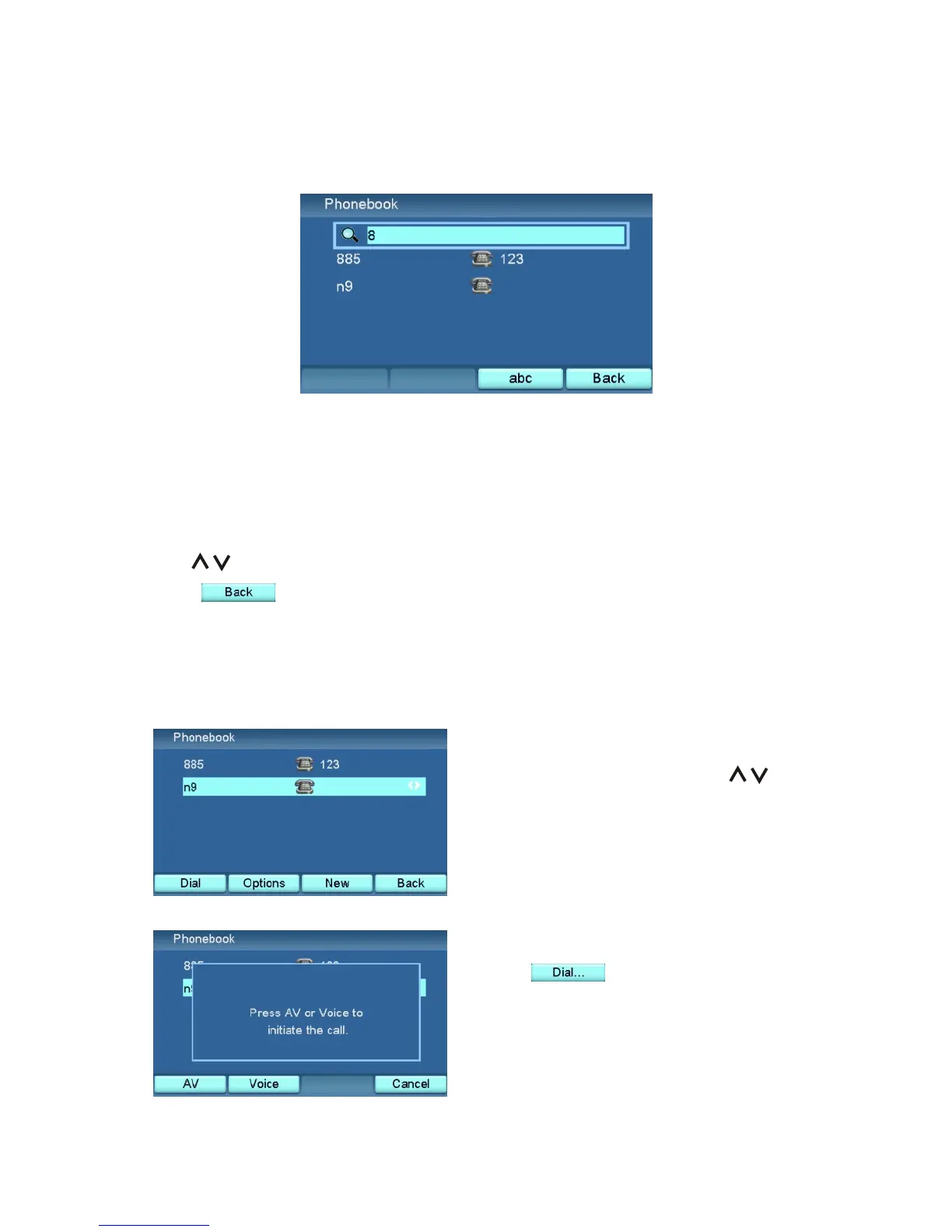
In the Phone book menu, press any numeric keys. A search bar is displayed at
the top of the contact list.
The contact list will be updated according to the contents in the search bar.
Use to select contact from the search result.
Press to return the full contact list.
Search a Contact
Dial from Phonebook
In the Phone book menu, use to
choose the contact.
32



 To Next Page