Browse the Pictures in the USB Device
The operations for browsing the pictures in the USB device are essentially
the same as the descriptions for browsing the pictures in the SD card.
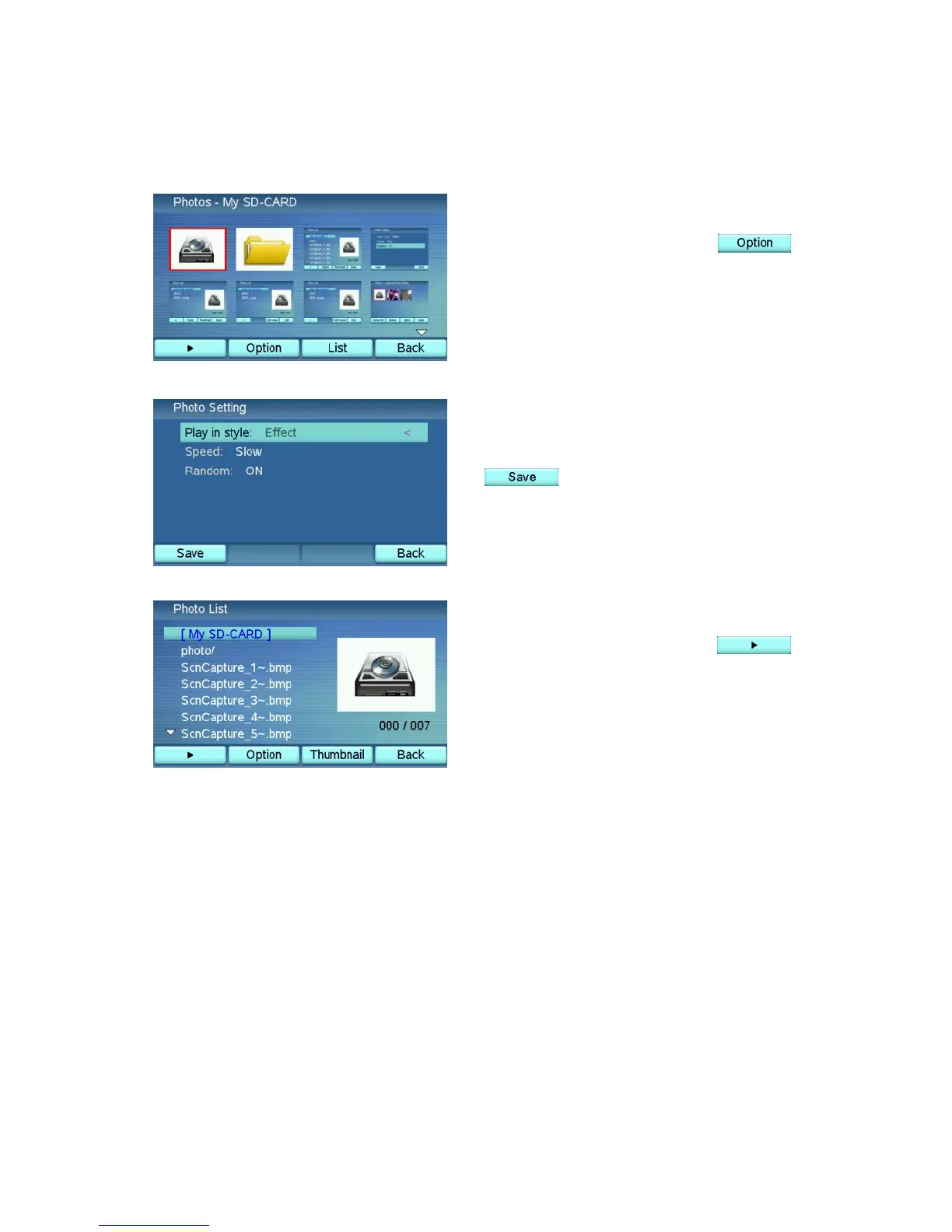
In the Photo Browser, press
to enter the Photo Setting menu, as
described in the Photo Setting section.
Choose the options you prefer. Press
when done.
In the Photo Browser, press
to automatically play all of the
pictures in the SD card.
52



 To Next Page