USER’S MANUAL
OBDII Auto Scanner
29
Reset
1). To change brake pad.Use the UP/DOWN scroll buttons to select Brake
Pad Change and press the Enter button.
If there is not available, a warning message shows on the display.
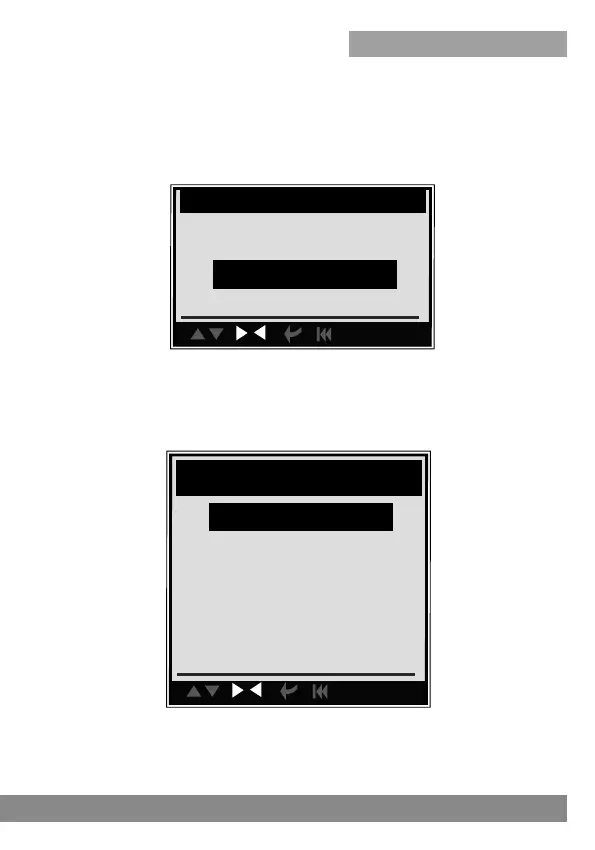
2). Use the UP/DOWN buttons, to choose different function to change the
brake pad.
con.
Sel ect Function
Quick Test
Erase DTC
Reset
con.
Reset
Oil Reset
EPB Reset
Brake Bleeding
SLS Reset
Battery Reset
3). Press the ESC button to return to previous menu.



 To Next Page