USER’S MANUAL
OBDII Auto Scanner
28
Erasing Codes
CAUTION:Erasing the Diagnostic Trouble Codes may allow the scan
tool to delete not only the codes from the vehicle's on—board computer,
but also "Freeze Frame" data and manufacturer specific enhanced data.
Further, the I/M Readiness Monitor Status for all vehicle monitors is
reset to Fail status.Do not erase the codes before the system has been
checked completely by a technician.
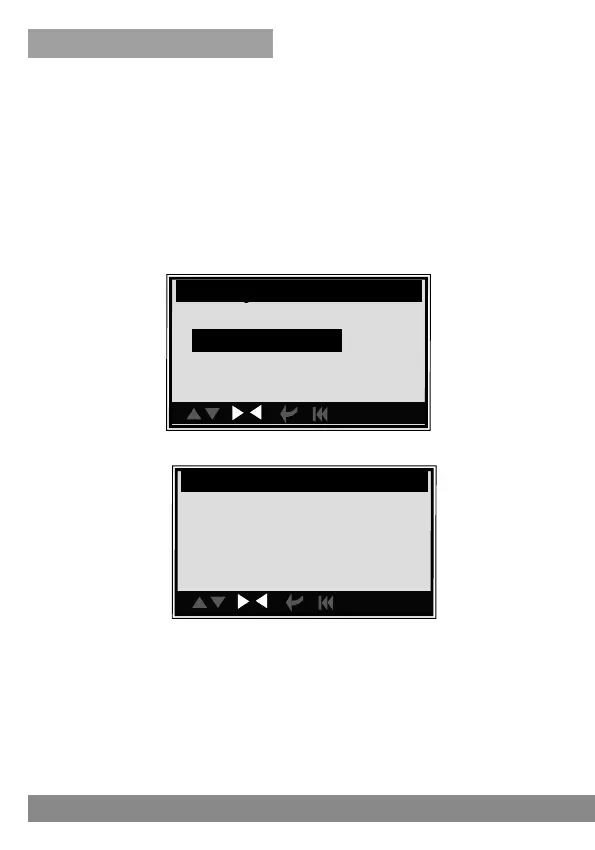
1). If you decide to erase the DTCs, use the UP/DOWN buttons to select
Erase DTC and press the Enter button.
2). A warning message comes up asking for your confirmation.
3). If you do not want to proceed with erasing the codes, press the ESC
button to exit. A message of "command cancelled" will show up.
4). If you confirm to erase the codes, then press the Enter Button.
5). If the codes are cleared successfully, an "ERASE DONE!" message will
show on the display. Press any button to return to the previous menu.
6). If the codes are not cleared then an "ERASE FAILURE!" message will
appear. Press the ESC button to return to previous menu.
con.
Range Rover
Quick Test
Clear DTC
Reset
con.
Erase Codes
Erase trouble codes!
Are you sure?
YES <NO >



 To Next Page