21
[Start/pause button] The ice blue light slowly lights up and dims
[Start/pause button] The light turns off
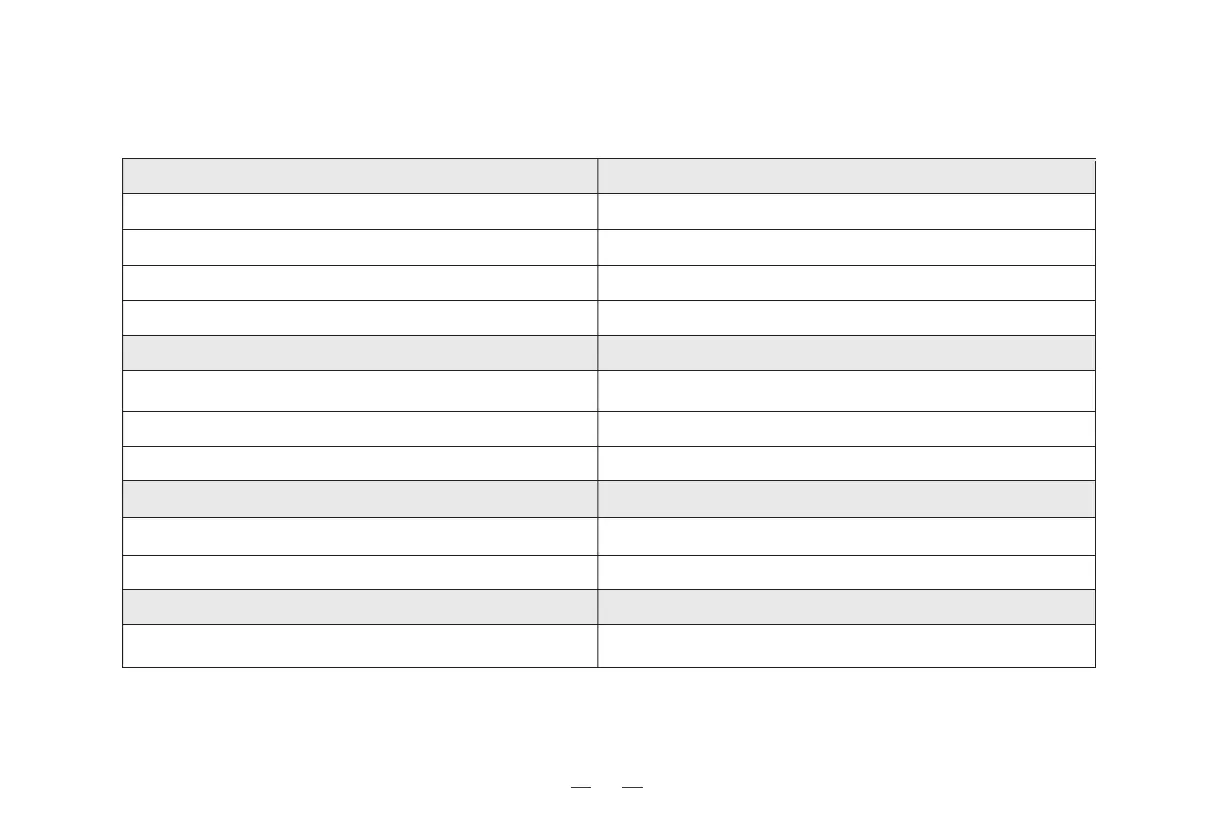
Robot status
Charging
Charging complete
4. Lighting effects and alarm prompts / 4.1 Lighting effects
Display status of indicator light
[Start/pause button] A red light turns on or flashes
The robot runs into error
[Start/pause button] The ice blue light or red light turns on
Charging automatically
[Start/pause button] The ice blue light turns on
Cleaning
[Start/pause button] + [Timer button] flash slowly, and the three indicator
lights flash sequentially.
Entering pairing mode
Exit pairing mode after 3 minutes of no operation.Paring failure
Restore to the status before pairing. Pairing complete
[Timer button] The ice blue light is normally on
After setting up a scheduled clean
[Timer button] The ice blue light is off
After removing a scheduled clean



 To Next Page