22
4. Lighting effects and alarm prompts / 4.2 Alarm prompts
Warm prompt: If the above method cannot solve the problem,
please attempt the following operations: Keep long press of [start/pause button] for 3 seconds to restart robot.
3
4
2
1
The red light is normally on
S/N
Fault cause
Prompt sound
False prompt of APP and solution
The fan is abnormal. Please check the waste in dust bin and the air
channel mouth.
The side brush is abnormal. Please check whether the side brush is twined,
and clean up the side brush.
The driving wheel is abnormal. Please check whether the driving wheel
is twined, and clean up the driving wheel.
Abnormal fan
Abnormal side brush
Abnormal driving wheel
3 beeps for three times
The dust bin is undetected. Please install the dust bin in machine. Undetected dust bin 5 beeps for three times
2 beeps for three times
1 beep for three times
4
5
3
2
1
S/N
Fault cause
Prompt sound
False prompt of APP and solution
Red light flashes
Please manually move machine to charging base position for charging.
Fail to get rid of dilemma, please move to empty place.
Machine hangs in the air, please move it to the ground.
5 beeps for three times
4 beeps for three times
3 beeps for three times
2 beeps for three times
The charging is abnormal. Please clean the machine and charging
electrodes of charging base.
6 beeps for three times
Abnormal adapter
Low battery
Dilemma elimination alarm
Ground penetrating alarm
Abnormal charging
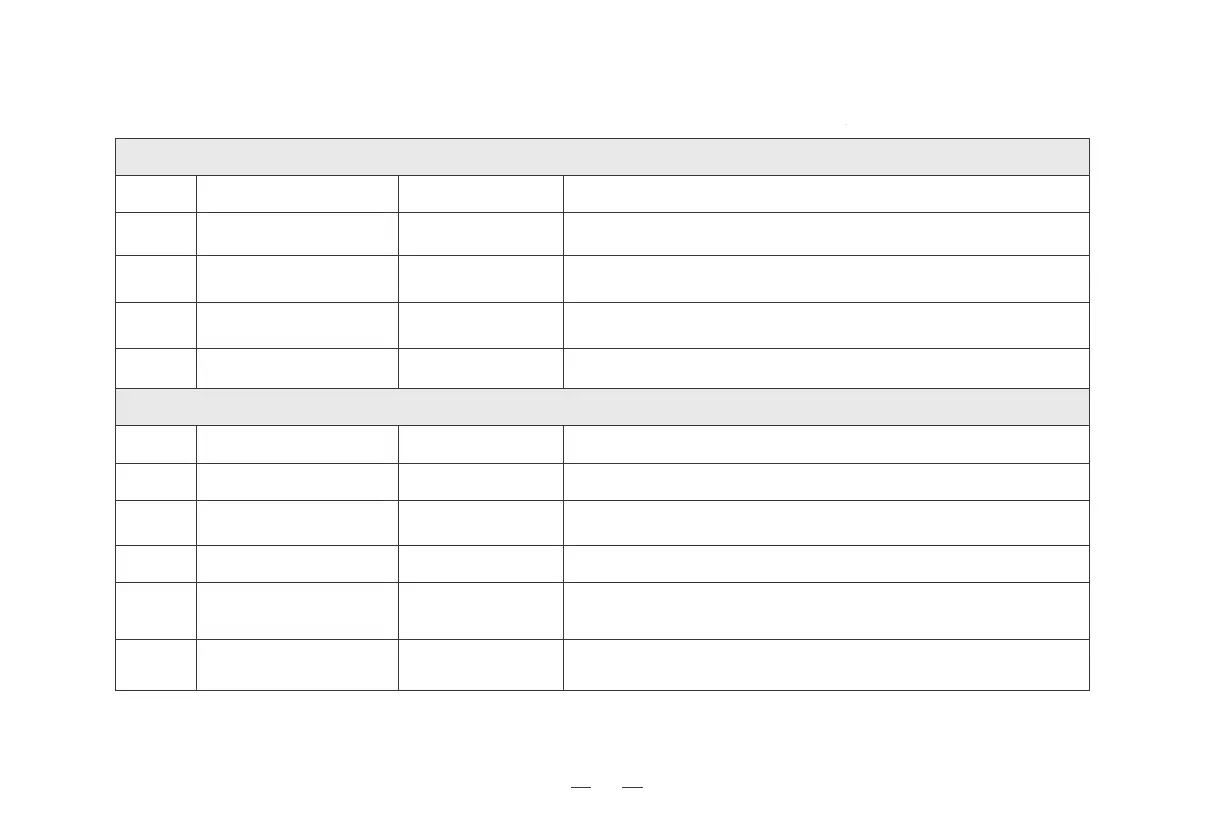
When the robot runs into trouble, it will turn on or flash its red indicator light, and send out buzzing "beep" with different durations and separations.
The following table summarizes the corresponding causes:
Check whether the connector of charging base and charging voltage are loose,
and ensure the application of original adapter.



 To Next Page