142
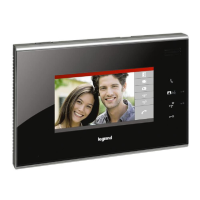
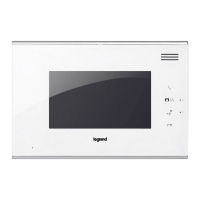
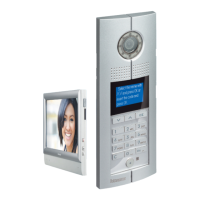
3210707” touch screen handsfree internal unit
BT00851-a-EN 03/09/2014
F F I I #I #I
Configuration
When the biggest number of #FF in whole system is ≤ 20, and the biggest number
of #II is ≤4, and the total risers number is ≤ 50, we recommend to choose (MODE 1)
configuration for system.
When the biggest number of #FF in whole system is more than 20, or the biggest
number of #II is more than 4, we suggest to use (MODE 2) configuration to setup #FF
(choose the biggest number #FF of system) and #II (choose the biggest number #II of
system), then calculate total IU number of system. If the total number (#FF * #II * R ) is
less or equal 4000, use of (MODE 2) is suggested.
Indoor handset must be configured for following parameters:
FF : Floor number
II : Apartment number
#II : Maximum apartments quantity per floor
in a riser
Two different configuration modes available for whole system:
configuration MODE 1 and configuration MODE 2. The main characteristics for each
configuration mode are listed below.
POSITION MODE 1 MODE 2
F FF FF
F
I II II
I
#I Default for #II is 04,
need not connect the congurator
II
(#II setup using same value for all
system handsets).
#I
Two dierent device conguration ways available:
WAY 1: conguration settings by touch screen
WAY 2: conguration setting by inserting physical congurators
Conguration setting by touch screen - WAY 1 :
At the lower right corner of the main interface, press on the icon, you will enter in the setting page. Click on the icon, to input the installation password (default
password : 686868) and click on the (OK) icon to conrm, you will come to the installation page.
Note : when you come to the sub menu, click on the white circle at front of the setting item, if selected there is a red dot in the white circle. When you operate with the digital
keyboard, click on the (C) icon to delete the last number; click on the (OK) icon to conrm
Room Number Lift
SOS Detector
IU Type Entry Panel
Restore
Home
Back


 To Next Page