144
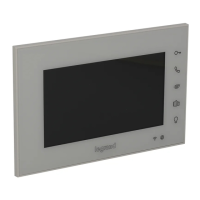
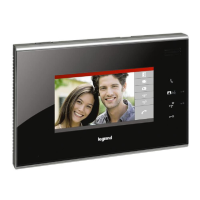
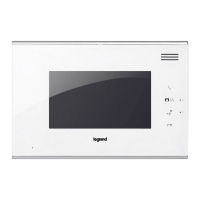
3210707” touch screen handsfree internal unit
BT00851-a-EN 03/09/2014
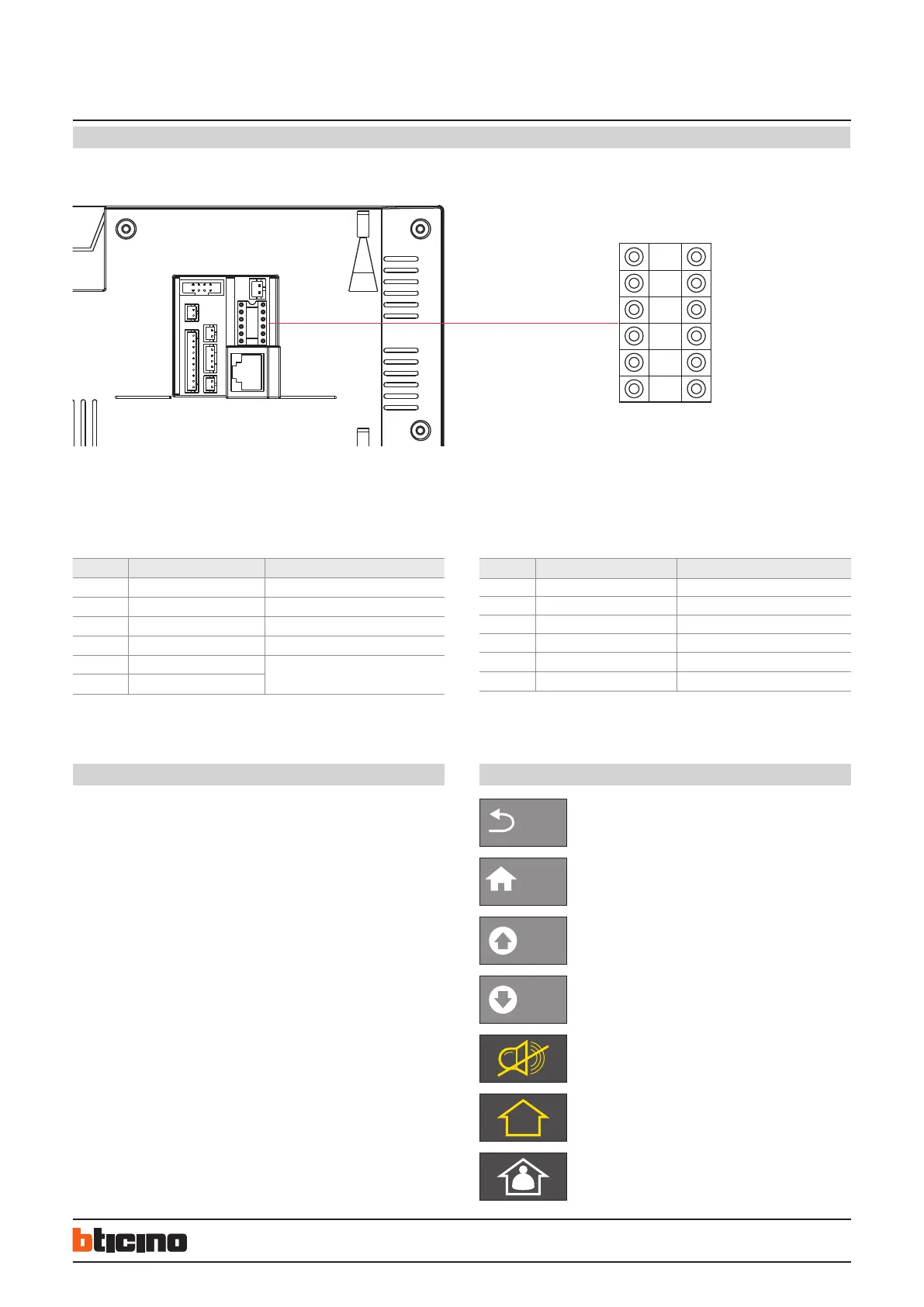
Configuration
Example (A):
The number of handsets is 1204, each floor has 4 handsets, the system configuration
mode is Mode 1, the handset configuration should be as follows
POSITION CONFIGURATION VALUE REMARKS
F 1
F 2
I 0 It is ok not to insert congurator 0
I 4
#I Because the default value of #II is 4, no
congurator is needed
#I
Example (B):
The number of handsets is 1206, each floor has 8 handsets. System configuration mode
2 is used. The handset configuration should be as follows:
POSITION
VALUE REMARKS
F 1
F 2
I 0 It is ok not to insert congurator 0
I 6
#I 0 It is ok not to insert congurator 0
#I 8
Configuration setting by inserting phisical configurators - WAY 2 :
Side pushbutton functions
SOS Key : in case of urgent or unexpected situation, press on the “SOS key” to send the
alarm message to the management center.
Answer Key :
When a visitor calls the host, press the “Answer key” to talk with him, during which you
can press again on the key to end the talk.
Unlock Key :
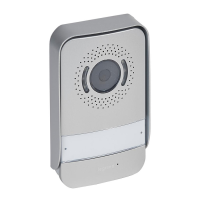
During the communication with the entrance panel or the small entrance panel, press
on the “Unlock key” to unlock and call the lift.
Icons quick explanations
F F I I #I #I
Back
Return to previous menu
Home
Return to the main interface
PgUp
Page up
PgDn
Page down
Anti-disturb mode, the status LED on (red)
Outside mode, the status LED on (pink)
Home mode, the status LED on (blue)


 To Next Page