155
322010
N N #F #F #I #I
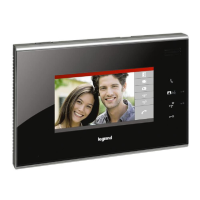
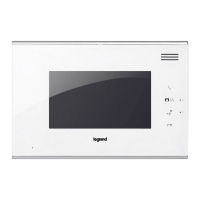
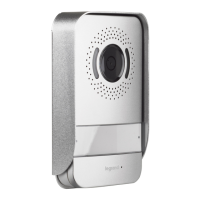
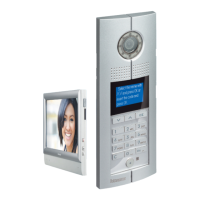
Digital colour entrance panel
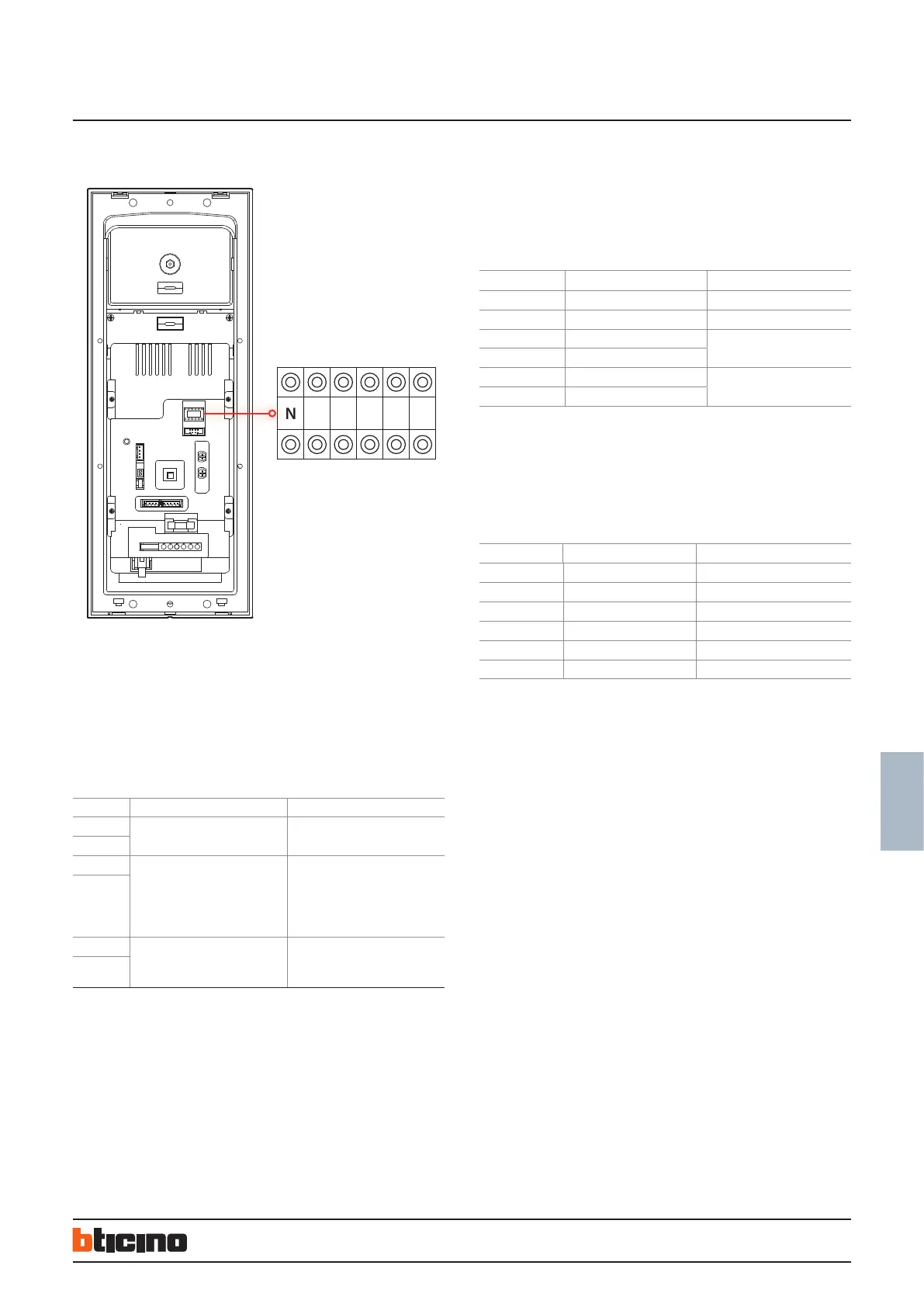
Configuration settings by inserting phisical configurators - WAY 2:
Physical connection for the configurators to their sockets
NN - Entrance panel number - range is 1 to 80,
means maximum EP number per riser is 80 (default value is 1).
#FF - Floor quantity in a riser.
#II - Maximum apartments quantity per floor in a riser.
Note: other configuration position C is for setting switchboard address number
which will communicate with EP directly. The configuration position C can only be
configurated by keyboard of EP or system Configuration tool software. (C default
value: 0, it means the switchboard which will communicate with EP is No.0)
Configuration examples:
Example (A):
EP address is 5, each riser has 20 floors, and each floor has 4 handset: system configura-
tion mode 1 is used.
The Switchboard directly connected to the main EP is no. 2, main EP configuration
should be as follows:
POSITION VALUE FOR CONFIGURATOR REMARKS
N 0 0
N 5
#F
#FF is 20(default).
No need for conguration
#F
#I #II is 4(default).
No need for conguration
#I
Example (B):
EP address, each riser has 25 floors, and each floor has 8 handsets. System configuration
mode 2 is used. The Switchboard directly connected to the main EP is no. 2.
Main EP configuration should be as follows:
POSITION VALUE FOR CONFIGURATOR REMARKS
N 0 It is ok not to insert congurator 0
N 5
#F 2
#F 2
#I 0 It is ok not to insert congurator 0
#I 8
NOTE: there is all additional configuration slot “M”.
M= switchboard address number - can be set only by keyboard or by SF2 software.
If configurator or keyboard configuration is selected for the main EP, the following con-
ditions must be met: all item 323003 in the system should be numbered in sequence.
They must start from 1 and no number can be missed.
POSITION MODE 1 MODE 2
N NN Mode 2= Mode 1
N
#FF is 20(default).
No need for conguration
#FF
(
(use EP keyboard cong or 323020
download cong)
#II is 4(default).
No need for conguration
use EP keyboard cong or 323020
download cong)
BT00466-b-EN 30/05/2013


 To Next Page