14
No: IS-0685 – Rev. 2
VANTAGE INTEGRATION
CC-STAT-WL-KIT / CC-STAT-RL-KIT SETUP AND CONFIGURATION
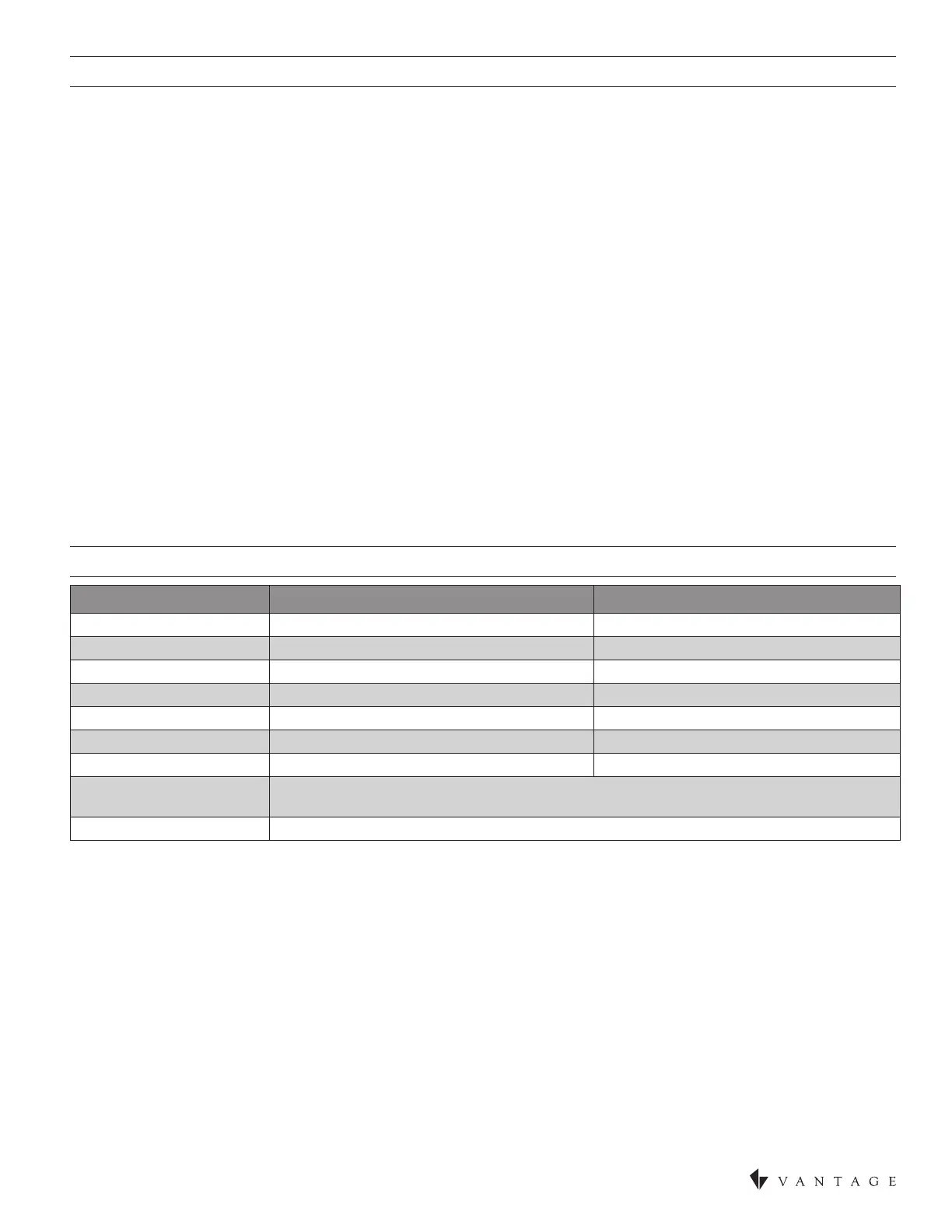
CC-WLINT, WireLink™ or the CC-RLINT, RadioLink® thermostat interface stations provide bidirectional communication between
the Vantage control system and the HVAC system. Any button or time control using InFusion Design Center can be programmed to
change Setpoints, Mode, Fan, Network Override (formerly Occupied/Unoccupied mode), etc., on any thermostat. Setpoints, Indoor
Outdoor temperatures, Mode, Fan (status) and Occupied/Unoccupied (status) may be displayed on Vantage LCD TPT stations, etc. A
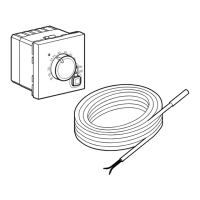
Vantage CC-WLINT or CC-RLINT station and a Vantage thermostat are used together to control HVAC systems. Typically when a
thermostat is ordered the interface station, CC-WLINT, WireLink or the CC-RLINT, RadioLink, is included (KIT part numbers above).
BACKWARD COMPATIBILITY
The CC-STAT thermostat will not work with the Q-ETS3-WireLink or STHERR101-RadioLink interface stations. However, an existing
Vantage system (InFusion or Q Systems), with an older thermostat and Q-ETS3 or STHERR101, can be updated by simply: 1)
replacing the old thermostat with a new CC-STAT, 2) replacing the old interface station with a new CC-WLINT or CC-RLINT, 3)
replacing the serial number of the old Q-ETS3 or STHERR101 with the new serial number of the CC-WLINT or CC-RLINT in the
project le and nally, 4) updating the controller. No additional programming is required unless the installer wants to take advantage
of the new thermostat features. The Project must be an InFusion System to take advantage of the new thermostat features. To take
advantage of the new thermostat features please follow these steps:
1. Add the new thermostat to the project le,
2. Use the Replacement Wizard (select Edit from the menu bar) to convert most tasks to the new thermostat,
• In the Replacement Wizard select the old thermostat (only select one) and click Next>,
• Select the new thermostat (NOTE: A list of supported tasks is displayed – the list for this object is not editable),
• Click on Finish, the tasks for the old thermostat will now control the new thermostat,
3. thermostat Objects in TPT screens are not updated by the Replacement Wizard,
• In Touchscreen Designer, edit each TPT thermostat object and manually select the new thermostat,
4. Repeat this process for each thermostat.
SOFTWARE / FIRMWARE
Vantage’s thermostat and interface stations are compatible with InFusion Design Center software version 3.0.56 software or higher
and controller rmware 3.0.50 or higher, however, as stated above, the new thermostat parts may be “dropped-in” with only a serial
number change. For new projects it is recommended that rmware and software be kept to the most current release.
STATION BUS CONNECTION
The CC-WLINT connects to the Vantage System Station Bus using the two black wires labeled Station Bus. The Station Bus wire
should comply with the Vantage Station Bus specication*. The CC-RLINT connects to the Vantage System via a RadioLink enabled
system.
* VANTAGE STATION BUS WIRE SPECIFICATION
2C, 16AWG / 1.31mm2, twisted, non-shielded, <30pF per foot. Separate a minimum of 12” / 30.5cm
from other parallel communication and/or high-voltage runs
MOUNTING THE CC-WLINT OR CC-RLINT
The CC-WLINT or CC-RLINT may be mounted behind the thermostat in a single gang box or may hang through a small hole in the
wall. The CC-WLINT or CC-RLINT does not supply power to the thermostat.
SPECIFICATIONS CC-WLINT WireLink CC-RLINT RadioLink
Dimensions, HWD 1.875” x 1.5” x 0.375” (47.6mm x 38mm x 10mm) 1.875” x 1.5” x 0.5” (114mm x 38mm x 19mm)
Weight 0.8oz (23g) 1.4oz (40g)
Station Power Connections 24V AC from thermostat base 24V AC from thermostat base
Station Count Design Center 0.36W on IC-24V, 0.54W on IC-36V* 1 RadioLink Station
Station Count QLink 1 WireLink Station 1 RadioLink Station
Status LED Indicator Yes Yes
I/O LED Indicators Yes Yes
Ambient Operating
Temperature
32-95°F -or- 0-35°C
Ambient Operating Humidity 5 - 95% non-condensing
CC-WLINT AND CC-RLINT SPECIFICATIONS


 To Next Page