22
No: IS-0685 – Rev. 2
SYSTEM TEST MENU
The system test menu is used to test a system after installation. The outputs of the thermostat or humidistat can be manually
activated to test their function. The instructions below show how to enter the test mode and turn outputs on and off.
HOW TO ENTER THE SYSTEM TEST MENU:
Press [MODE] to set system to OFF.
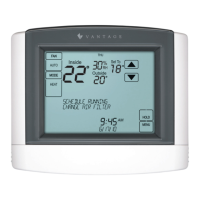
Press and hold [FAN] and [MODE] for three seconds to enter system test mode.
NOTE: Buttons will not be shown in humidistat mode. Press in the same area that the button would be displayed.
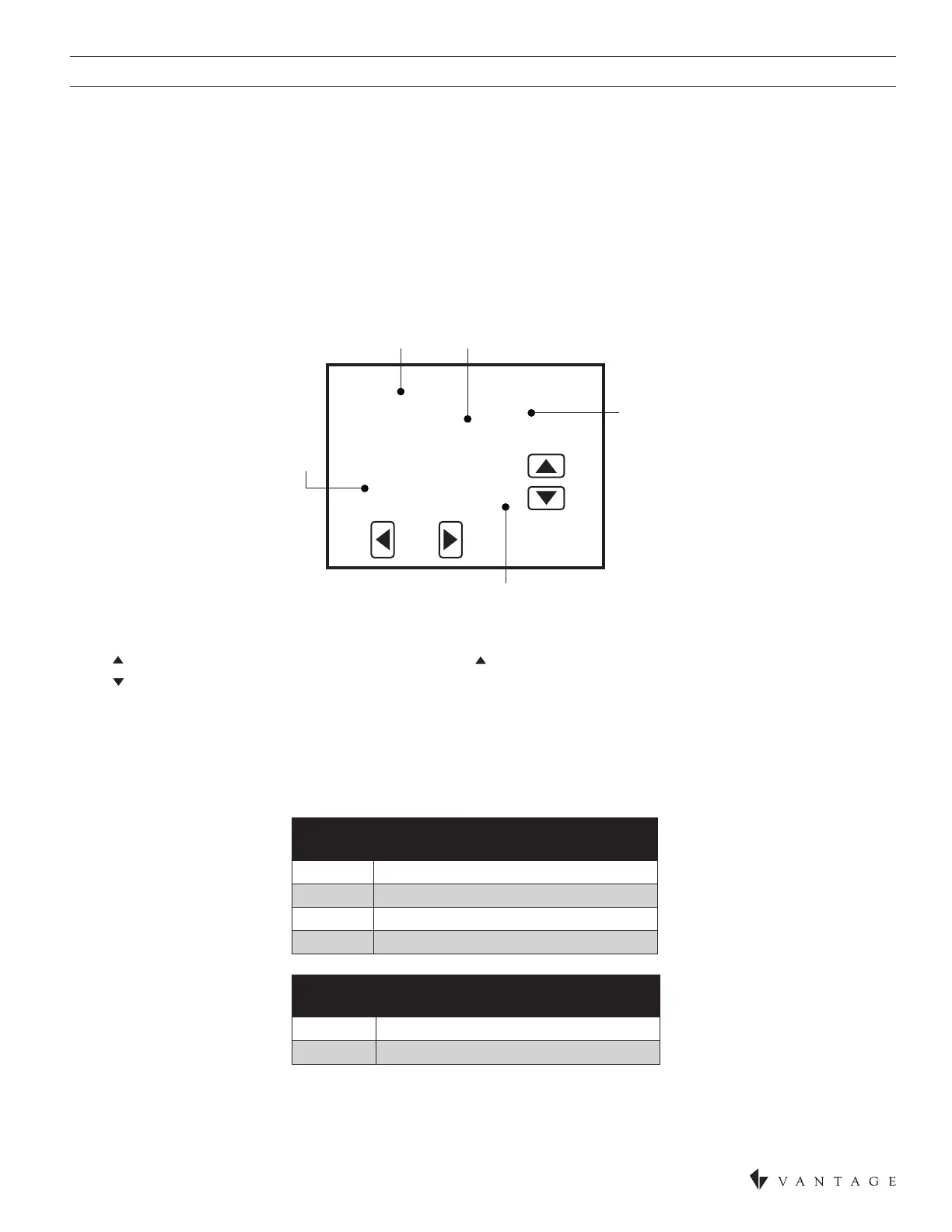
The screen of the rst test step is displayed:
The test number is displayed on the upper left, and the output state is displayed in the message center.
Press to turn on the output (01). For multi-stage output, press again to turn on the 2nd stage (02).
Press to turn off all the outputs (00).
Press [BACK] or [NEXT] to change to the next test step.
When the last step is done, press [NEXT]. The message “installer test complete“ will display.
All minimum on and off timers will be reset after returning from system test mode.
NOTE: Second stage will only be displayed when the thermostat is set to multi-stage mode.
Back
Heating
Fan On
Next
FIRST STAGE
01
60
HC
AC
OUTPUT
STATE
TEST
NUMBER
MODEL
(SW1 SETTING)
FLASHES
IF 24VAC
IS NOT
PRESENT
STAGE
TEST
NUMBER
THERMOSTAT SYSTEM TEST
60 Heating equipment test
61 Cooling equipment test
62 Support Auxiliary equipment test (HP only)
63 Fan equipment test
TEST
NUMBER
THERMOSTAT SYSTEM TEST
70 Humidication equipment test
71 Dehumidication equipment test


 To Next Page