18
No: IS-0685 – Rev. 2
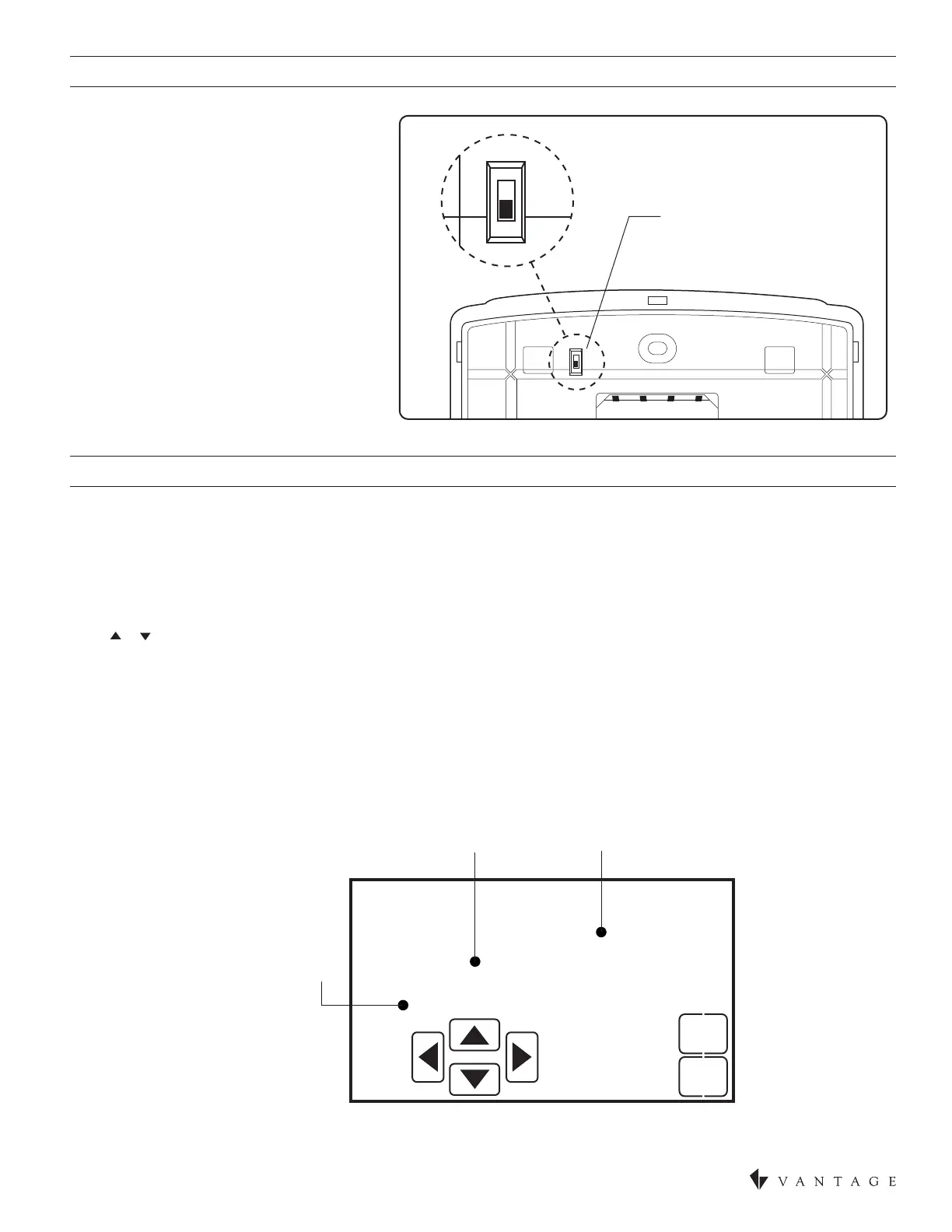
EQUIPMENT TYPE SELECTION SWITCH (SWS1)
INSTALLER SETUP MENU
This thermostat has the option of being used
in heat pump or heat/cool systems. Switch
SW1 located on the back of the thermostat’s
face to select the proper operation. This
setting can also be veried (but not set) in
the Installer Setup menu system settings
under Equipment Type.
NOTE: Thermostat reboots within 10
seconds after switch position is changed.
HOW TO ENTER THE INSTALLER SETUP MENU TO CHANGE SYSTEM SETTINGS:
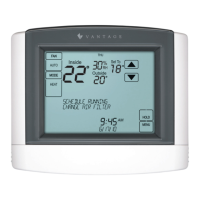
Press [MODE] to set system to OFF. Press [MENU] to enter main menu.
Press and hold [SETUP] for seven seconds, [INSTALL SETUP] appears.
Press [INSTALL SETUP] to enter installer setup menu.
Press [NEXT] or [BACK] to page through the settings.
Press or to adjust the setting.
Press [DONE] to save and exit, or [CANCEL] to exit without saving.
The thermostat will discard changes and exit if nothing is pressed within 60 seconds.
To reset the installer settings to the default, reset* the thermostat by pressing the [RESET] button inside the battery cover.
*CAUTION: Thermostat power must be cycled after a reset for the CC-WLINT or CC-RLINT stations to operate correctly.
HC
HP
HC
HP
SW1
HEAT/COOL
HEAT/PUMP
Back Next
EQUIPMENT TYPE
HEAT/COOL
04
CANCEL
DONE
SETTING
OPTIONS
SETTING
DESCRIPTION
SETTING
NUMBER


 To Next Page