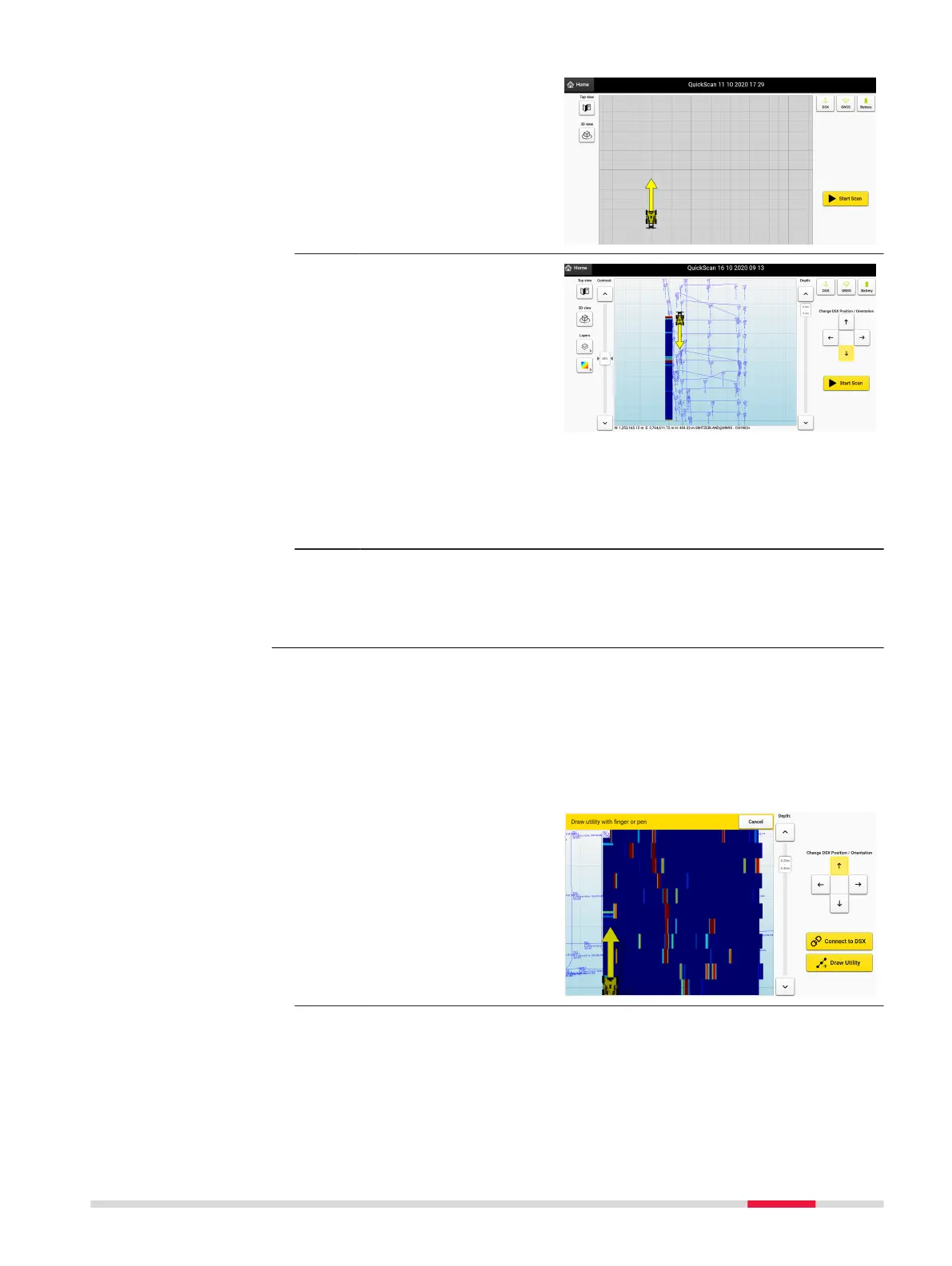
2. With a positioning
device connected, the
direction of the rst
swath determines the
orientation of the
Quick Scan as shown.
3. As soon as the rst
swath is complete, the
direction buttons will
be available on the
right side of the screen.
Change the direction of
the cart’s yellow arrow
as needed for the next
scan.
It is important to
ensure, that the cart’s
yellow arrow, always
points to the correct
direction that the user
will move the cart next.
☞
Selected layers will
appear in the viewing
area once the initial
scan is completed.
The Draw Utility feature is used to mark and store the position of potential
pipes or anomalies while in the quick scan screen. A utility element can be
added on the screen as a visual reference when the quick scan project is pre-
viewed without the software to having to process the complete data from the
quick scan.
Measure distance by drawing
1. Select the Draw Utility
button on the screen to
access the functional-
ity.
Draw Utility in Quick
Scan projects Step-
by-Step
Procedures for Working with the DSX 47



 To Next Page