6. Precisely on top of the
end point of the line
tap Stop Scan to stop
the cart.
7. Once the full scan is
ended, tap Analyse
Data.
Check and follow-up of scans
☞
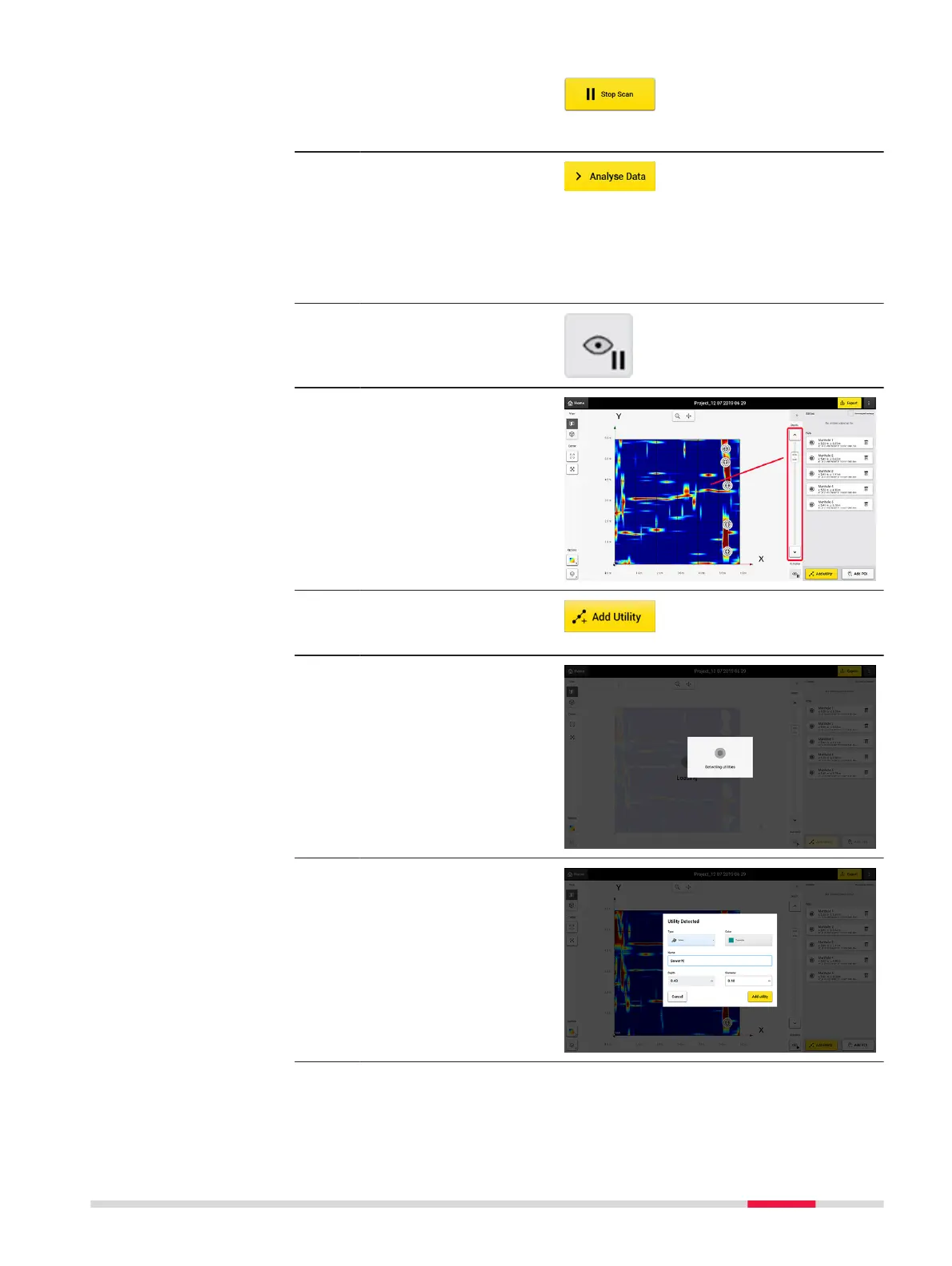
After tapping Analyse Data the tomography is generated. The
animation is off by default.
1. Tap Start/Stop Auto-
play button to enable
or disable the tomo-
graphy animation.
☞
It is mandatory to
check on each slice to
nd utilities in that
depth range.
2. Tap Add Utility and
start marking the utility
using your nger.
☞
DXplore then veries it.
3. Utility Detected: If
available, make sure to
enter the information
correctly.
☞
The software
estimates the
depth.
Procedures for Working with the DSX 63



 To Next Page