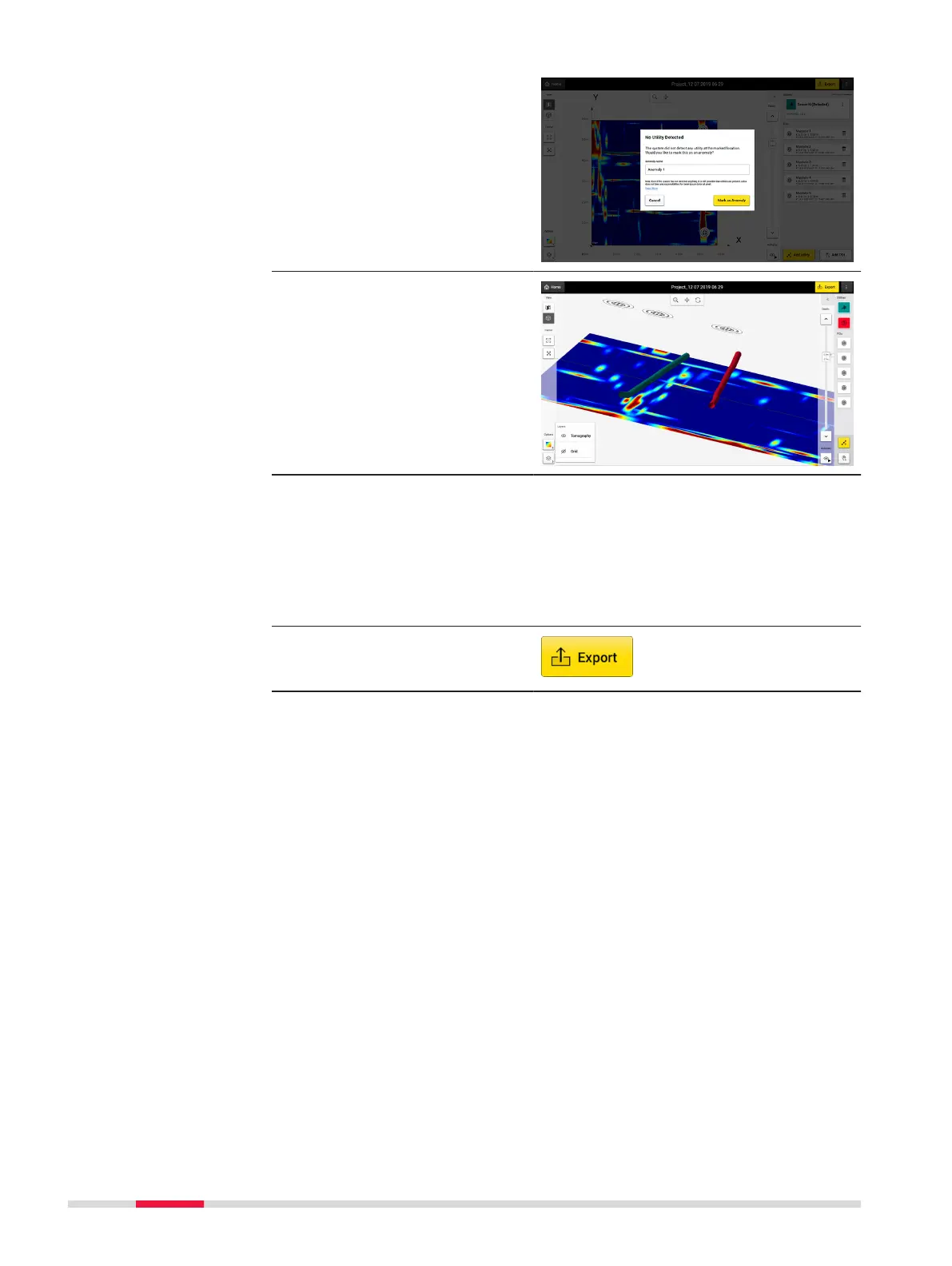
4. No Utility Detected: If
the utility is not found,
there is still the option
to keep it as an anom-
aly.
5. View your utilities in
3D.
☞
Once all utilities are
marked, continue with
the export of the
project output.
Export the project output
1. Make sure all utilities are marked
2. Tap on Export to
export the project out-
put
64 Procedures for Working with the DSX



 To Next Page