☞
1.
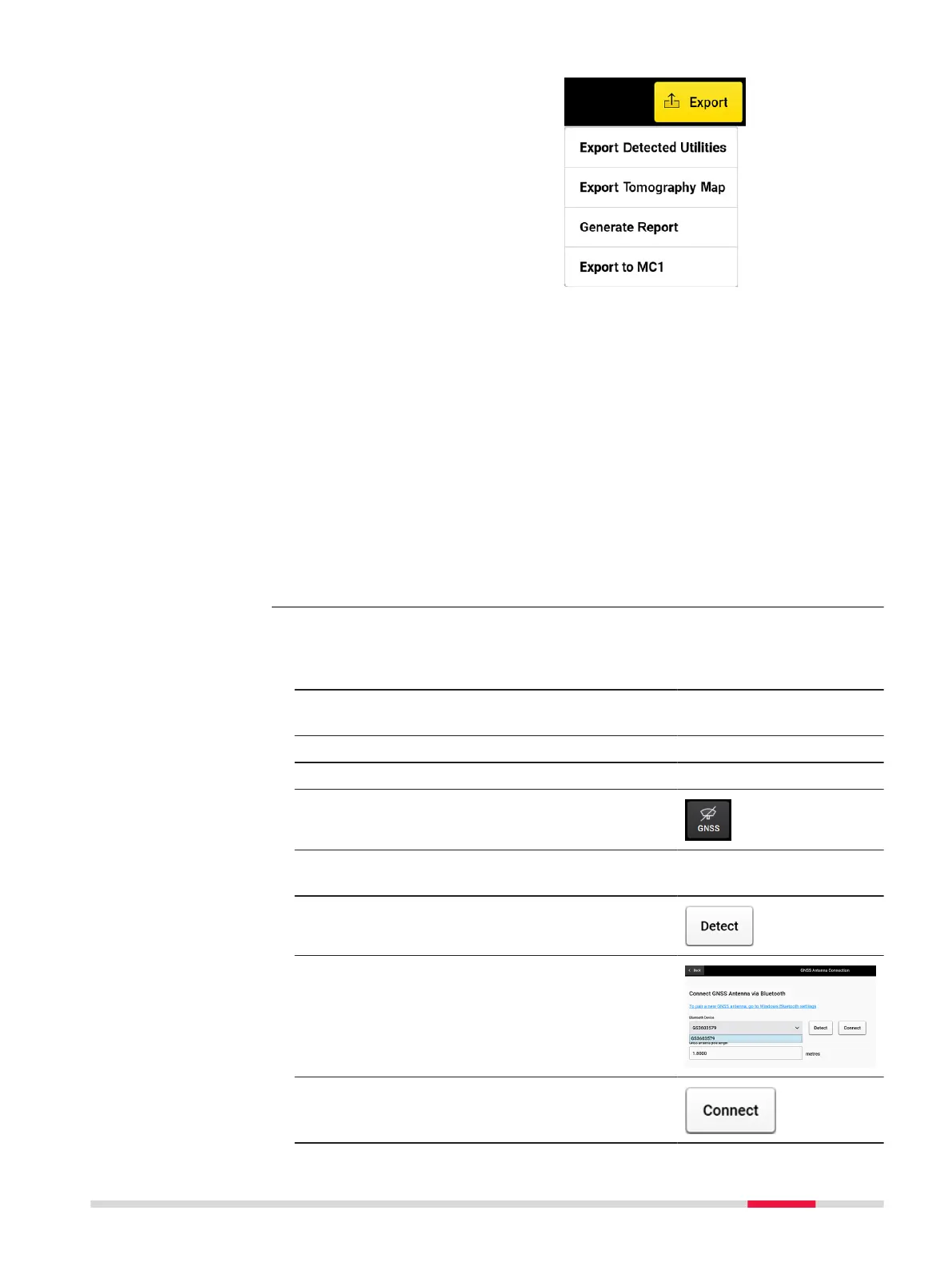
Export Detected
Utilities: Utility lines
and POIs in DXF,
DWG and SHP
format. Output in
grid-based coordin-
ate system.
2.
Export Tomo-
graphy Image: Cur-
rent tomography in
image formats.
3.
Generate Report:
PDF report.
4.
Export to MC1
avoidance zone:
Generates the
detected utilities
and scan area in DXF
format, under the
MC1-compatible dir-
ectory structure.
This option allows
using the DXplore
output directly on
the excavator con-
trolled by MC1 soft-
ware.
Steps for connecting an antenna supported with direct connection in
DXplore: (Full-integration)
1. Turn on the antenna.
2. Find the antenna from Bluetooth device
list on the tablet screen.
3. Connect to the antenna. The password is ‘0000’.
4. Open DXplore.
5. Tap on the GNSS icon in the bottom bar
of the Home screen.
☞
The DXplore GNSS Antenna Connec-
tion window may show an empty list.
6. Tap Detect to get the paired antenna to
the list.
7. Enter the correct pole height.
☞
Do not consider the bottom
shift from the pole tip above
ground.
8. Tap Connect once the antenna was
found.
Antenna direct con-
nection to DXplore
Procedures for Working with the DSX 65



 To Next Page