41
Leica IP S
Instrument Setup 4
At this point, the instrument has to be "told" which type of cartridge has been inserted.
There are three options:
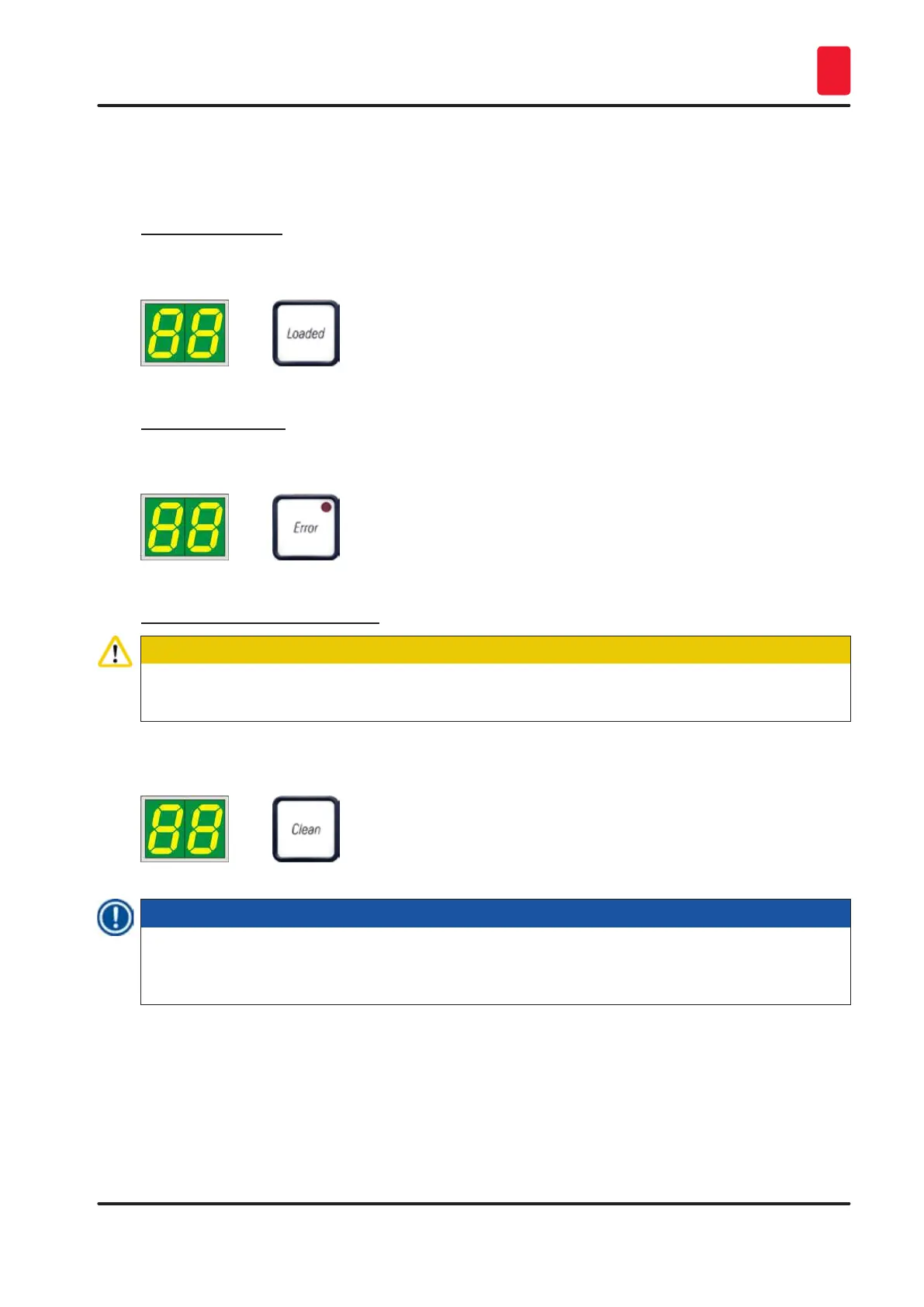
1. New ink cartridge:
» Press LOADED; the printer sets the ink level to "full".
2. Used ink cartridge:
» Press ERROR; the printer resumes measuring at the ink level where it previously left off.
3. Used or new transport cartridge:
Caution
NEVER press CLEAN while an ink cartridge is in the instrument! The entire contents of the ink
cartridge will spill into the printer.
» Press the key CLEAN; the current ink level is stored.
Note
The fill level of the transport cartridge is not monitored. Each use should be noted on the cartridge.
The cartridge can be used twice. The cycle time when inserting a transport cartridge is 3.5 minutes
and is thus considerably longer than that of an ink cartridge.
• After one of the three buttons has been pressed, the ink exchange software routine starts; air is
evacuated from the hoses and the system is refilled with liquid.
When the procedure has been completed, 88 disappears from the display.



 To Next Page