42
Version 2.0, Revision I
Instrument Setup
4
Running a test print
L Run a test print to verify whether the print head works correctly.
1. For that purpose, fill some specimen slides into a magazine and insert the magazine into
magazine position 1.
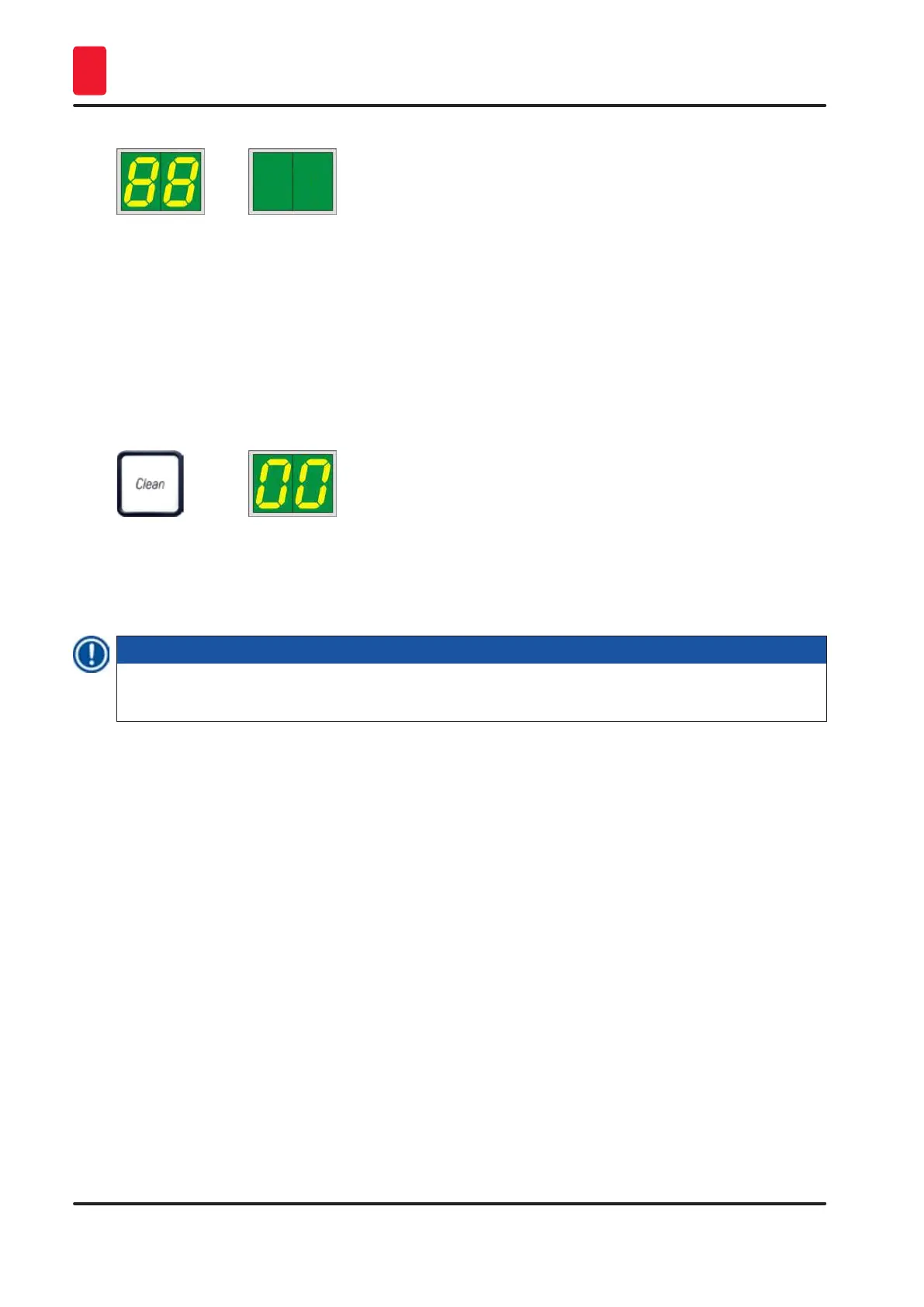
2. Press and hold the CLEAN button until 00 is displayed, then release the button. A specimen
slide is imprinted with a stored test image.
If the print result is not satisfactory, this step can be repeated several times.
4.10 Installing the printer driver
Note
For information about installing the printer driver, please refer to the software Installation Instructions
supplied together with this Instructions for Use.



 To Next Page