72
Version 2.0, Revision I
Troubleshooting
7
7.4 Changing the flash bulb
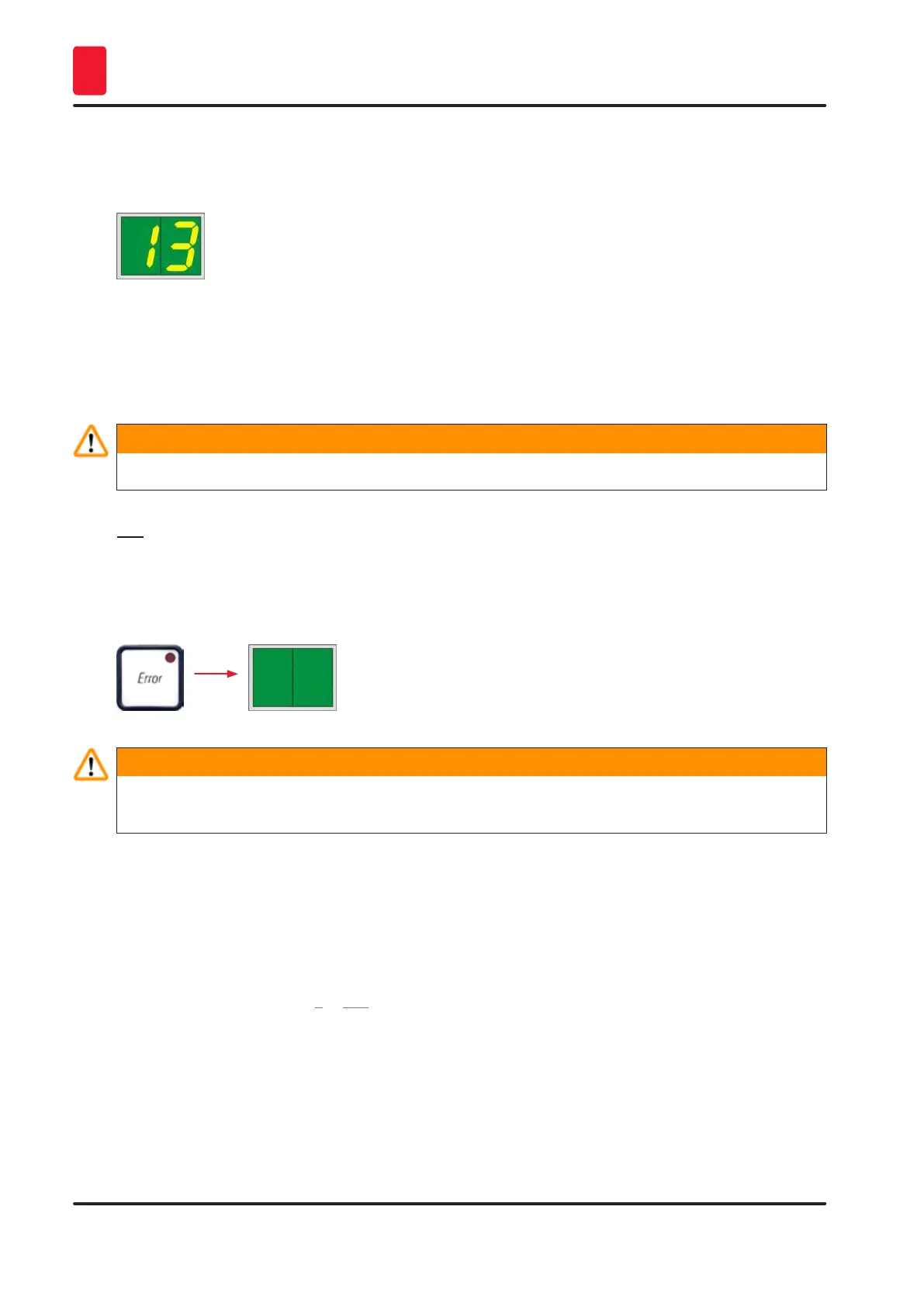
Code 13 appears on the printer display when the flash bulb has reached its maximum service life.
When code 13 is issued, the bulb has to be changed.
For details on how to insert/replace the flash bulb, please refer to (→ p. 30 – 4.6 Installing/exchanging
the flash bulb).
Warning
Before replacing the flash bulb, switch off the printer and unplug the instrument from power supply.
10 s
1. After changing the bulb, switch the printer back on.
2. Then go to offline mode and hold down the ERROR key for 10 seconds; code "13" disappears
from the display.
Warning
If a defective flash bulb has been replaced without the message "13" appearing on the display,
likewise confirm this using the above procedure (hold down the ERROR key for at least 10 sec.).
7.5 Power failure
• Check whether there is a general power failure (no power).
• Check whether the power plug is inserted correctly into the wall outlet and whether the wall outlet is
switched on, if applicable.
• Check whether the power switch is switched on correctly. The primary fuse may have tripped. If so,
the main switch will be in "0" = OFF position (→ "Fig. 61-1").



 To Next Page