73
Leica IP S
Troubleshooting 7
1
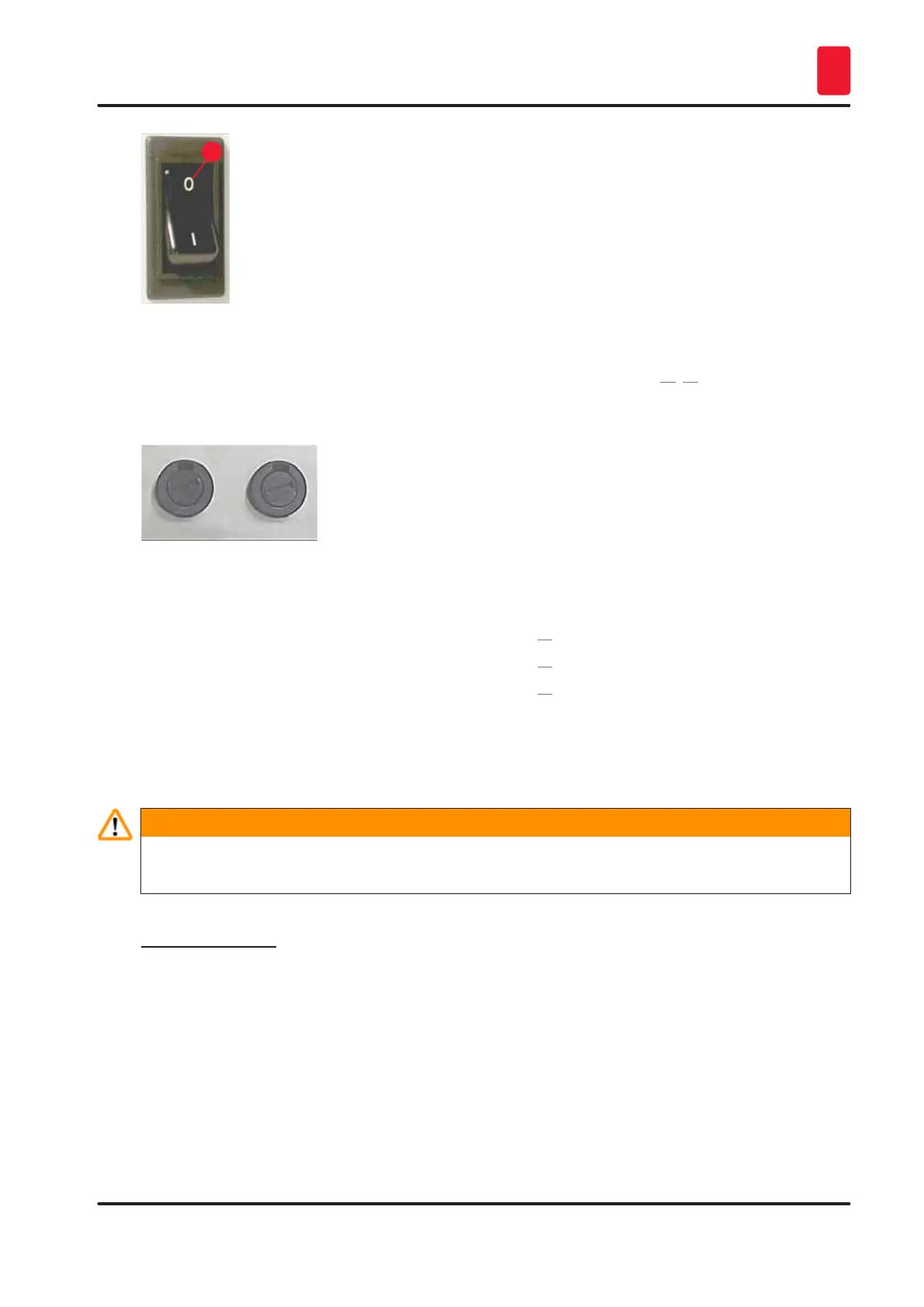
Fig. 61
• Check whether one of the two secondary fuses (→ "Fig. 62") is defective (F1, F2 on the back panel of
instrument (→ "Fig. 63")).
• Some instrument malfunctions/failures are caused by defective fuses.
Fig. 62
Malfunction/failure Fuse to be checked
• Instrument not functioning. Fuse F2
• No display indication. Fuse F2
• Instrument not working at normal speed.
Printing a slide takes approx. 8 sec., even after
the warm-up phase has been completed.
Fuse F1
7.6 Replacing the secondary fuses
Warning
Before replacing a fuse, always switch the instrument off and unplug from power supply. Defective
fuses may be replaced only with the replacement fuses supplied together with the instrument.
Replacing the fuses
1. Insert a screwdriver (→ "Fig. 63-2") into the slot in fuse holder (→ "Fig. 63-1"); push slightly
inwards and at the same time rotate the screwdriver a 1/4 turn to the left.



 To Next Page