44
Version 2.0, Revision I
Operation
5
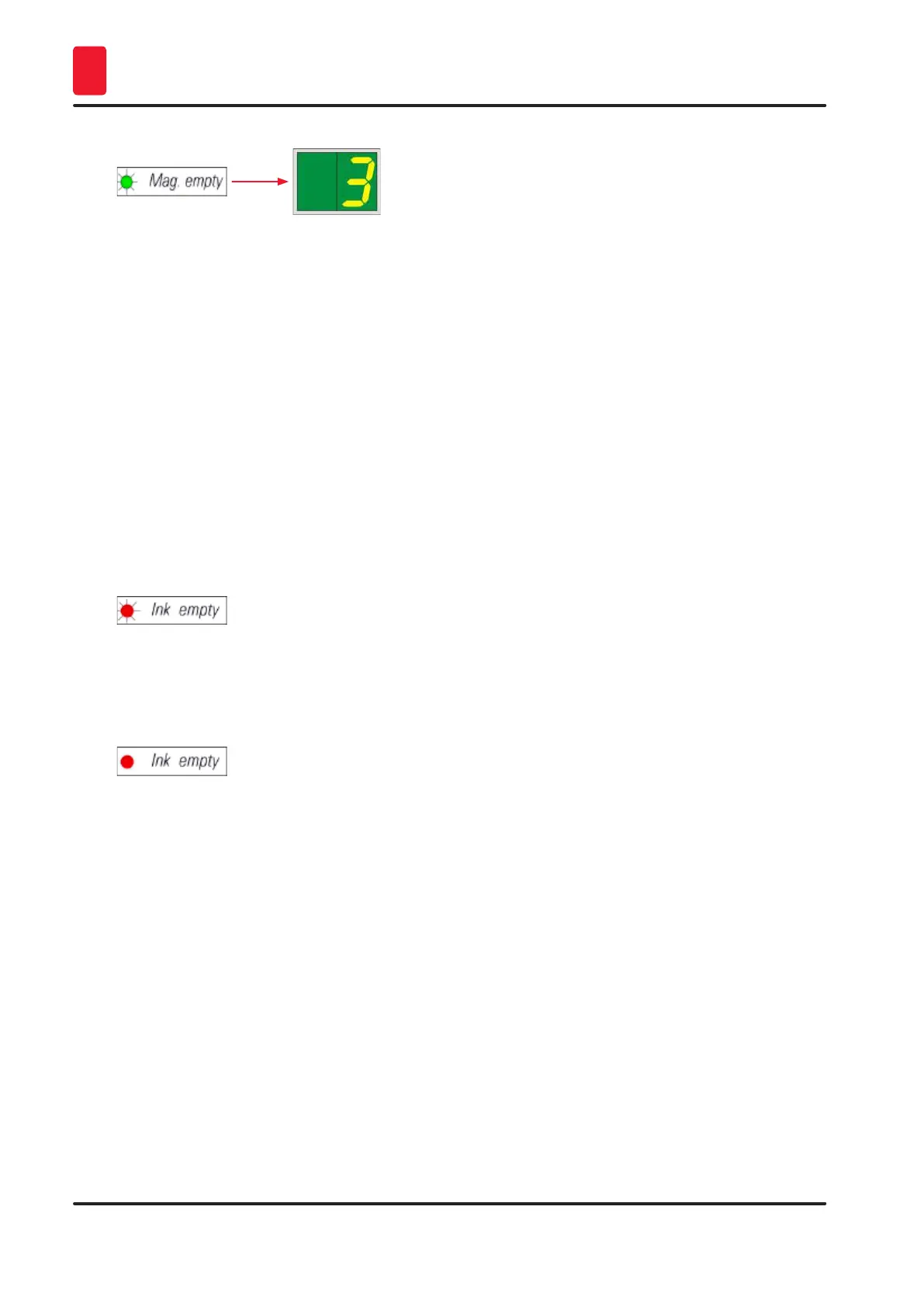
• If several magazines are emptied at the same time, the corresponding magazine numbers are
indicated in a recurring sequence.
• After refilling the magazine, LOADED (→ "Fig. 38-5") must be pressed to inform the printer that the
magazine has been refilled.
• The printer will resume the interrupted print job where previously left off.
INK EMTPY LED (→ "Fig. 38-3")
LED off:
• Sufficient quantity of ink remaining – printing is possible without any restrictions.
LED flashing:
• Ink cartridge will be empty shortly – keep replacement ink cartridge handy.
LED on:
• Ink cartridge empty, no further printing possible.
POWER (→ "Fig. 38-6")
Switching from POWER ON to STANDBY mode and back
LED illuminated – POWER ON mode
• Power is supplied to all printer systems.
• The flash power supply is continuously being recharged.
• The printer is ready to print immediately.
LED flashes – STANDBY mode
• All power consumers of the printer are switched off, with the exception of those related directly to
the processor (power saving mode).
• The printer cleans a print head at regular intervals (e.g. 4 times a day). For that purpose it switches
into POWER ON mode for a short period of time.



 To Next Page