47
Leica IP S
Operation 5
• The print job is interrupted. Printer switches to offline mode. 00 will appear in the display for about
2 s.
• A print head clean is performed and subsequently a test print is carried out on the slide currently
being processed. The printer then remains in offline mode to enable the user to verify the print quality
before resuming the current print job.
• If necessary, an additional clean can be performed.
• To resume printing, press ONLINE to return to online mode.
• The print job is resumed where previously left off.
If no print job is in progress:
• The printer switches to offline mode.
• All steps are performed as described above.
Note
When operating continuously, the printer pauses regularly for intermediate print head cleans.
Printing is interrupted for approximately 10 seconds, after which time the instrument automatically
resumes operation.
TRAY LOAD (→ "Fig. 38-9")
Note
If your printer is not equipped with an automated unload station, no function is assigned to this
button!
1
Fig. 39
Function:
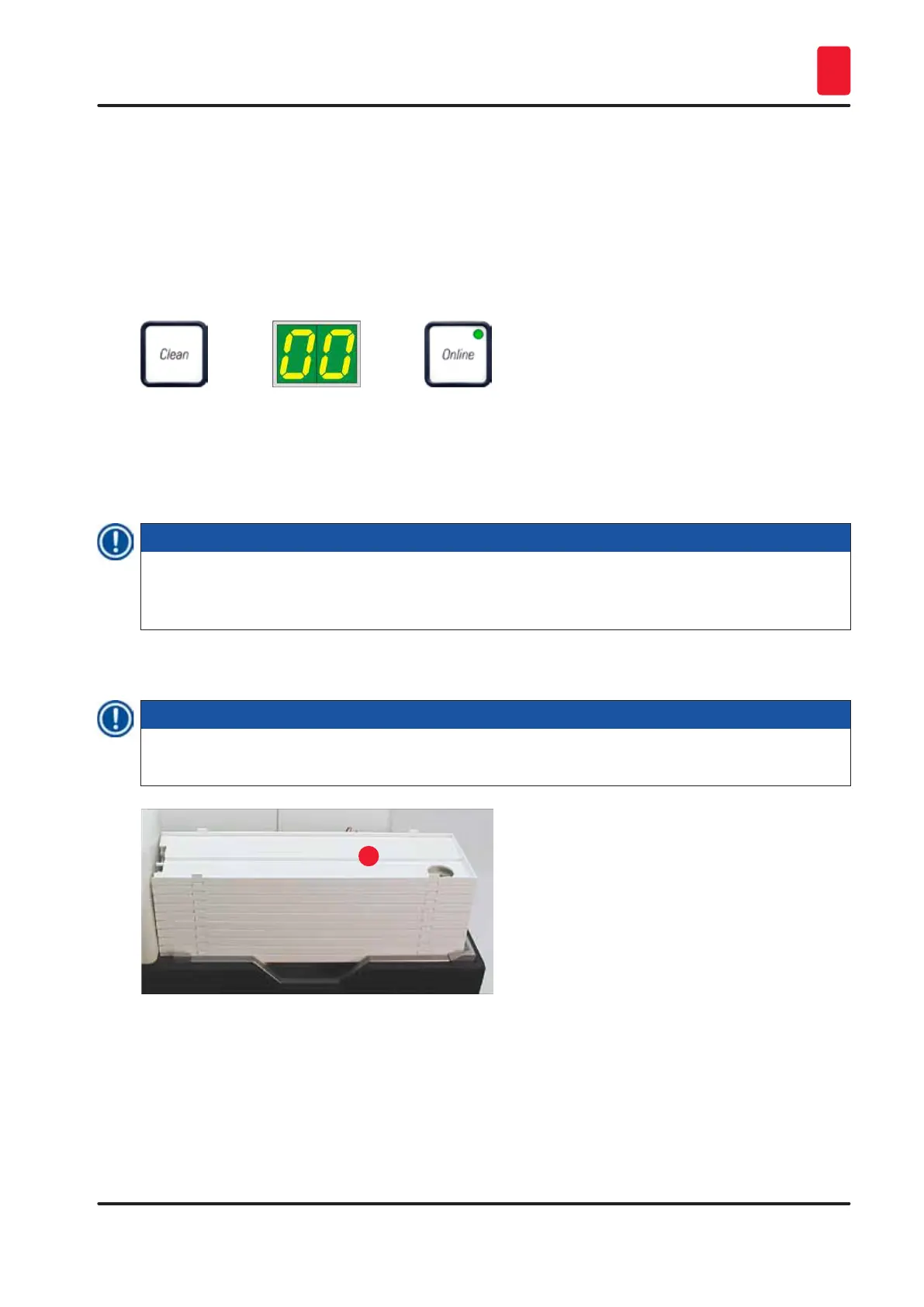
• The imprinted slides are pushed out of the printer and onto the uppermost tray.
• At the right end of the tray there is a sensor (→ "Fig. 40-1"), which triggers a signal when covered.
The tray stack is then moved upwards by one tray.



 To Next Page