66
Version 2.0, Revision I
Cleaning and Maintenance
6
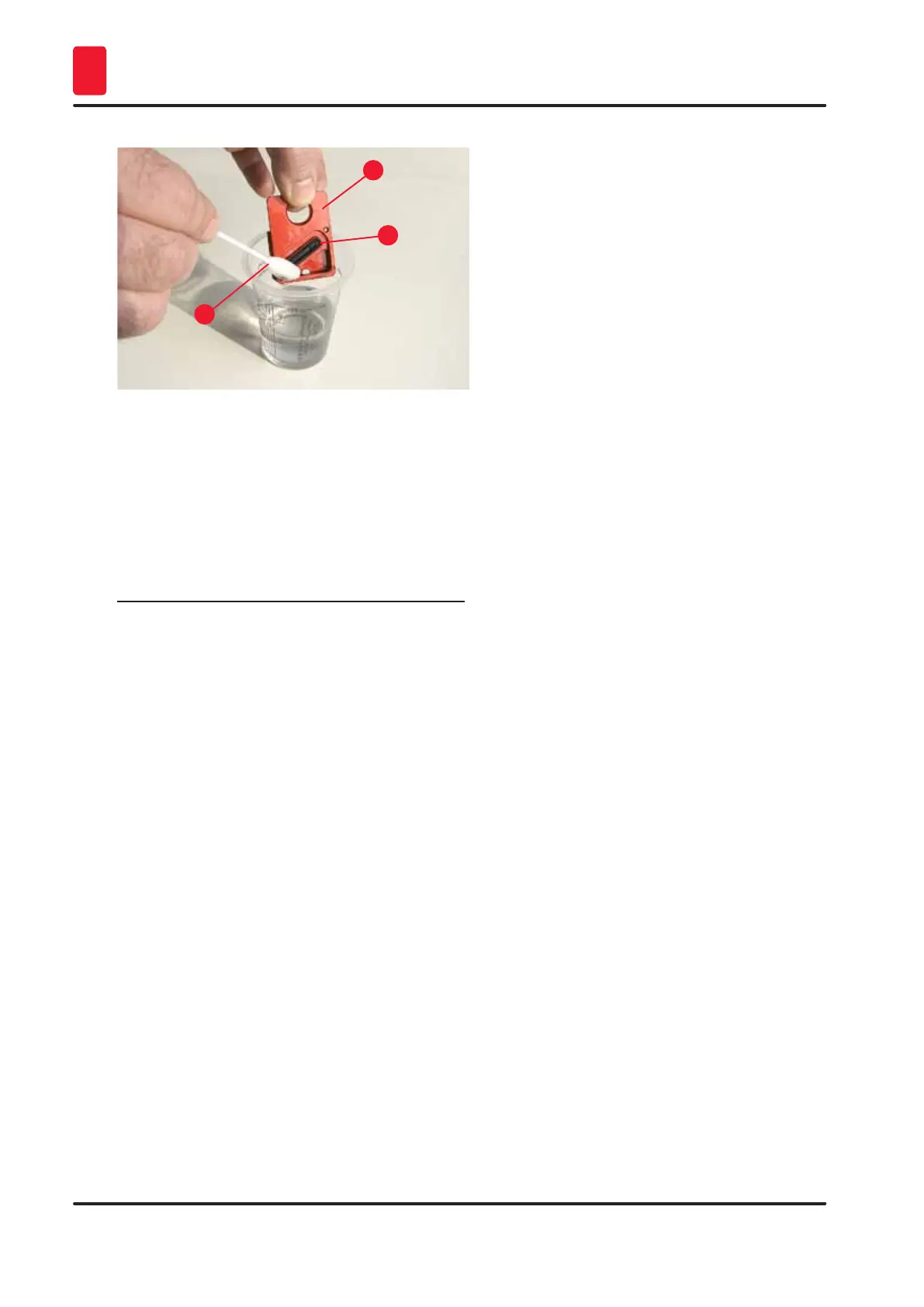
1
3
2
Fig. 60
24. Clean the instrument completely, as described in this chapter.
Transporting the instrument
If the printer is to be shipped, the storage instructions described above are to be carried out completely.
Then, additionally make the following preparations:
1. Open the hood (→ "Fig. 30-1") of the printer and loosen the screw of the flash cover.
2. Then take out the flash bulb. For more information, refer to (→ p. 30 – 4.6 Installing/
exchanging the flash bulb).
3. Close the flash cover and the hood.
4. Use original packaging and securely screw the printer to the baseplate (see unpacking
instructions).
5. Reinsert the transport anchor (→ "Fig. 11-1") and secure the hood with adhesive tape.
6. Make sure that the instrument is only transported upright.



 To Next Page