65
Leica IP S
Cleaning and Maintenance 6
Note
Always use the cleaning swab for the print head once only. Never rotate the swab – this can damage
the nozzle plate of the print head.
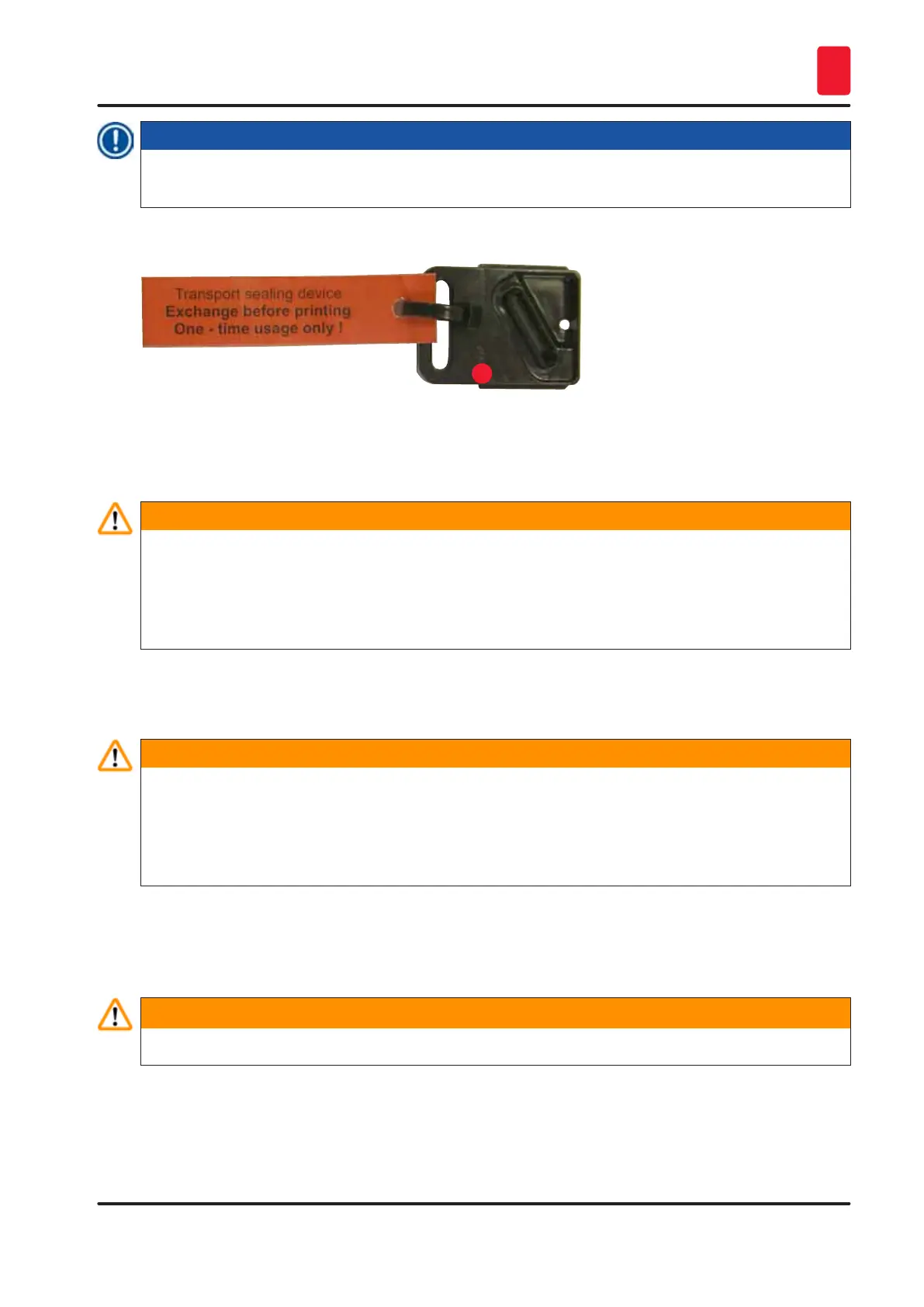
17. Then push in the new black transport plate (→ "Fig. 59-1") as far as it will go.
1
Fig. 59
18. Push the small lever (→ "Fig. 56-2") back down to secure the replacement plate.
19. Press any button to close the print head.
Warning
If pressing a button does not end the replacement of the exchange plate, the printer automatically
closes the print head after 2.5 min. A signal sounds 30 s before it automatically closes and a
countdown appears on the display. In order to avoid damage to the print head, avoid inserting the
transport plate at this time; instead wait until the print head closes and repeat the operation to insert
the transport plate.
20. Close the printer hood.
21. Retighten the red cap (→ "Fig. 55-2") on the transport cartridge and close the cover plate on
the side of the printer.
Warning
• Switch off the printer and disconnect the power to prevent damage to the print head!
• Never use a transport cartridge together with a replacement plate!
• In order to use the printer again, the transport plate has to be removed and a new exchange plate
has to be inserted.
• Do not reinstall a used transport plate, as it will no longer completely seal the print head.
22. Likewise, clean the removed replacement plate (→ "Fig. 60-1") with the sealing lip
(→ "Fig. 60-2") with (clean) alcohol and a cleaning swab (→ "Fig. 60-3").
23. The sealing lip (→ "Fig. 60-2") must be completely free of ink residue. Check the sealing lip for
damage.
Warning
Do not reuse a replacement plate with a damaged sealing lip!



 To Next Page