Leica M Series User Manual Accessories 129
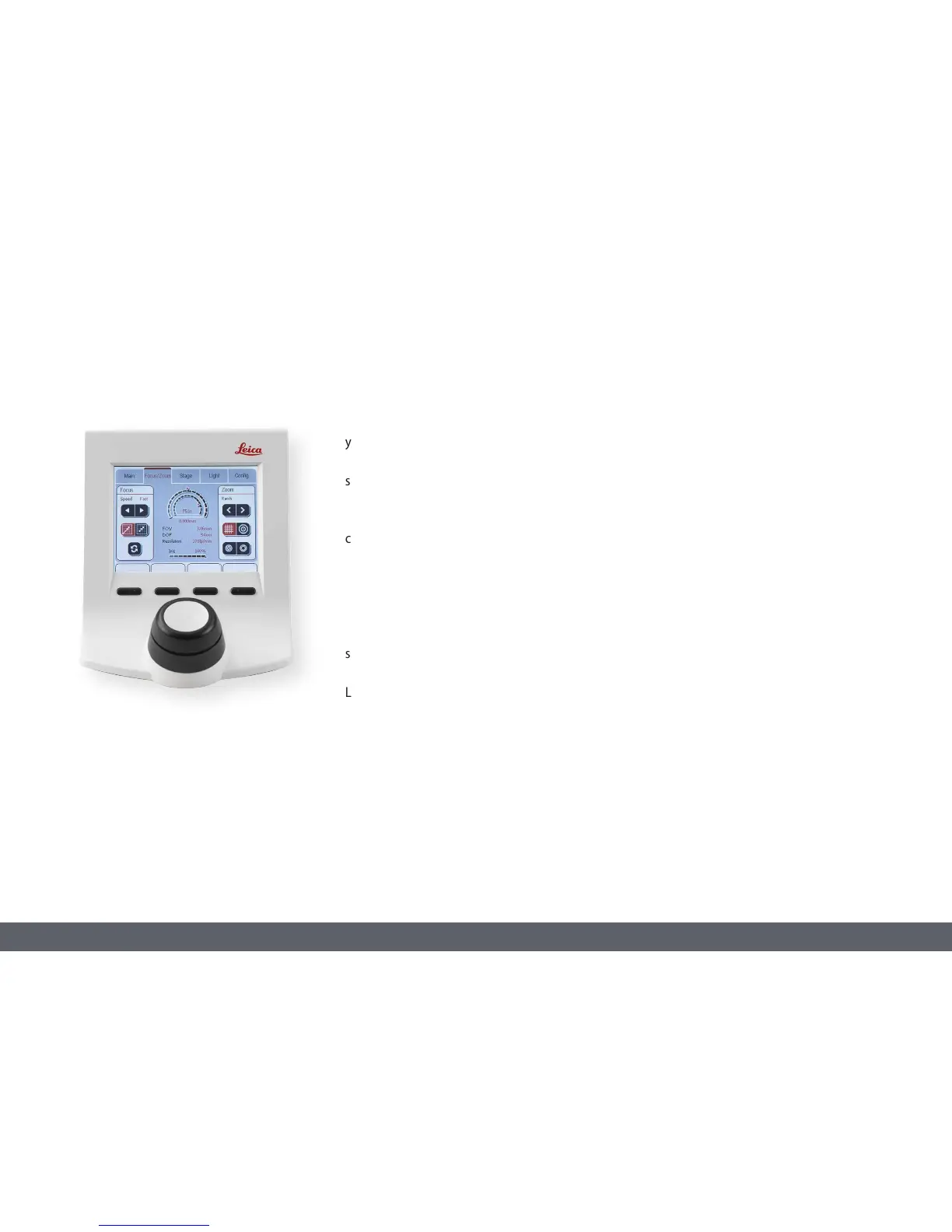
With the touchscreen of the Leica SmartTouch,
you can control your experiment procedures
with a few hand movements and never lose
sight of all your important optical parameters.
The most important control functions on the
control unit can be adjusted to your specific
needs with freely programmable rotary knobs
and function buttons.
Controls
The functions of the individual knobs and
screen elements can be configured both
directly on the Leica SmartTouch and using the
Leica Application Suite.
The standard configuration when shipped from
the factory is as follows:
Leica SmartTouch
O Top part of the knob = zoom
O Upper part of the knob = focus
O Buttons = left filter, right filter, shutter
For a detailed description of the functions and
settings, please refer to the Leica SmartTouch
manual or the Leica Application Suite help file.



 To Next Page