Leica M Series User Manual Quick Start Guide 71
Changing Magnification (Zoom)
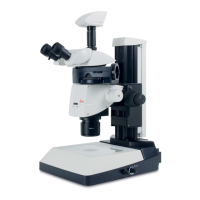
All M series microscopes have an integrated
zoom. The name indicates the zoom range
covered:
O Leica M165 = 16.5:1
O Leica M205 = 20.5:1
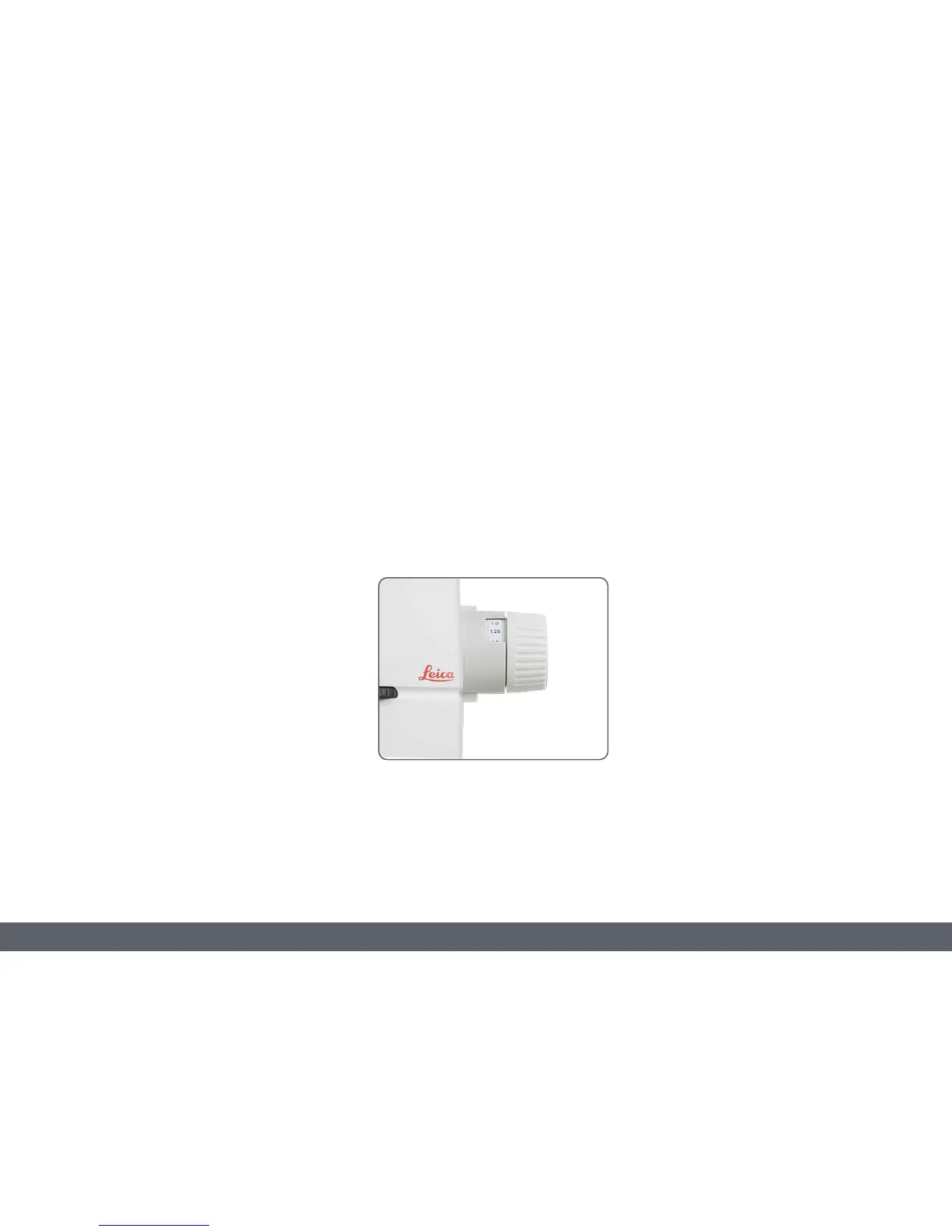
The rotary knob for the zoom can be used either
left or right-handed.
Zooming
1. Look into the eyepieces.
2. Focus on the specimen.
3. Rotate the magnification changer until the
desired magnification is configured.



 To Next Page