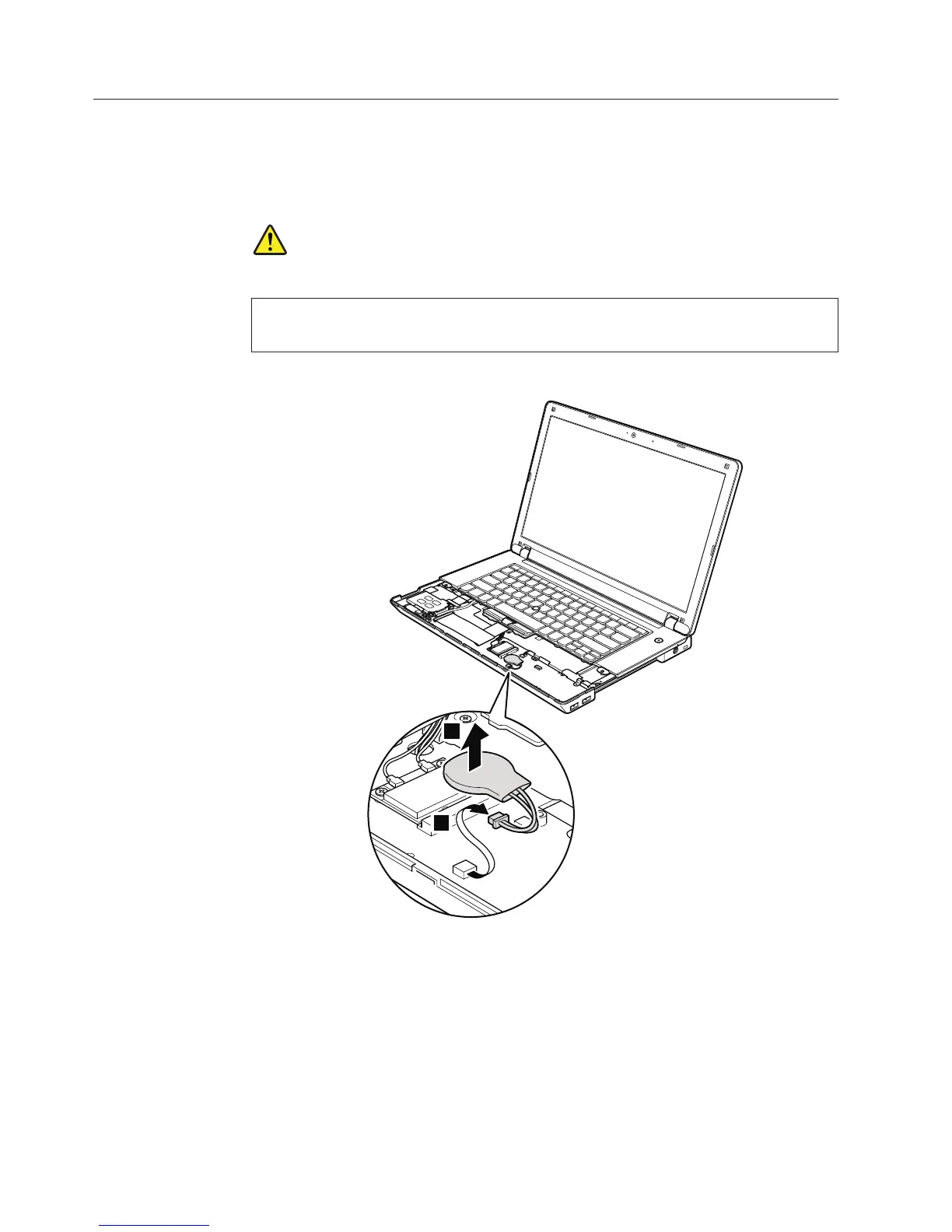
1120 Backup battery
For access, remove these FRUs in order:
v “1010 Battery pack” on page 78
v “1030 Optical drive or travel cover” on page 80
v “1100 Palm rest assembly with cables” on page 93
DANGER
Use only the battery specified in the parts list for your computer. Any other
battery could ignite or explode.
Table 21. Removal steps of backup battery
2
1
When installing: Make sure that the battery connector is attached firmly to the
system board.
98 ThinkPad Edge 14″, Edge 15″, E40, and E50 Hardware Maintenance Manual













 To Next Page