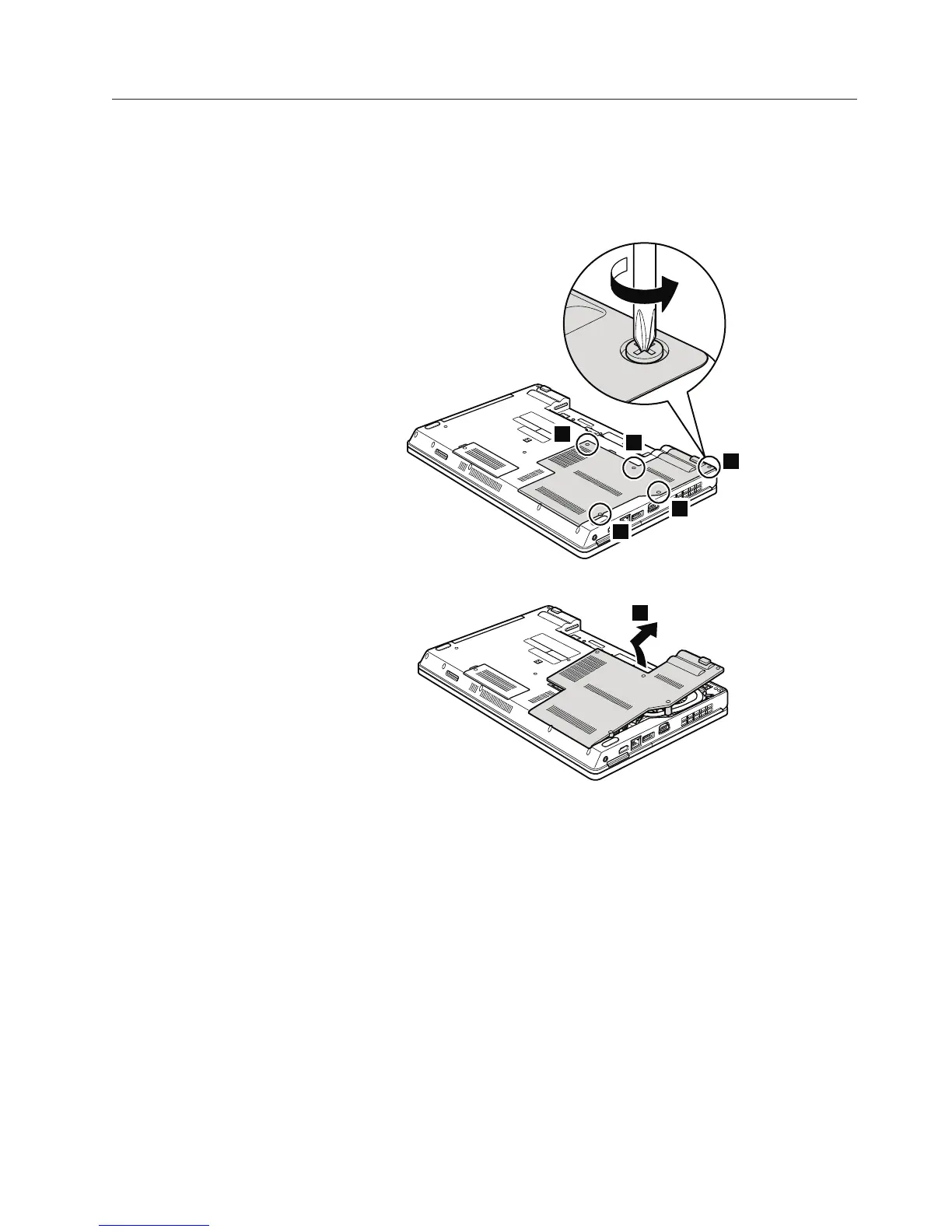
1040 Thermal cover
For access, remove this FRU:
v “1010 Battery pack” on page 78
Table 11. Removal steps of thermal cover
Note: Loosen the screws 1, but do not remove them.
1
1
1
1
1
2
Attention: Do not touch or apply any excessive force to the fan motor located
in the slot. It might cause damage to the fan assembly or the computer to
mulfunction.
Removing and replacing a FRU 81













 To Next Page