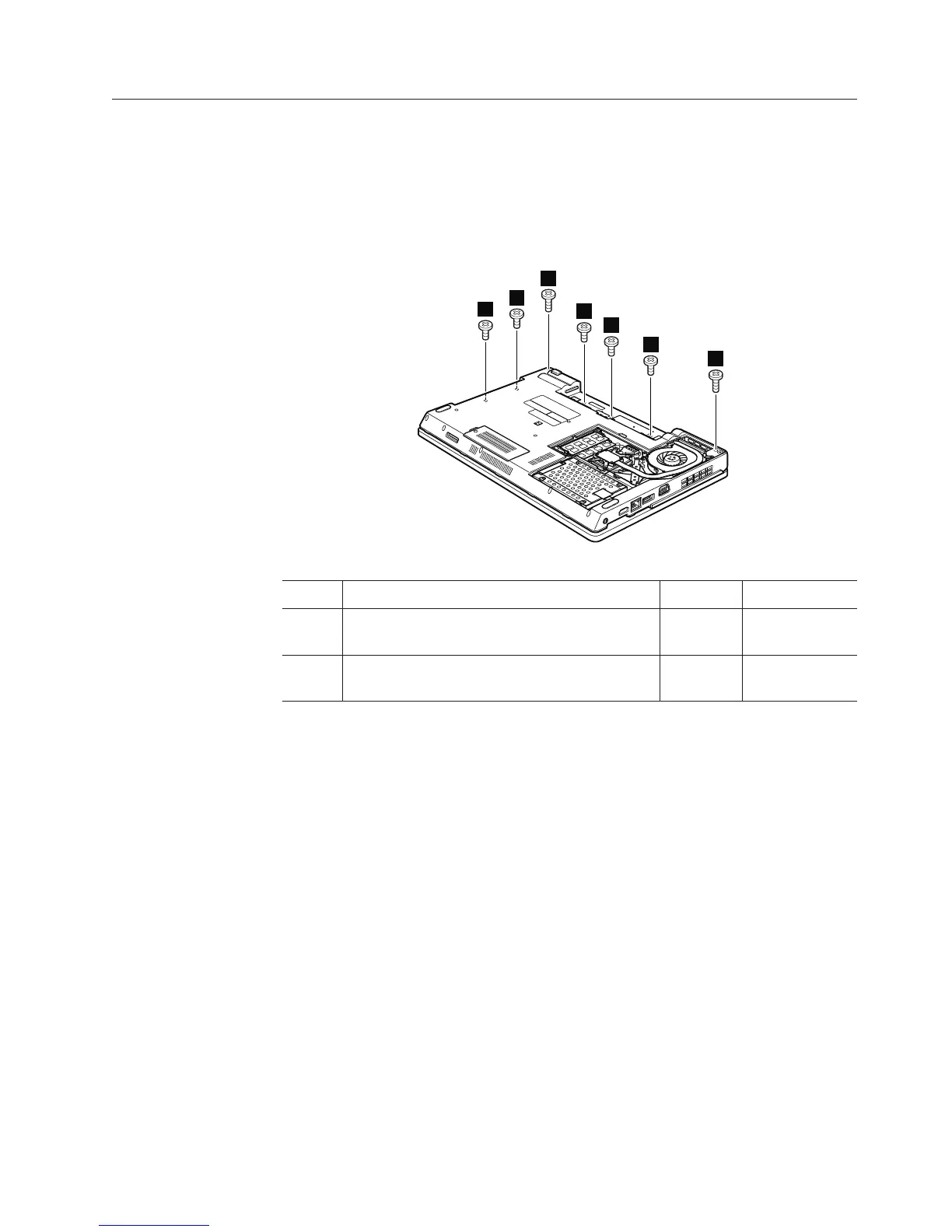
1150 Keyboard bezel
For access, remove these FRUs in order:
v “1010 Battery pack” on page 78
v “1030 Optical drive or travel cover” on page 80
v “1100 Palm rest assembly with cables” on page 93
v “1140 Keyboard” on page 100
Table 25. Removal steps of keyboard bezel
1
2
2
2
2
2
1
Step Screw (quantity) Color Torque
1 M2.5 × 6.5 mm, wafer-head, nylon-coated
(2)
Black 0.392 Nm
(4 kgfcm)
2 M2 × 3 mm, wafer-head, nylon-coated (5) Black 0.181 Nm
(1.85 kgfcm)
Removing and replacing a FRU 103













 To Next Page