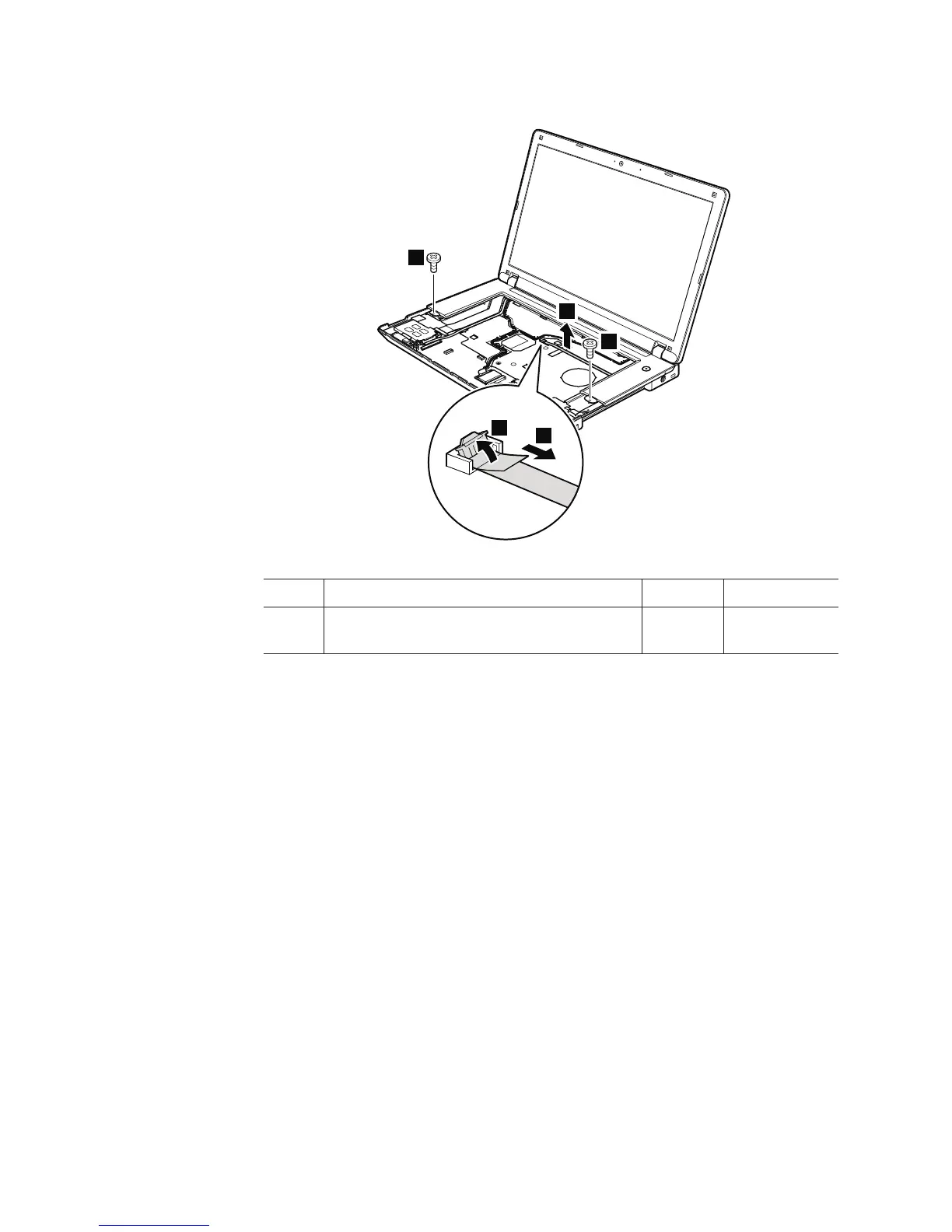
Table 25. Removal steps of keyboard bezel (continued)
4
5
6
3
3
Step Screw (quantity) Color Torque
3 M2 × 3 mm, wafer-head, nylon-coated (2) Black 0.181 Nm
(1.85 kgfcm)
When installing: Make sure that the connectors are attached firmly to the
system board.
104 ThinkPad Edge 14″, Edge 15″, E40, and E50 Hardware Maintenance Manual













 To Next Page