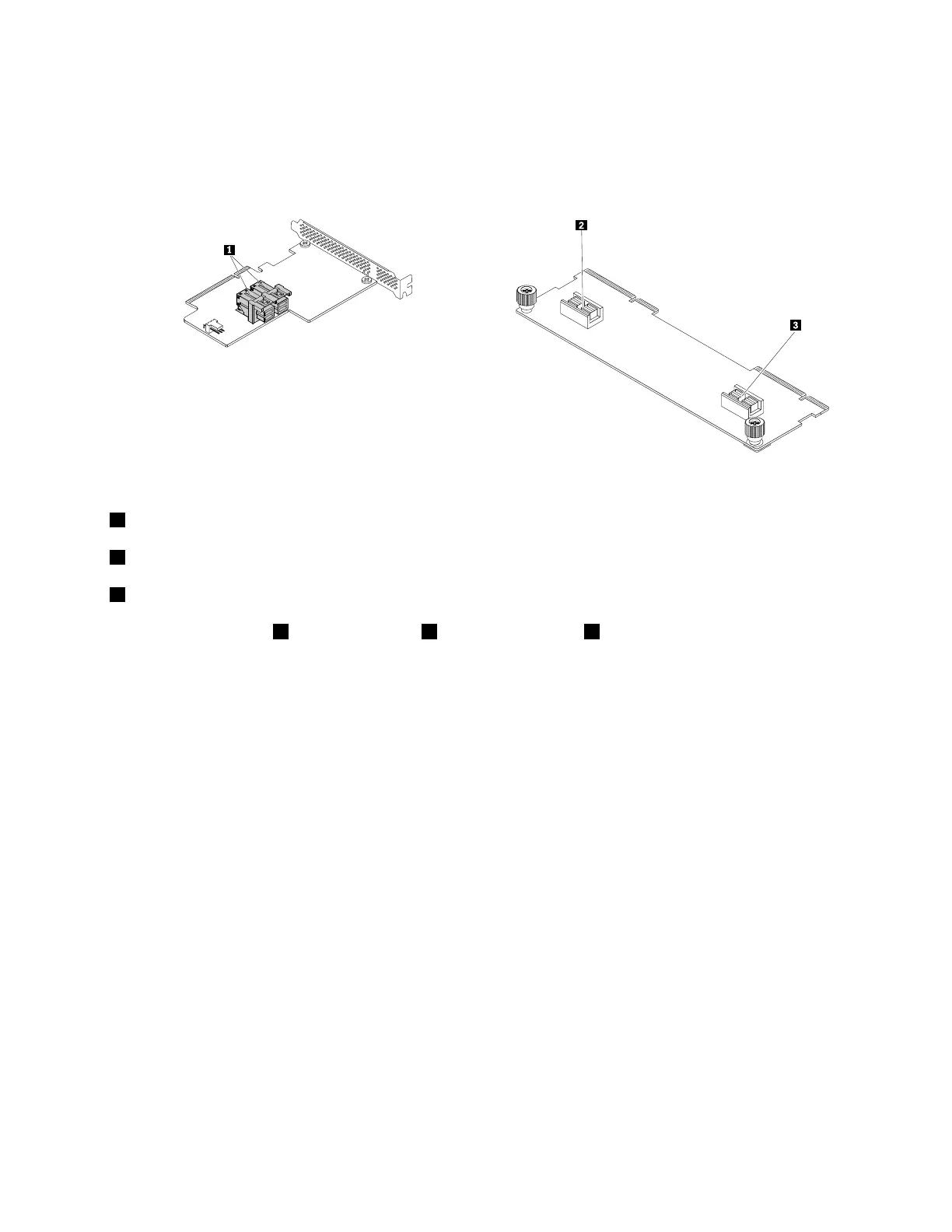
PCIeinterposercardandPCIepass-throughboard
ThefollowingillustrationshelpyoulocateconnectorsonthePCIeinterposercardandPCIepass-through
board.Dependingontheconfiguration,thePCIepass-throughboardandPCIeinterposercardinstalledin
yourservermightlookslightlydifferentfromtheillustrations.
PCIeinterposercardPCIepass-throughboard
1PCIeconnector
2PCIeconnector2
3PCIeconnector1
APCIecableconnects1PCIeconnectorto3PCIeconnector1or2PCIeconnector2.
ThePCIepass-throughboardisinstalledinthePCIepass-throughboardslotonthebackplane.See
“Backplaneforuptonine3.5-inchdrives”onpage42or“Backplaneforuptosixteen2.5-inchdrives
(supportingAnyBay)”onpage44.
Backplane
Yourserversupportsthefollowingbackplanes:
•Backplaneforuptotwelve3.5-inchdrives
•Backplaneforuptonine3.5-inchdrives
•Backplaneforuptosixteen2.5-inchdrives(notsupportingAnyBay)
•Backplaneforuptosixteen2.5-inchdrives(supportingAnyBay)
•Backplaneforuptoeight2.5-inchdrives(withanAnyRAID-adapterslot)
•Backplaneforuptoeight2.5-inchdrives(withmini-SASconnectors)
•Backplaneforuptosix2.5-inchdrives
•Rearbackplaneforuptotwo2.5-inchdrives
Tolocatethebackplanes,see“Servercomponents”onpage29
.
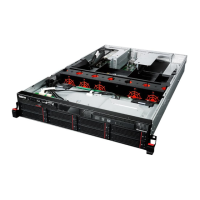
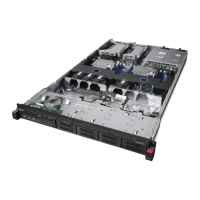
Thefollowingtableslistthebackplaneanddriveconfigurationsfordifferentservermodels.Dependingon
themodel,yourservermightlookslightlydifferentfromtheillustrationsinthefollowingtable.
Chapter3.Productoverview39




 To Next Page