Electrical connection
Leuze electronic BPS 300i 44
Connect connection PWR / SW IN/OUT to the supply voltage or the switching inputs/outputs.
Connect connection HOST / BUS IN to your RS 232 or RS 422 interface.
7.3 MK 300 connection hood with spring-cage terminals
With the MK 300 connection hood, the BPS is connected directly and with no additional plug.
• The MK 300 features cable bushings in which the shielding connection for the interface cable is also
located.
• The integrated parameter memory for the simple replacement of the BPS is located in the MK 300.
• A Mini-B type USB socket is used for service purposes.
Connect connection PWR / SW IN/OUT to the supply voltage or the switching inputs/outputs.
Connect connection HOST / BUS IN to your RS 232 or RS 422 interface.
7.4 Connection hood KB 301 with cable
Connection hood KB 301 features a connection cable and a Mini-B type USB socket as service interface.
Remove the system plug (JST) at the end of the cable.
Connect the connection cable to your interface.
7.5 Pin assignment
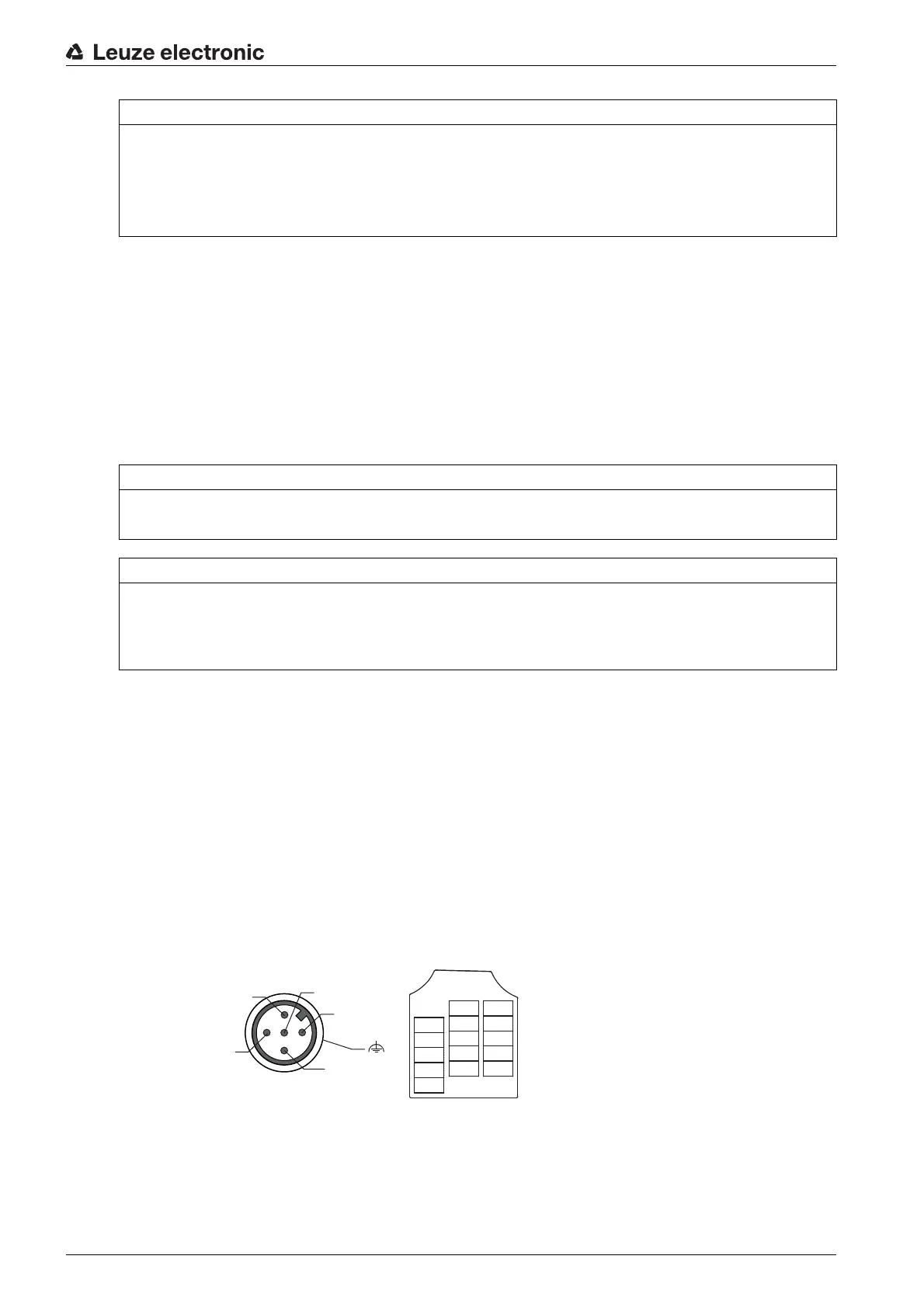
7.5.1 PWR / SW IN/OUT (Power and switching input/output)
5-pin, M12 plug (A-coded) or terminal block for connecting to PWR / SW IN/OUT.
Figure 7.1: PWR / SW IN/OUT connection
NOTICE
Shielding connection and functional earth connection!
The shielding connection is done via the M12 connector housing.
Ensure that the functional earth (FE) is connected correctly. Unimpaired operation is only guaranteed
when the functional earth is connected properly. All electrical disturbances (EMC couplings) are dis-
charged via the functional earth connection.
NOTICE
Cable fabrication!
We recommend against using wire-end sleeves.
NOTICE
Functional earth connection!
Ensure that the functional earth (FE) is connected correctly. Unimpaired operation is only guaranteed
when the functional earth is connected properly. All electrical disturbances (EMC couplings) are dis-
charged via the functional earth connection.


 To Next Page