System setting
Administrator can set host name, system time, root password, network related
settings, etc. Further details will be interpreted in section 4.3 System Related
Settings .
Streaming setting
Administrator can modify video resolution and rotate type and select audio
compression mode in this page.
Camera setting
Users can adjust various camera parameters, including <Exposure>, <White
Balance>, <Brightness>, <Sharpness>, <Contrast> and <Digital Zoom>.
Logout
Click on the tab to re-login the IP Camera with another username and
password.
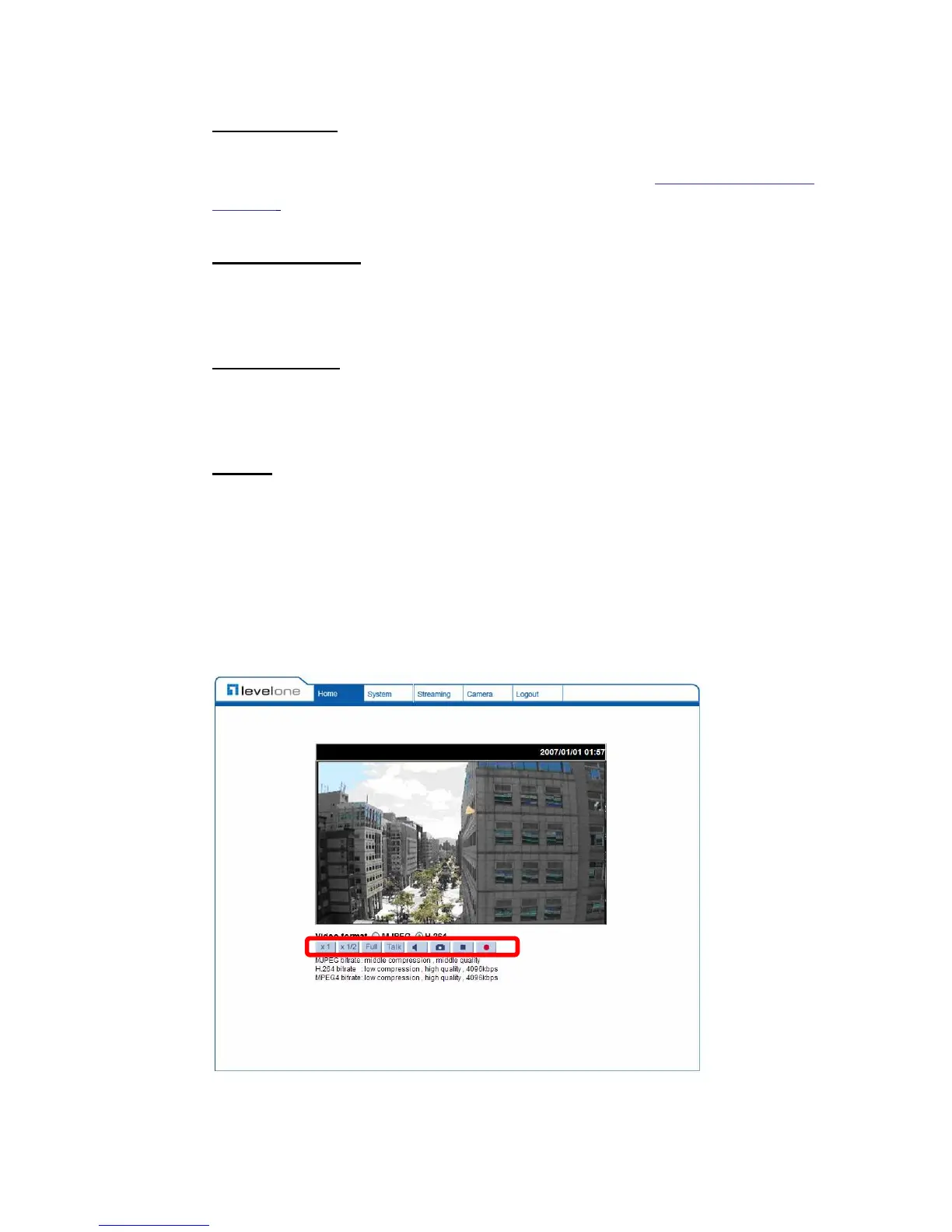
4.2 Home Page
In the Home page, there are several function buttons right down the displayed
image.















 To Next Page