Mask Setting
• Mask color
The selections of Mask color include red, black, white, yellow, green, blue,
cyan, and magenta.
• Type
Select to change the mask type as solid or transparent.
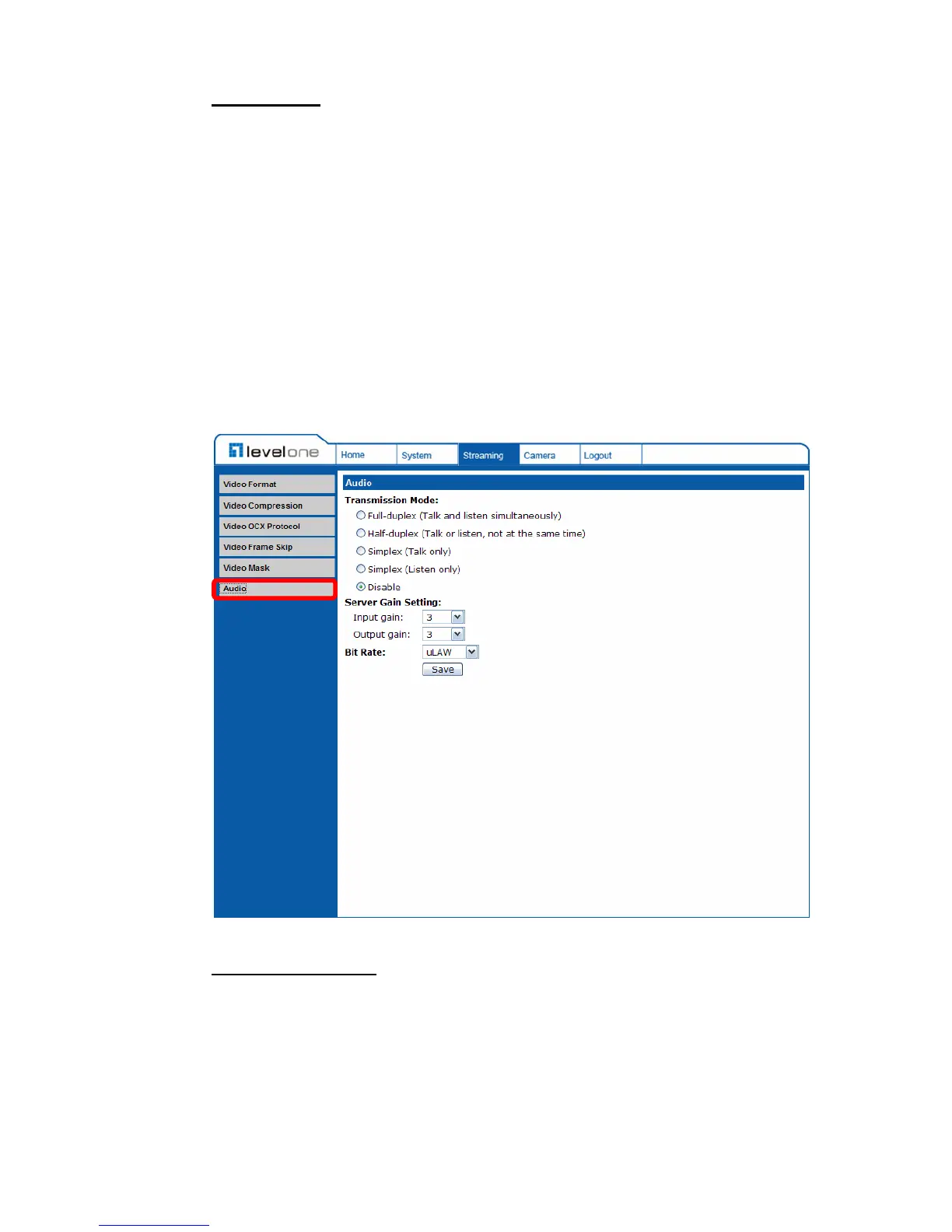
4.4.6 Audio Mode and Bit Rate Settings
The audio setting page is shown below. In the Audio page, the Administrator
can select one transmission mode and audio bit rate.
Transmission Mode
• Full-duplex (Talk and Listen simultaneously)
In the Full-duplex mode, the local and remote sites can communicate with
each other simultaneously, i.e. both sites can speak and be heard at the
same time.















 To Next Page