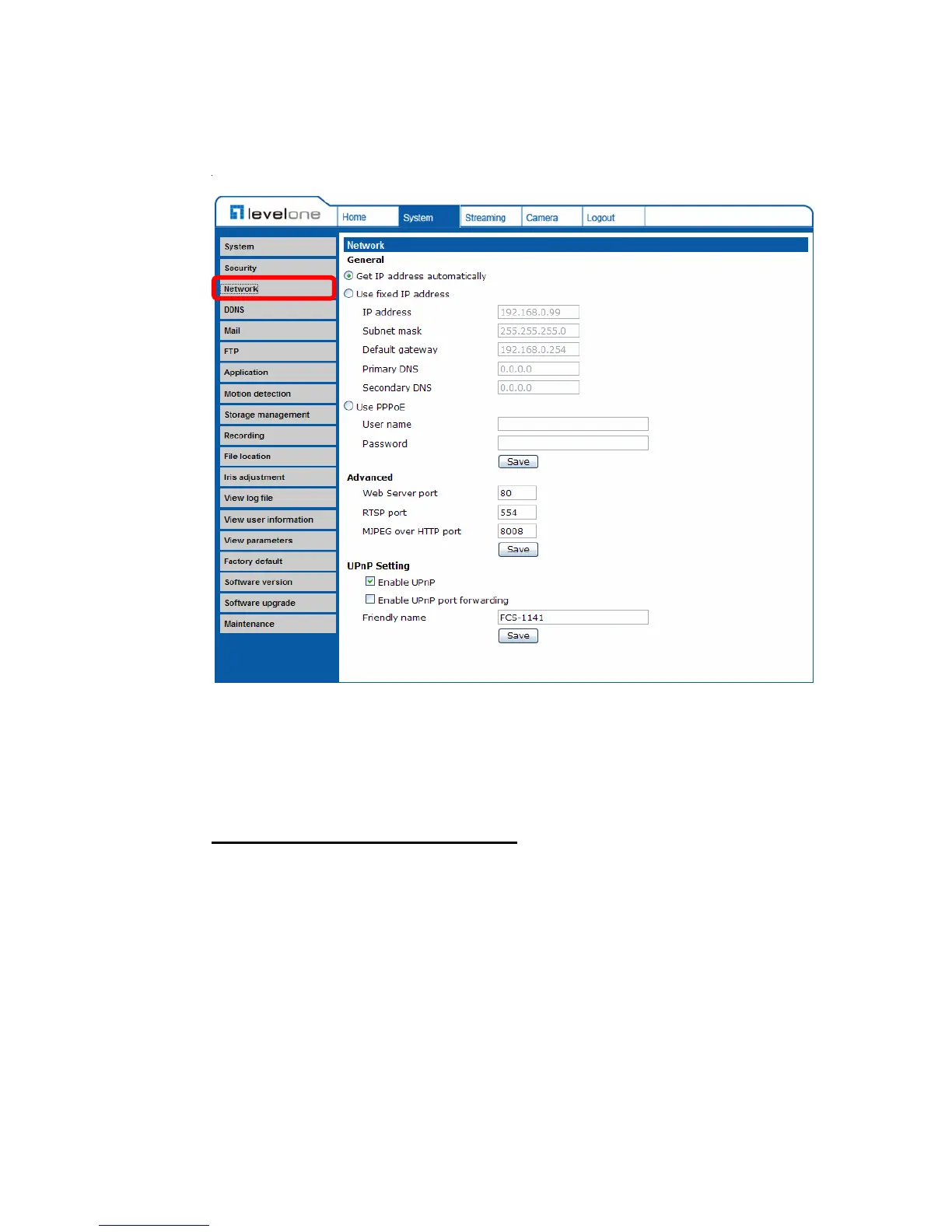
4.3.3 Network
Click <Network> in the left column, and the page will display as shown below.
Users can choose to connect to the IP Camera with fixed or dynamic (DHCP) IP
address. The IP Camera also provides PPPoE support for users who connect to
the network via PPP over Ethernet (PPPoE).
Get IP address automatically (DHCP)
The camera’s default setting is “Use fixed IP address”. Please refer to the
previous section















 To Next Page