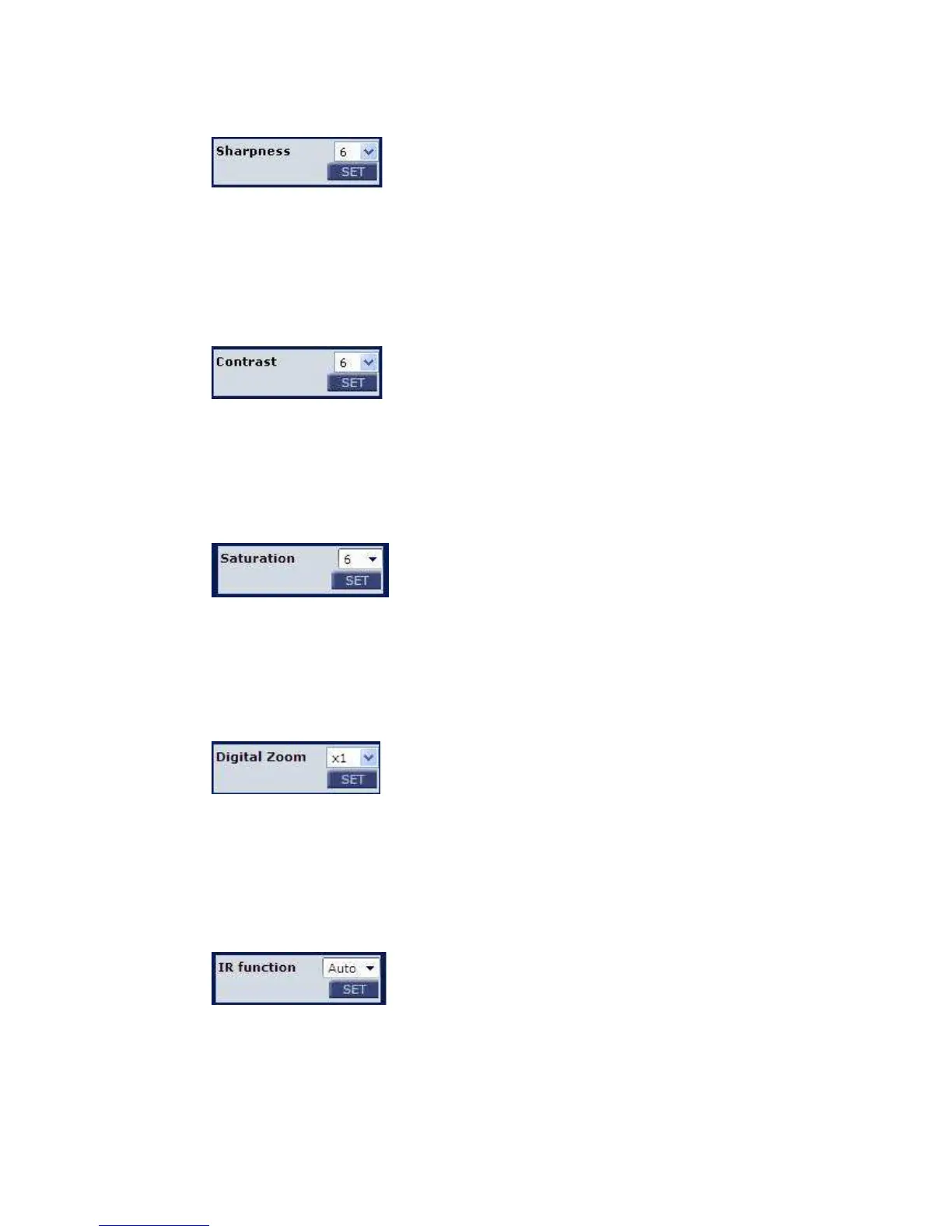
4.5.5 Sharpness Setting
Increasing the sharpness level can make the image looked sharper; especially
enhance the object’s edge. Press <SET> to confirm the new setting.
4.5.6 Contrast Setting
Camera image contrast level is adjustable, ranging from 1 to 11.
4.5.7 Saturation Setting
Camera image saturation level is adjustable; please select ranging from 1 to 11.
4.5.8 Digital Zoom Setting
The camera’s digital zoom is adjustable from x1 to x16. Press <SET> to confirm
the new setting.
4.5.9 IR Function
With the IR cut filter, the IP Camera can still catch clear image at night time or in
low light conditions. Press <SET> to confirm the new setting.















 To Next Page