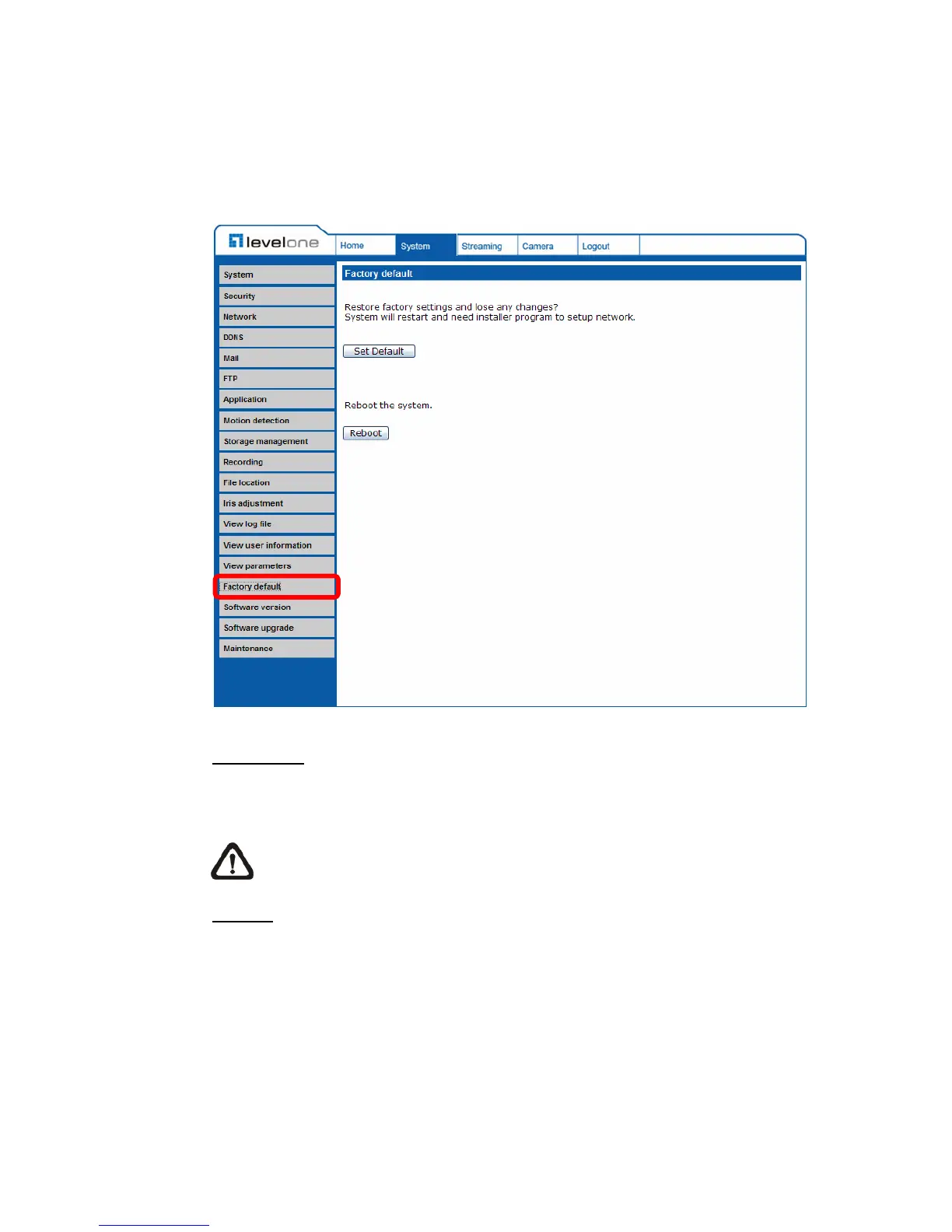
4.3.16 Factory Default
The factory default setting page is as shown below. Follow the instructions to
reset the IP camera to factory default setting if needed.
Set Default
Click on the “Set Default” button to recall the factory default settings. Then the
system will restart in 30 seconds.
NOTE: The IP address will be restored to default.
Reboot
Click on the “Reboot” button, and the system will restart without changing the
current settings.















 To Next Page