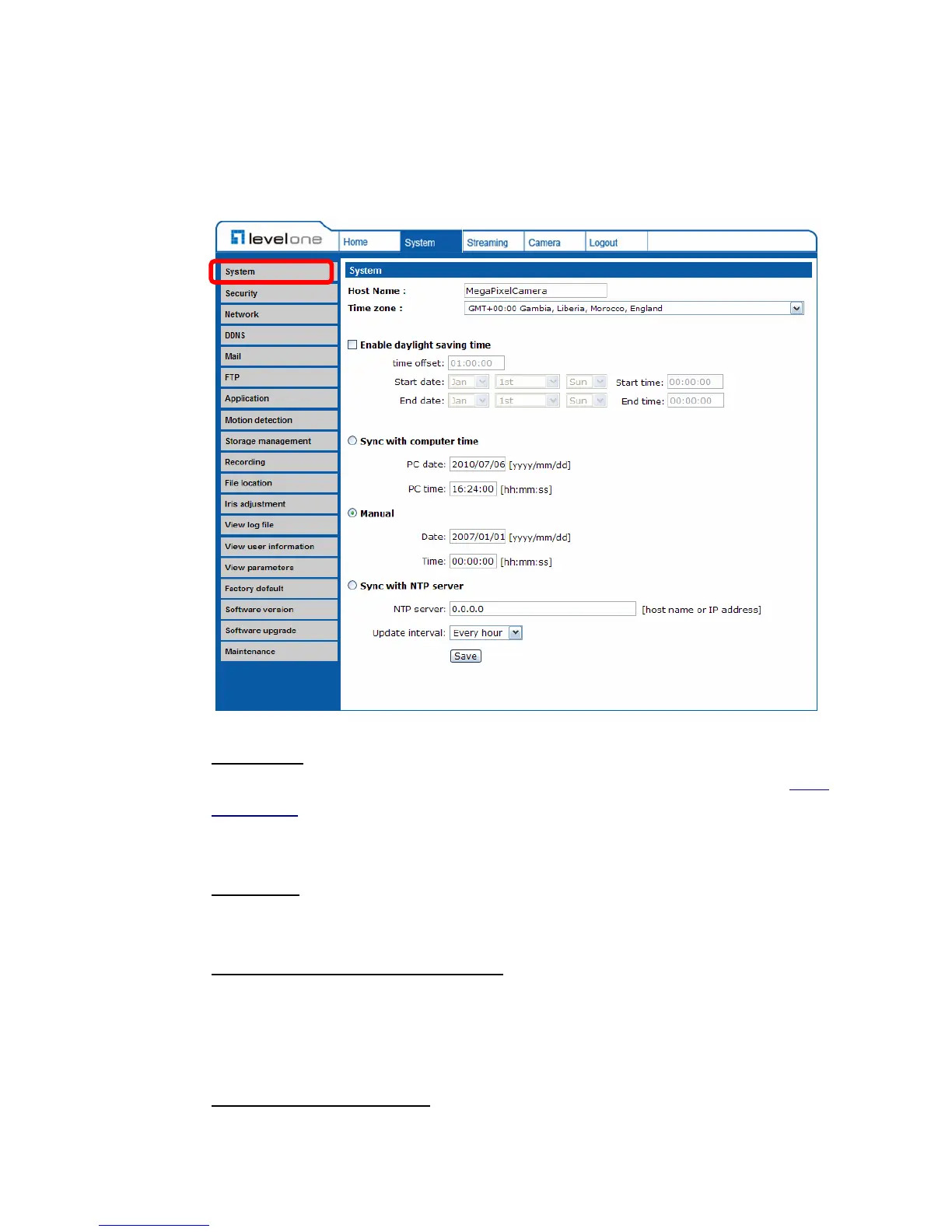
4.3.1 Host Name and System Time Setting
Press the first category: <System> in the left column; the page is shown as
below.
Host Name
The name is for camera identification. If alarm function (see section 4.3.7
Application) is enabled and is set to send alarm message by Mail/FTP, the host
name entered here will display in the alarm message.
Time Zone
Select the time zone you are in from the drop-down menu.
Enable Daylight Saving Time (DST)
To enable DST, please check the item and then specify time offset and DST
duration. The format for time offset is [hh:mm:ss]; for instance, if the amount of
time offset is one hour, please enter “01:00:00” into the field.
Sync With Computer Time
Select the item, and video date and time display will synchronize with the PC’s.















 To Next Page