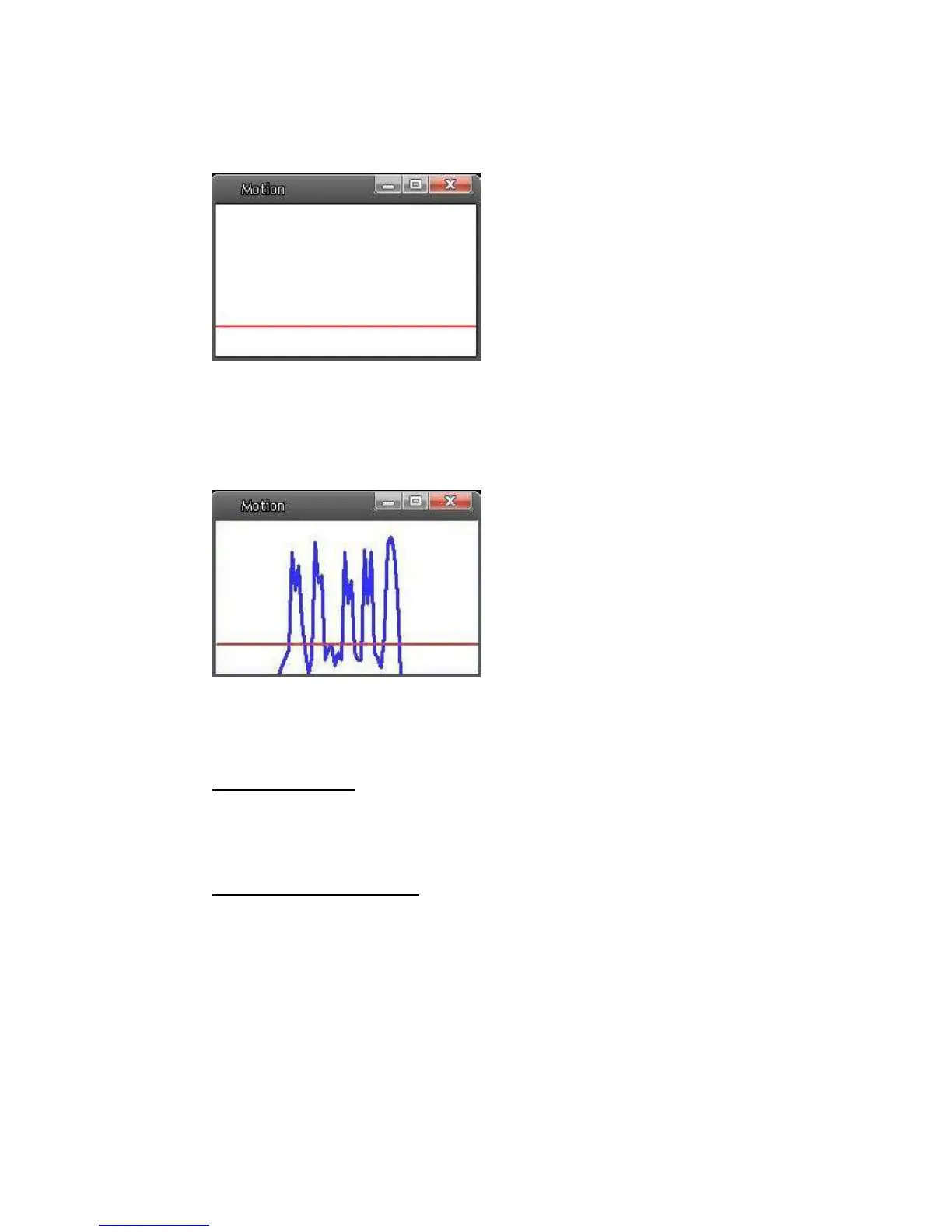
If Motion Detection function is activated, the pop-off window (Motion) with
indication of motion will be shown.
When motion is detected, the signals will be displayed on the Motion window as
shown below.
Detailed settings of Motion Detection are described as follows:
Motion Detection
You will be able to turn on/off Motion Detection in System section. Default
setting is Off.
Motion Detection Setting
Users could adjust various parameters of Motion Detection in this section.
• Sampling pixel interval [1-100]:
The default value is 10, which means system will take one sampling
pixel for every 10 pixel.
• Detection level [1-100]:
The default level is 10. The item is to set detection level for each
sampling pixel; the smaller the value, the more sensitive it is.















 To Next Page