User Manual of Network Camera
126
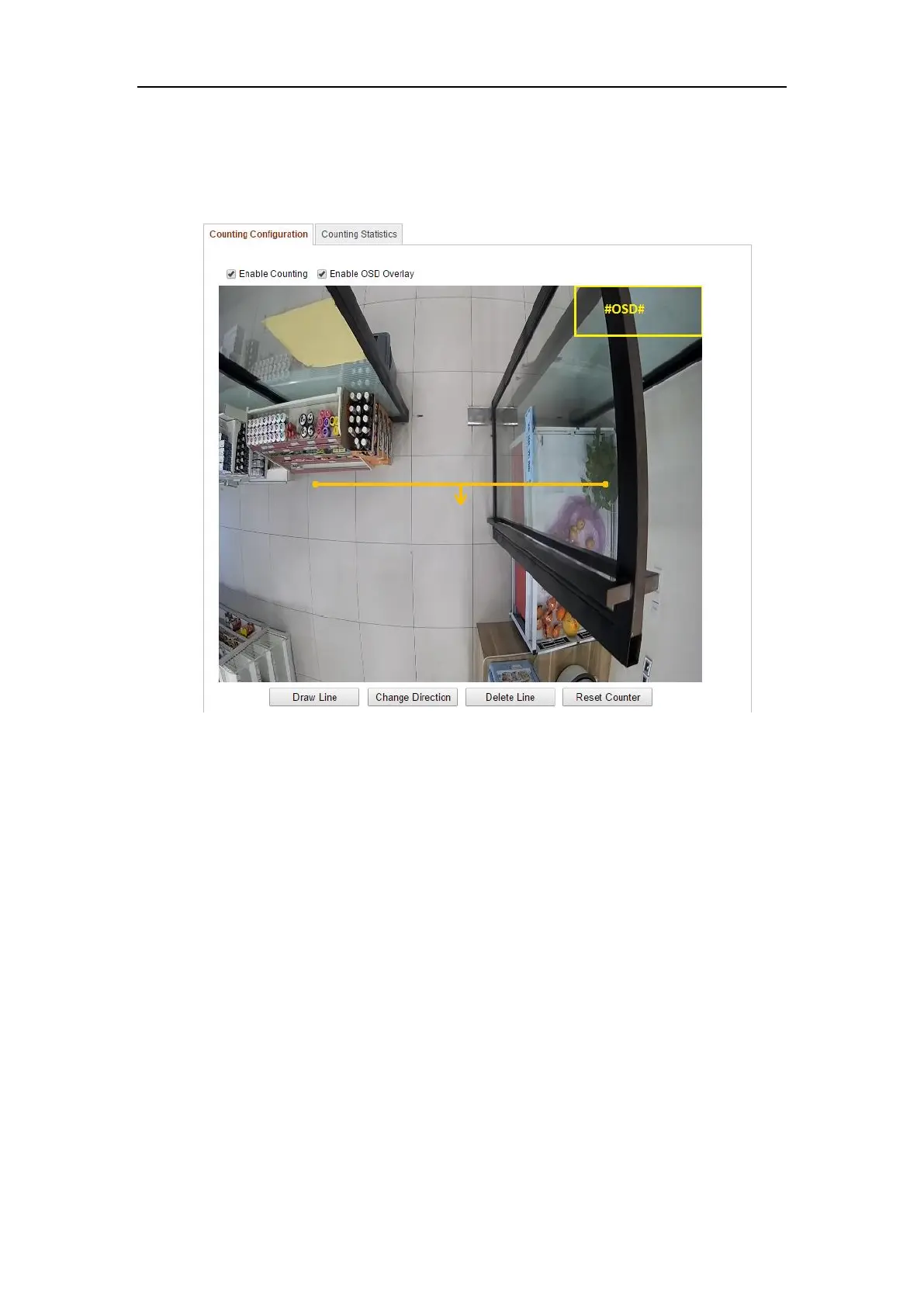
1. Enter the Counting Configuration interface:
Configuration > Advanced Configuration > Counting
2. Select Counting Configuration tab to set the detailed parameters.
Figure 6-76 Counting Configuration
3. Check the checkbox of Enable Counting to enable the function.
4. (Optional) Check the checkbox of Enable OSD Overlay, and the real-time
number of people entered and exited is displayed on the live video.
5. Set the detection line.
An orange line, called detection line can be set on the live video, and the
people entering or exiting through the line will be detected and counted.
1) Click Draw Line, and an orange detection line will appear on the live
view.
Notes:
⚫ The detection line should be drawn at the position right below the
camera, and it should cover the whole entrance / exit.
⚫ Draw the detection line at the position don’t have many people
lingering.















 To Next Page